OOUX · Enterprise CRM · Global licensing workflow

Sony — Untangling Global Sync Licensing.

Sony Music Publishing needed to modernize a fragmented sync-licensing workflow used across global offices. I led the design of a CRM experience that clarified the relationships between songs, rights, quotes, approvals, clients, opportunities, and deals — so teams could move licensing work faster, with less manual coordination.
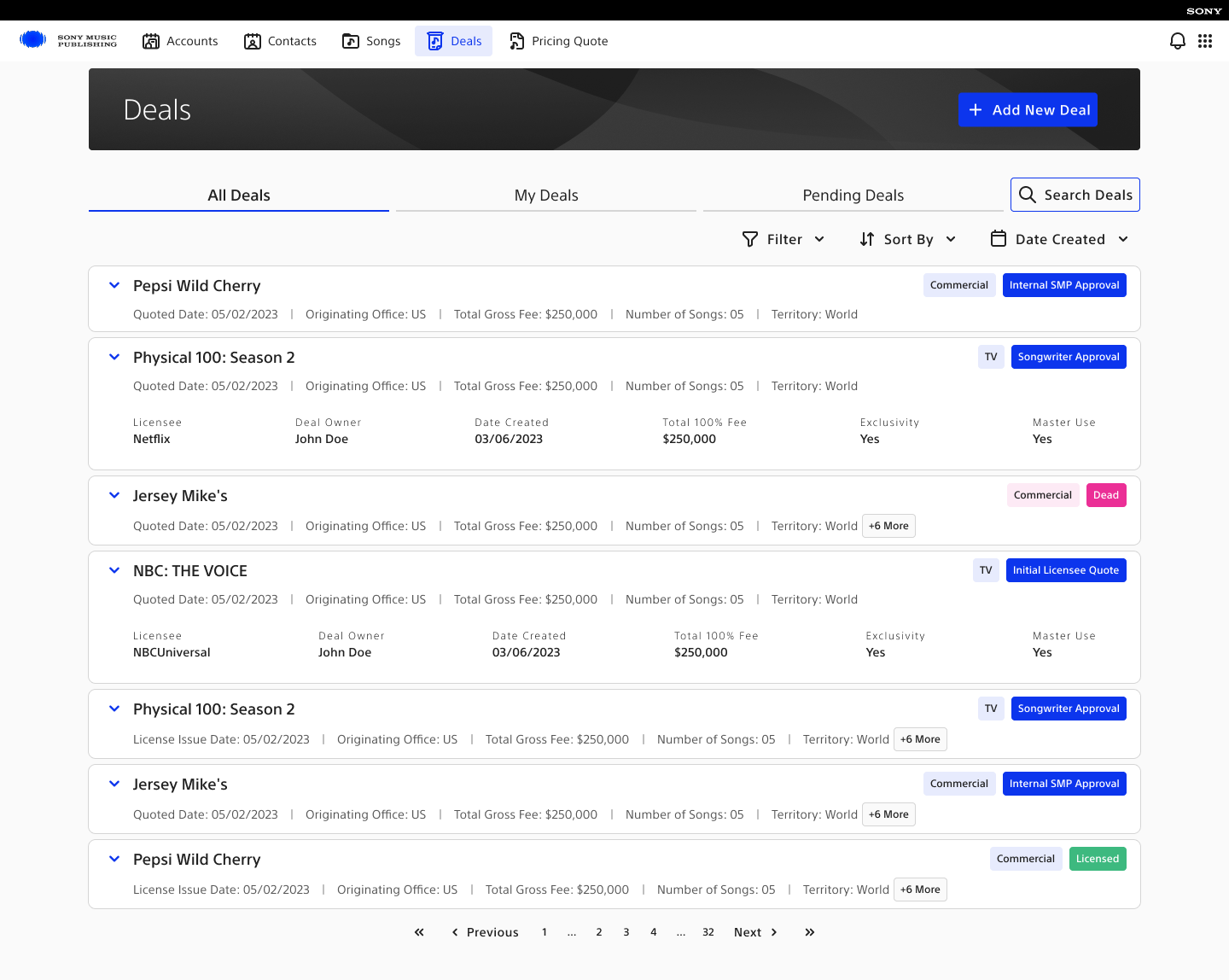
Shipped interfaceSony Music Publishing deal dashboard showing deal status, owners, activity, and filters
Fig. 01 · Deal dashboard · workload, state, and ownership visible at a glance
Role — Design lead across domain understanding, object modeling, IA, workflow design, prototyping, and agile delivery support. Worked with three designers, a product owner, business analysts, a senior solutions engineer, and Sony Music Publishing stakeholders.
19 → 6–8 wks  deal closure
85% → 25%  manual effort
75% → 30%  approval admin
3–5 days → same day  quotes
8  platforms consolidated
38  global offices

Sync licensing is a high-value workflow with a lot of hidden complexity. A single request can involve songs, recordings, rights, territories, usage terms, client context, pricing, approvals, negotiations, and legal constraints — collaborative, time-sensitive work that depends on accurate information moving across teams.

Before the redesign, too much of that was held together by manual effort and disconnected systems.

Client named with prior portfolio approval · metrics as delivered
§ I
The problem

Fragmented tools, inconsistent workflows.

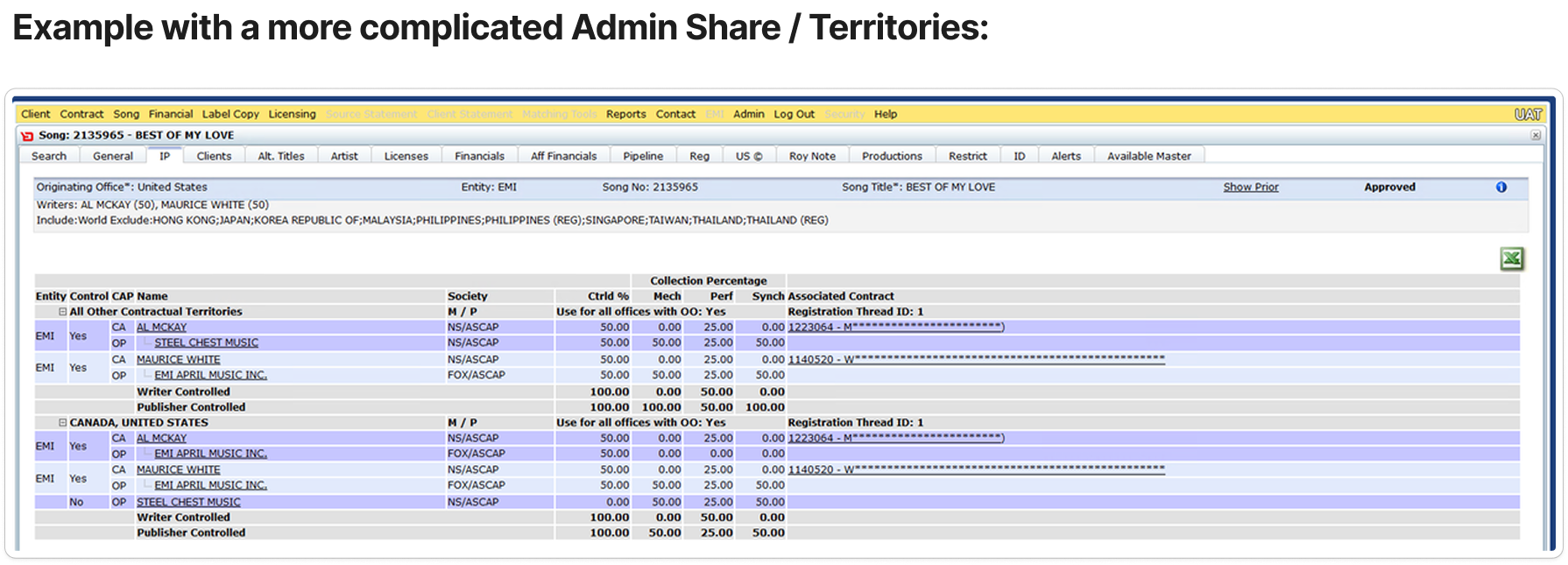
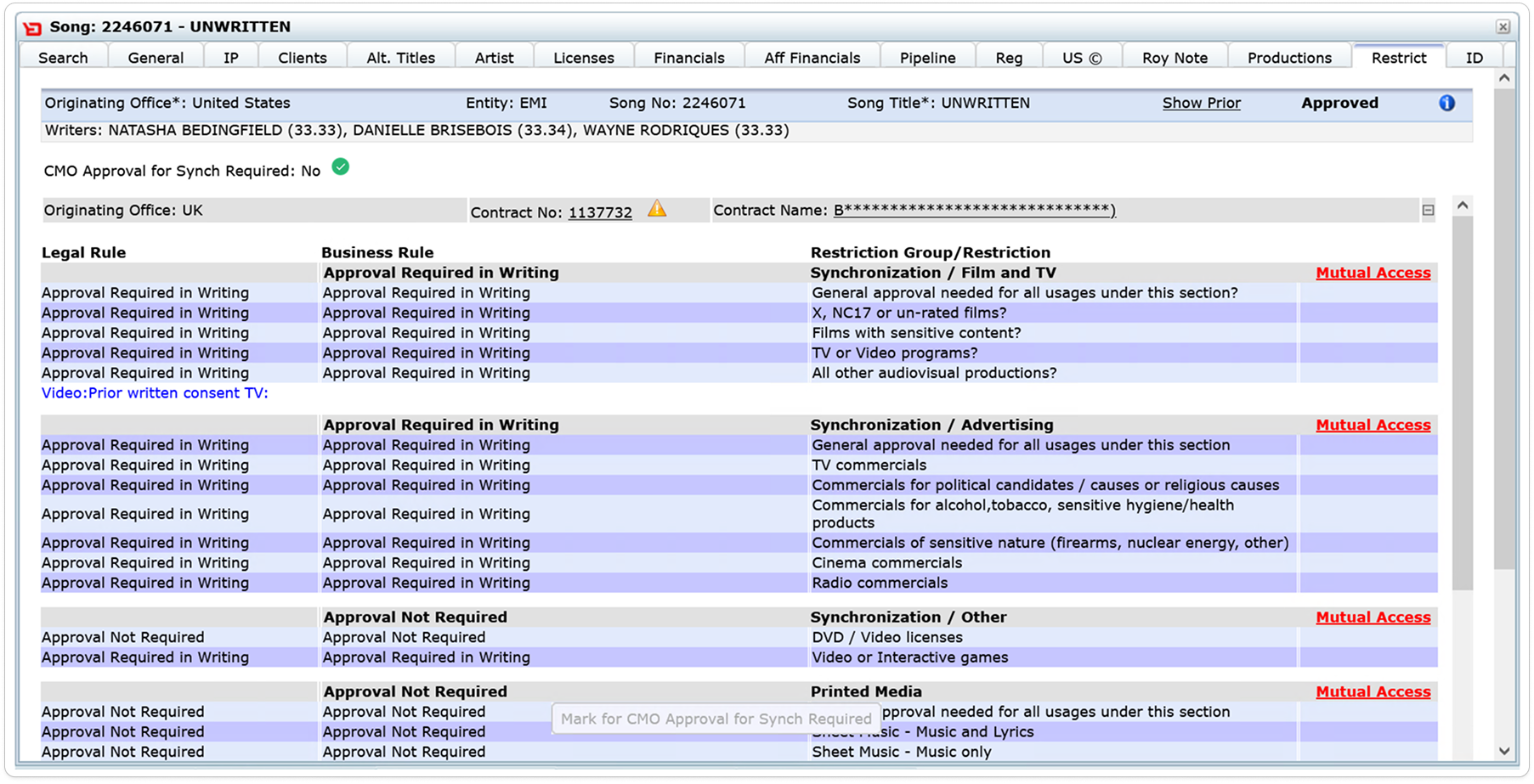
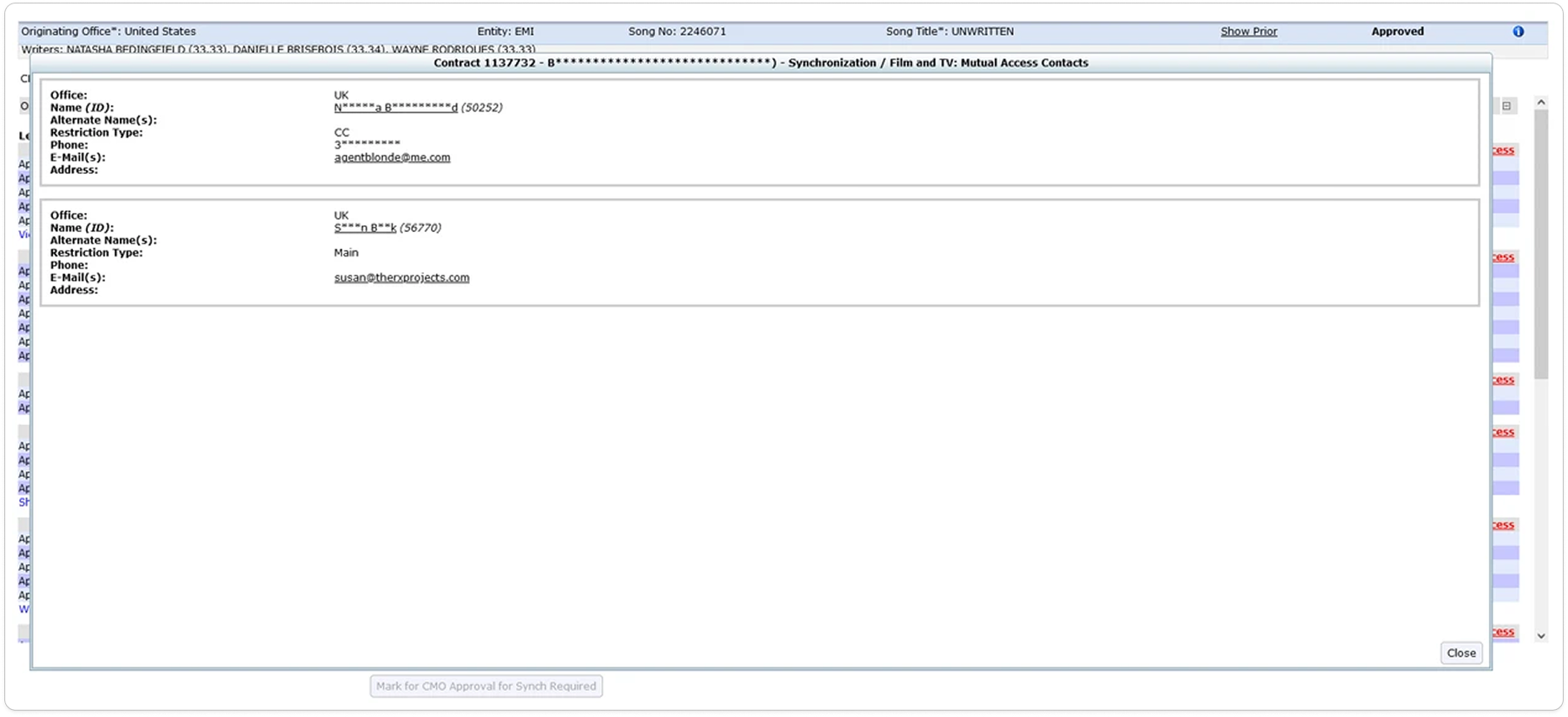
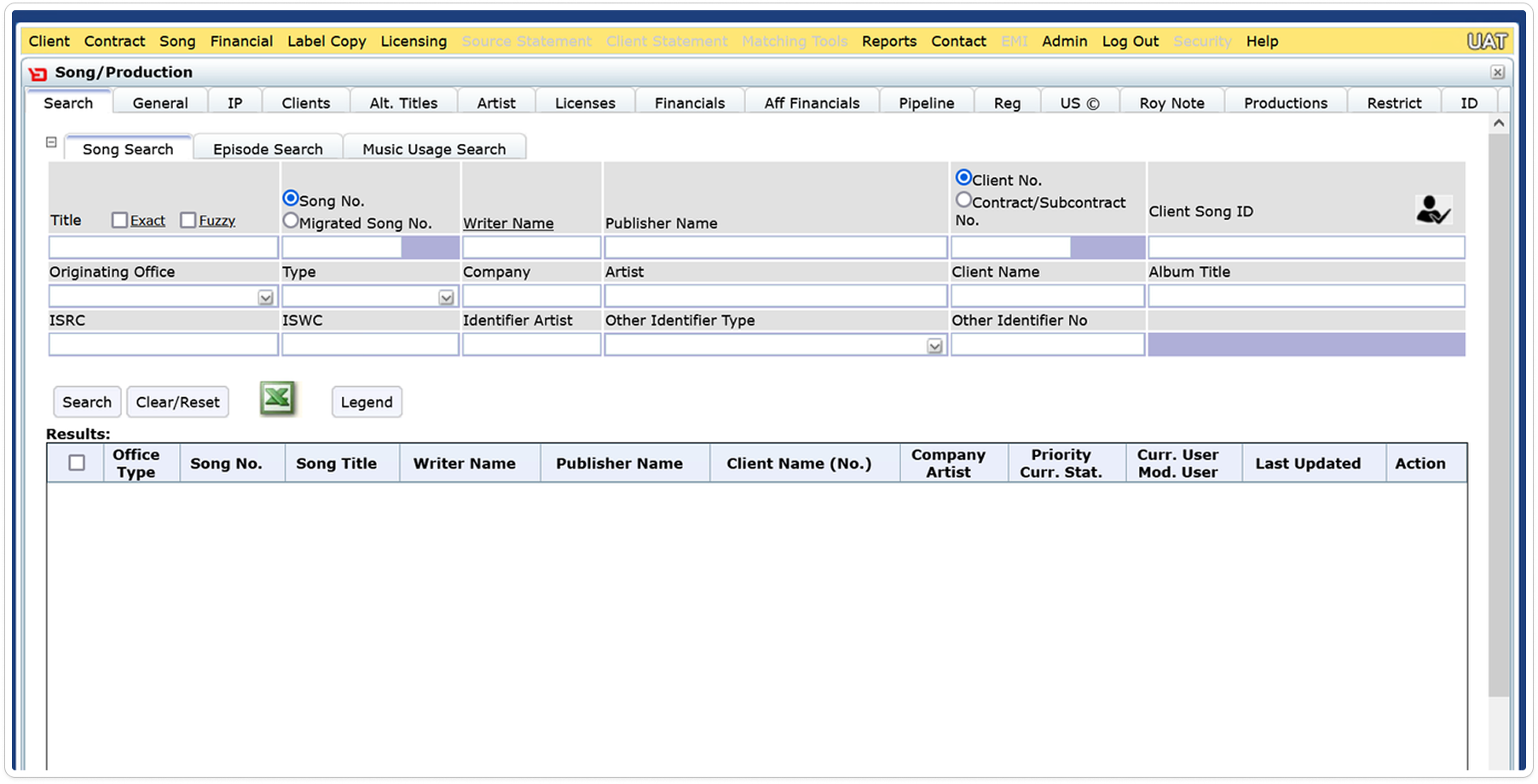
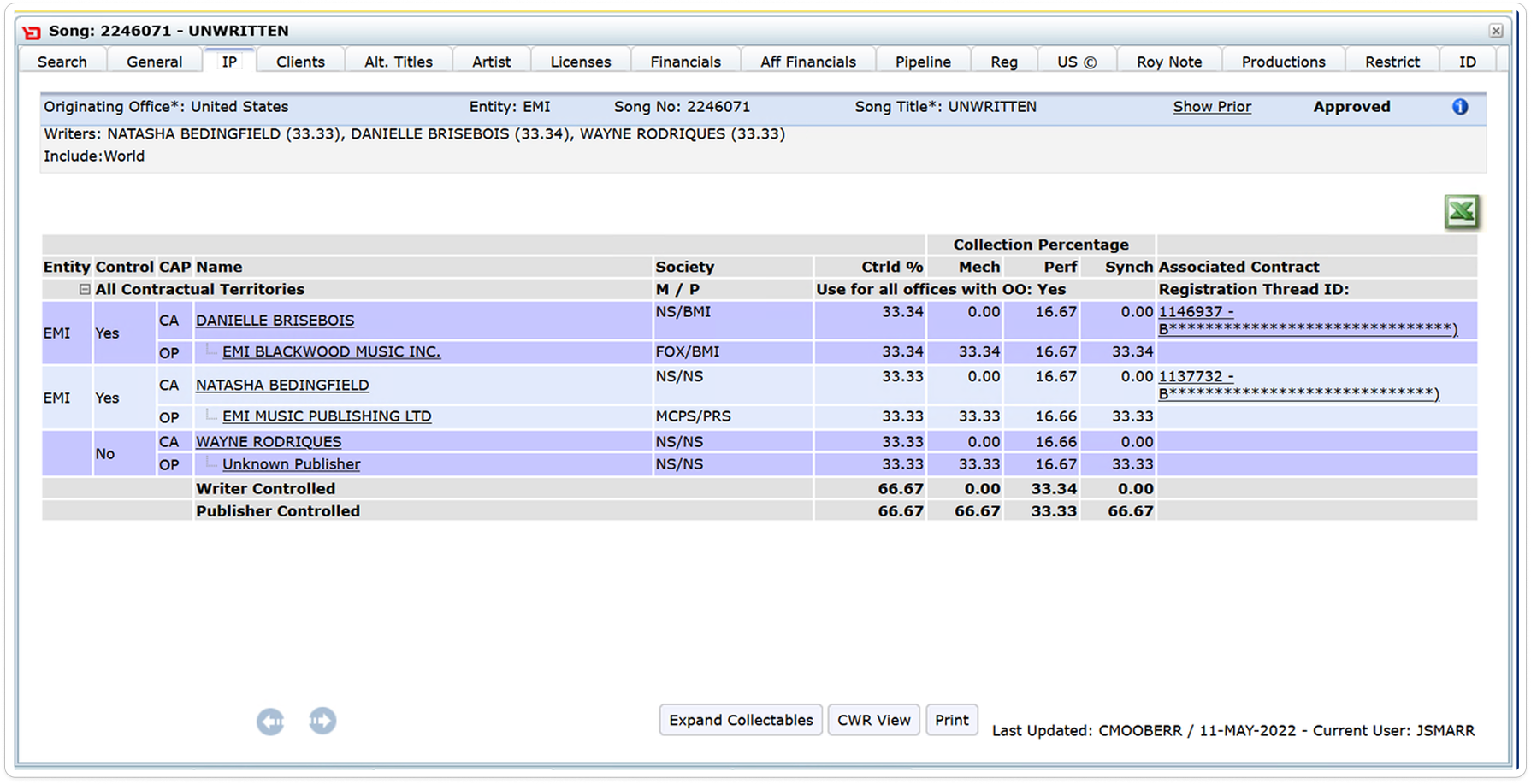
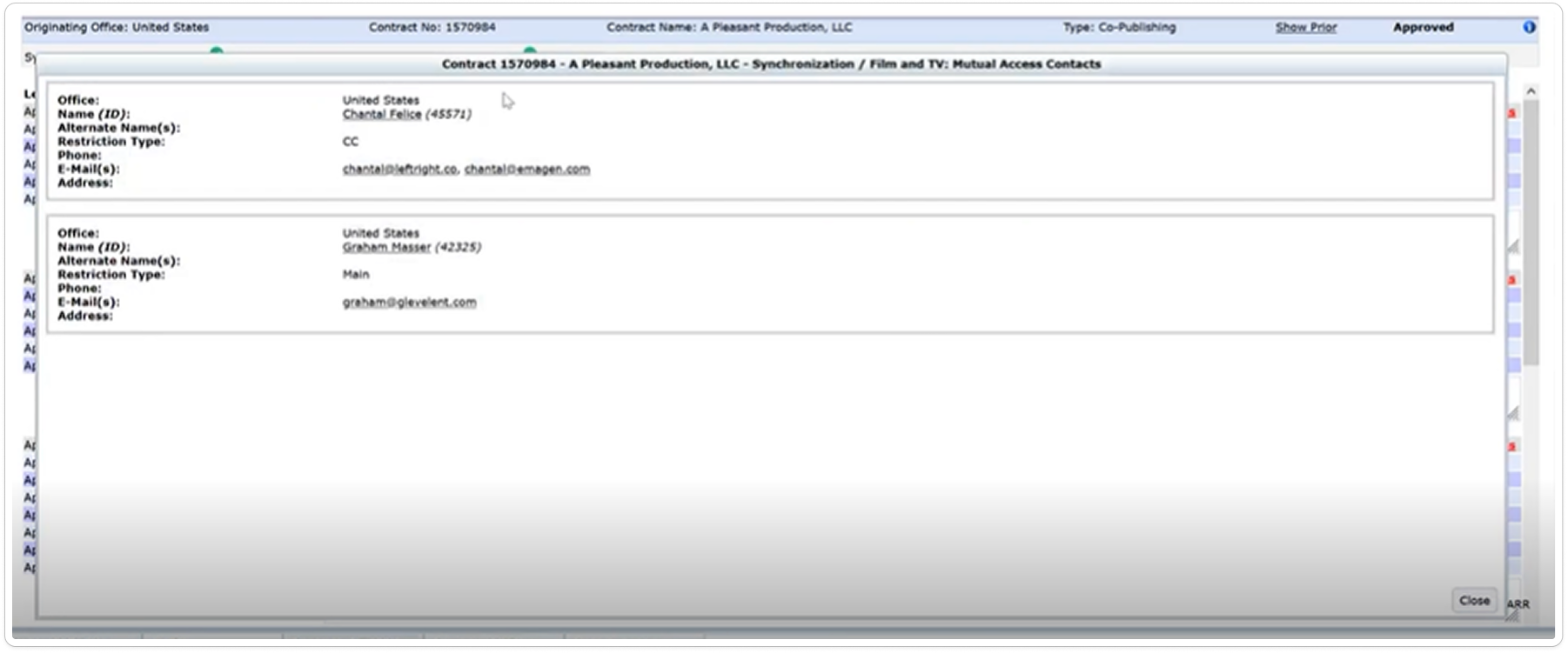
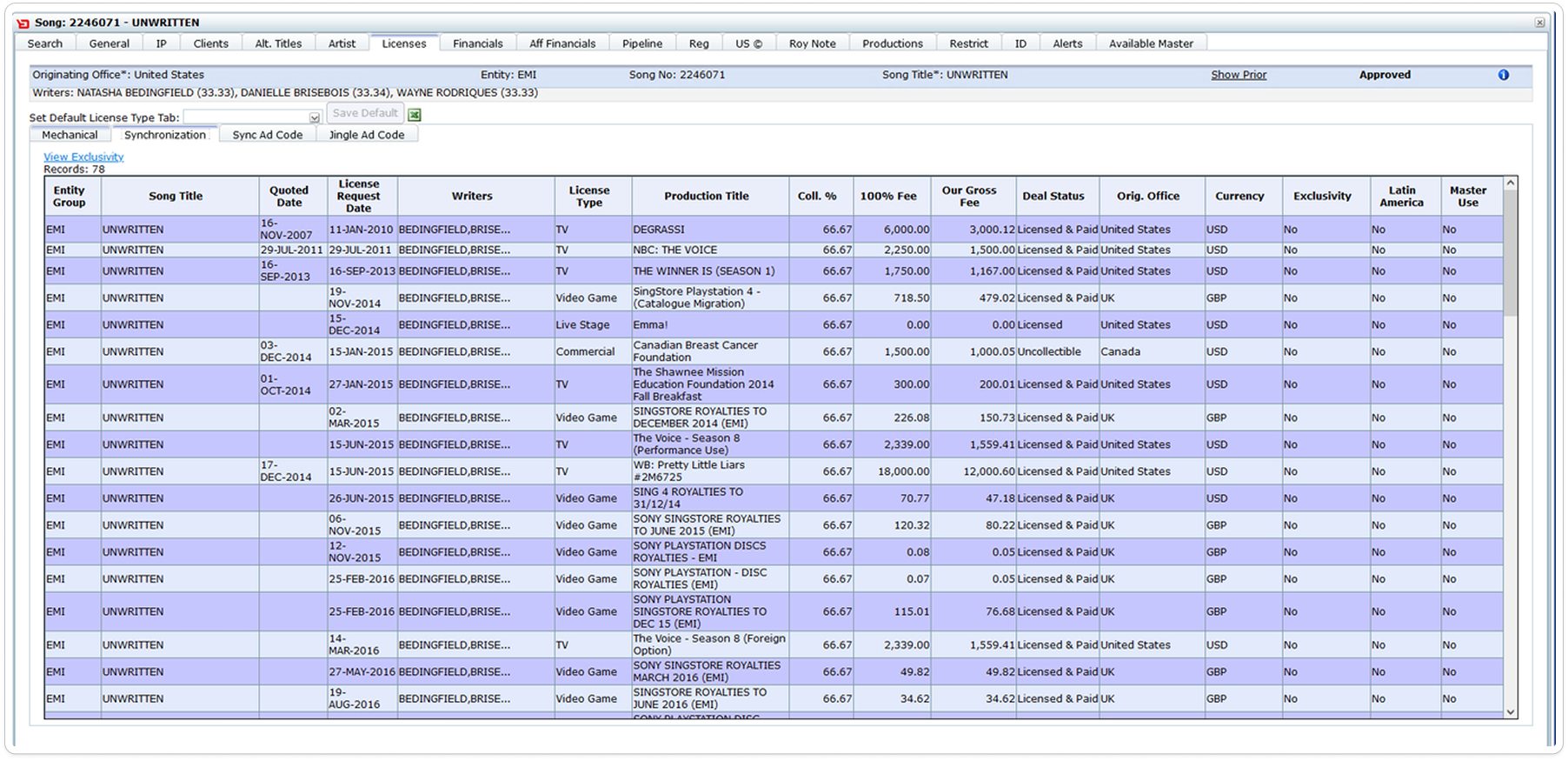
The project needed more than interface polish. It needed the domain reorganized into a clearer system. The legacy evidence shows why: dense records, split context, and status buried across operational screens.

  • Long deal cycles and slow quote creation
  • Manual data entry and duplicate coordination
  • Approval bottlenecks
  • Limited visibility into deal state
  • Inconsistent handling across offices
  • Context rebuilt at every handoff
Before · operational evidence from the legacy system
Legacy Sony licensing system record screen
Fig. 02A Legacy record view — dense tabular data with little workflow hierarchy
Legacy Sony licensing system activity screen
Fig. 02B Legacy activity view — status and context distributed across panels
Legacy-screen auditThe remaining screens used to trace repeated fields, hidden states, and handoff gaps.7 artifacts
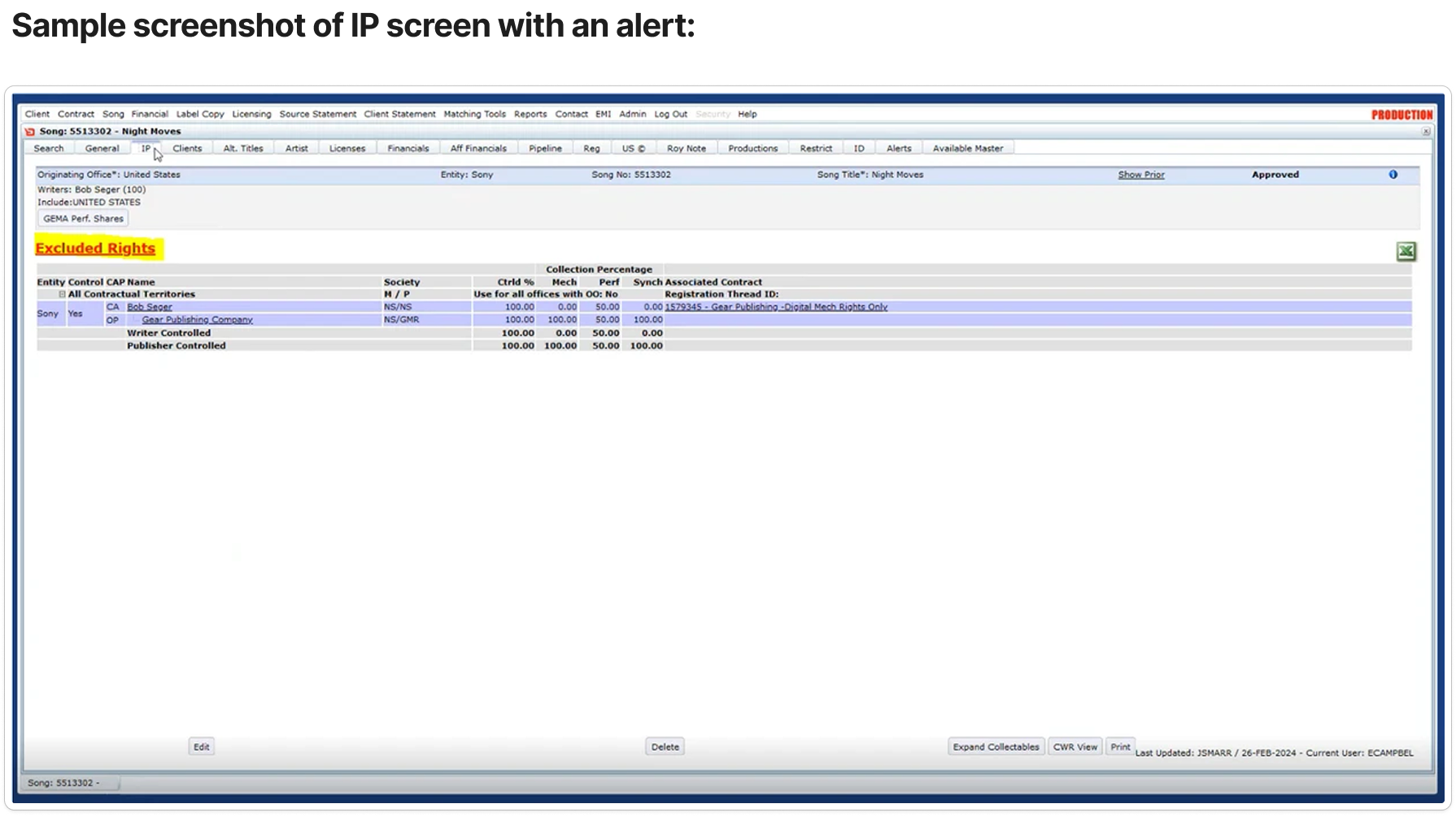
Legacy workflow screen 02
01Legacy workflow screen 02
Legacy workflow screen 03
02Legacy workflow screen 03
Legacy workflow screen 04
03Legacy workflow screen 04
Legacy workflow screen 05
04Legacy workflow screen 05
Legacy workflow screen 06
05Legacy workflow screen 06
Legacy workflow screen 07
06Legacy workflow screen 07
Legacy workflow screen 09
07Legacy workflow screen 09
Design
principle
In complex enterprise products, workflow clarity starts with object clarity.Before designing screens, understand the objects people are really managing — and how they change state.
§ II
Object relationships

The licensing request became the operational spine.

Object modeling made the relationships between clients, songs, rights, quotes, approvals, and deal progression explicit.

Spine entity
License request
The object every team touches —
read it, and you read the deal.
requested byClient object
references · manySong / Recording object
clears · manyRight object
belongs toOpportunity object
generatesQuote object
gated byApproval state
becomesDeal object
scoped byTerritory / Usage meta
coordinated withContact object
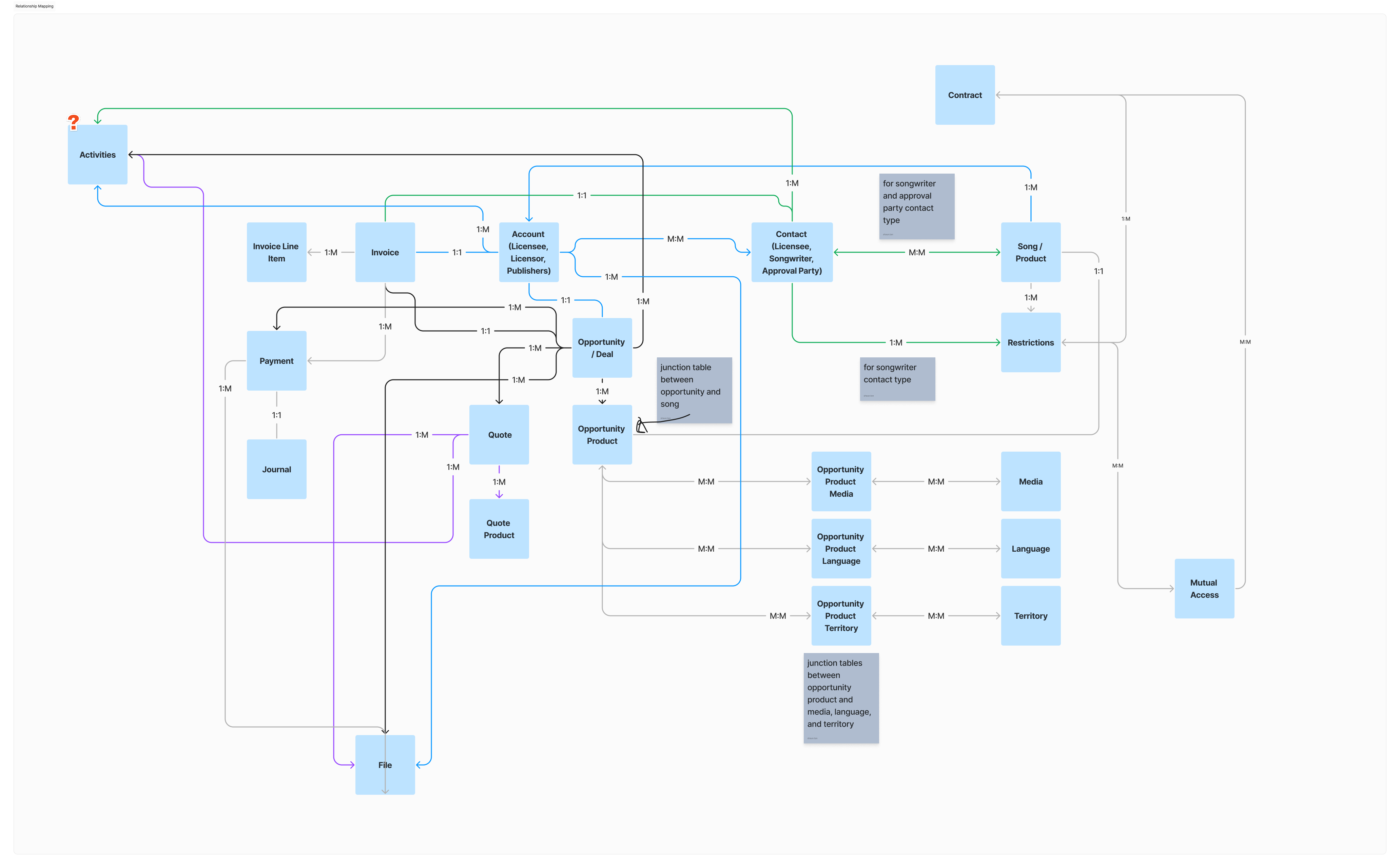
Relationship model · business entities and cardinality
Sony sync-licensing relationship map connecting accounts, contacts, songs, opportunities, quotes, invoices, restrictions, media, languages, and territories
Fig. 03 The high-resolution relationship map — Accounts, Contacts, Songs, Restrictions, Opportunities, Quotes, Invoices, Media, Language, and Territory
§ III
Before screens, objects

The breakthrough wasn’t a new dashboard. It was a cleaner model of the work.

The model created a traceable path from legacy evidence to the interface: objects, relationships, permissions, wireframes, workflows, then measurement.

  1. 01Legacy workflow audit
  2. 02Object inventory
  3. 03Relationship map
  4. 04Role × action matrix
  5. 05Wireframe iterations
  6. 06End-to-end workflow
  7. 07Outcome measures
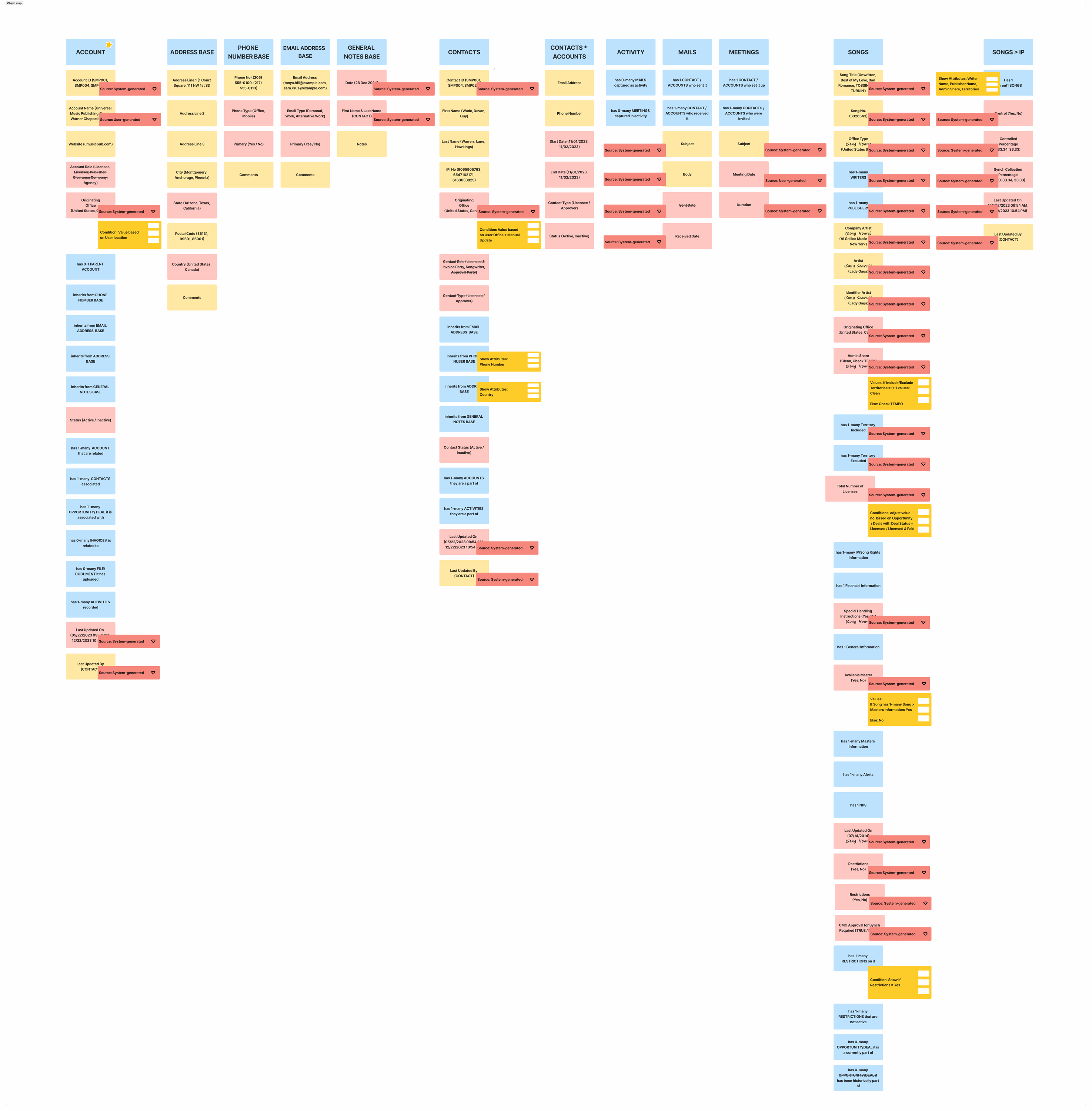
Object inventory · attributes, sources, and conditions
OOUX object map for Sony accounts, contacts, songs, addresses, phone, email, notes, activity, mail, and meetings
Fig. 04 A readable object-map slice — objects, nested attributes, value sources, and business conditions before they became screens
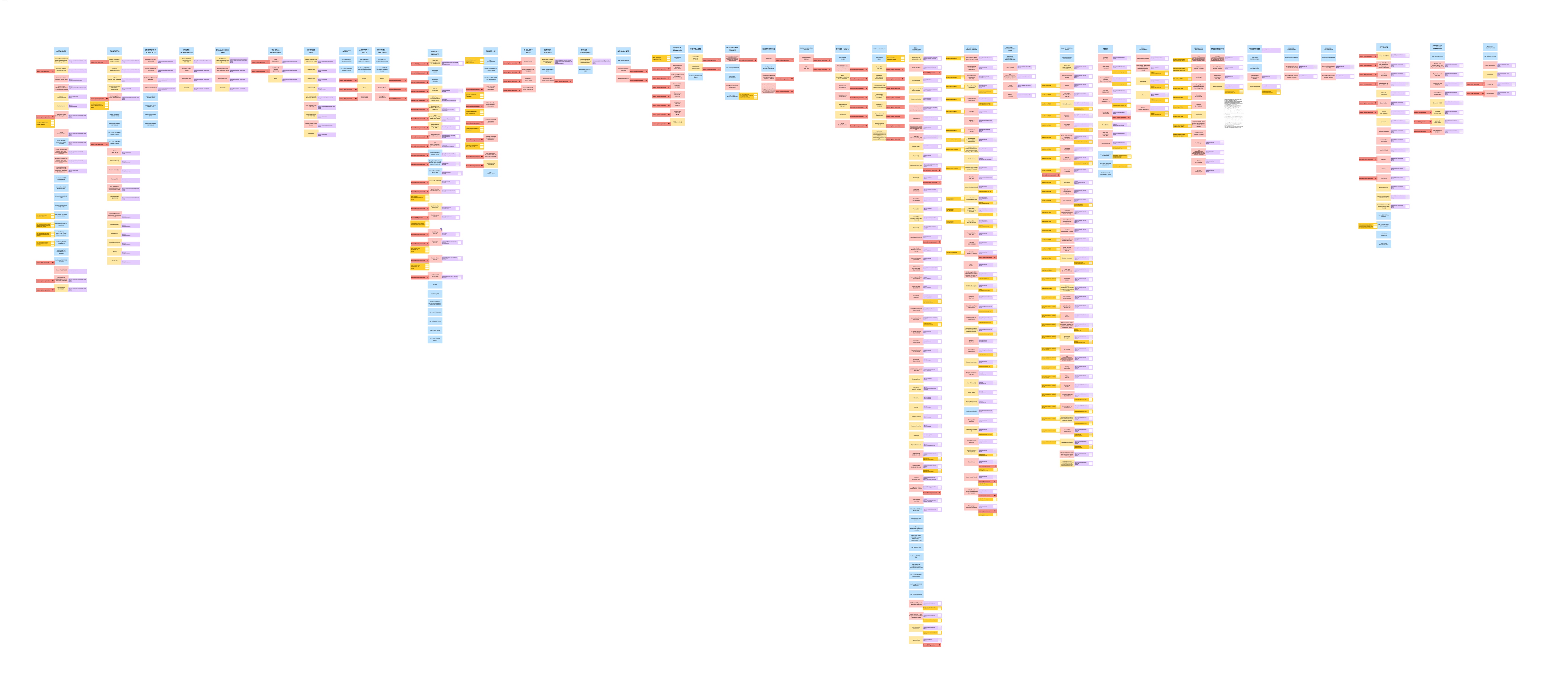
Full object system · zoomable source board
Full Sony Music Publishing OOUX object model board
Fig. 05 The full object-model board — retained as a web-safe overview; click to inspect the complete structure
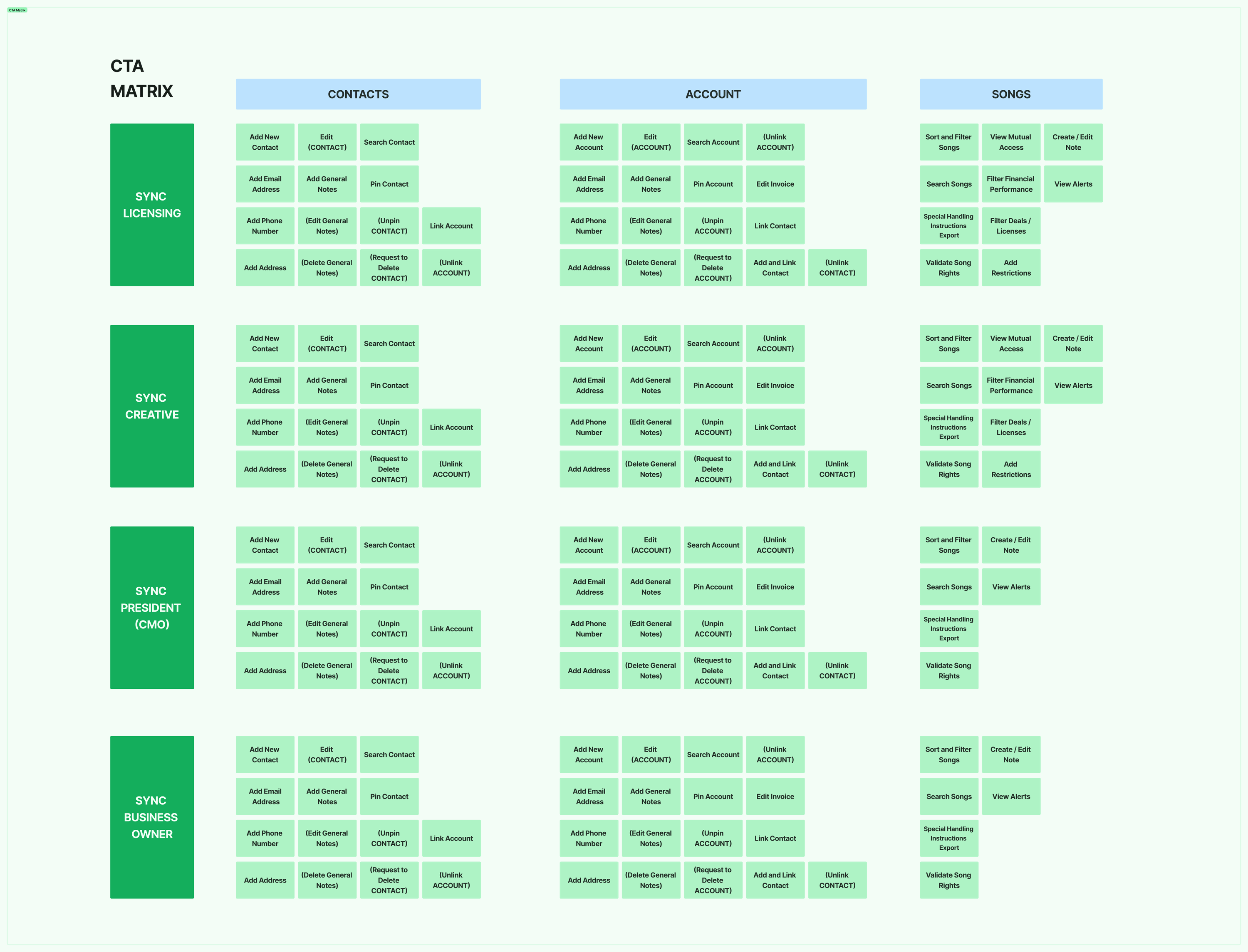
CTA matrix · which role can act on each object
CTA matrix mapping Sony roles to actions on contacts, accounts, and songs
Fig. 06 Sync Licensing, Creative, President/CMO, and Business Owner mapped across Contacts, Accounts, and Songs
§ IV
Wireframes + iteration

The model was tested as navigation, hierarchy, and state.

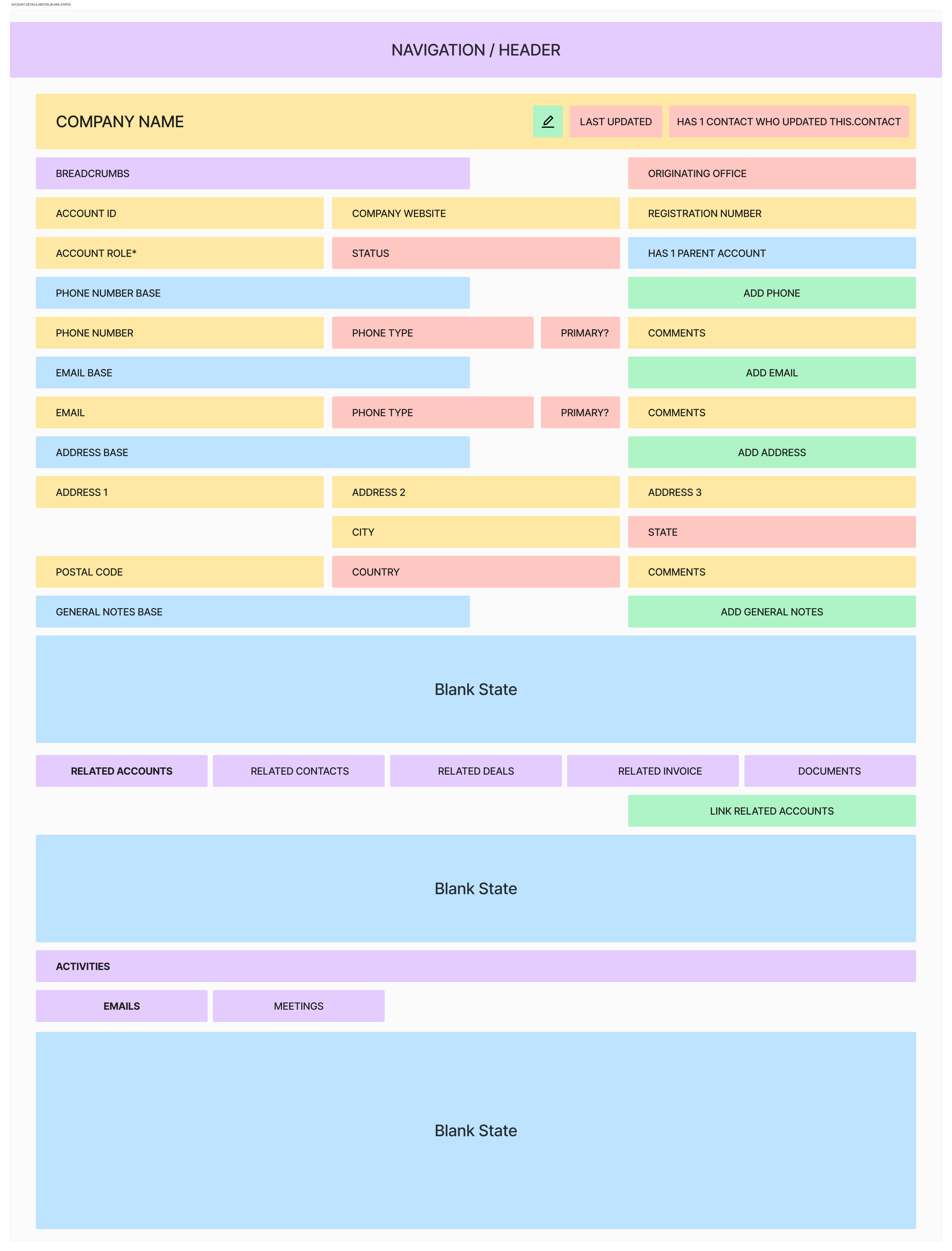
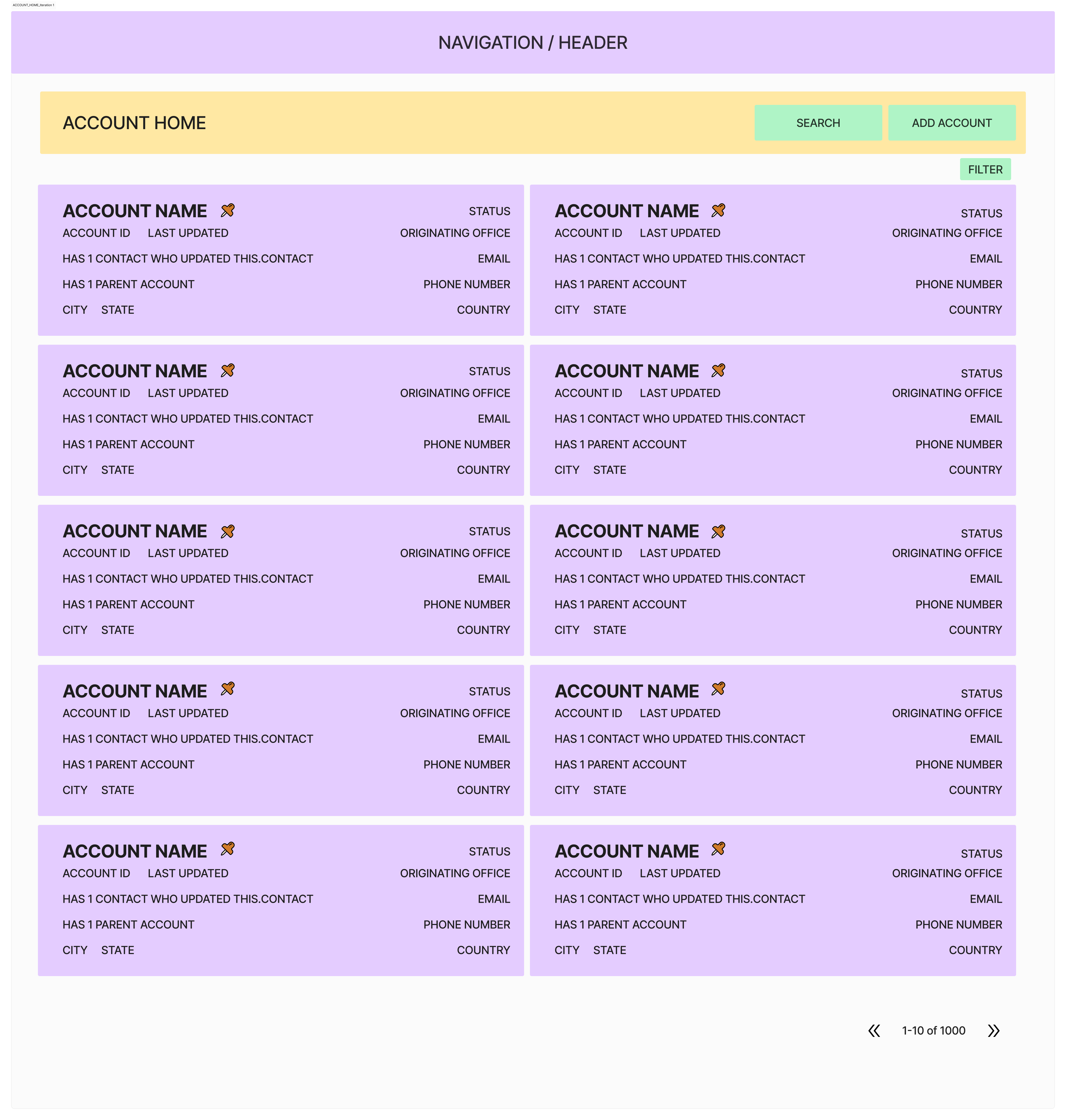
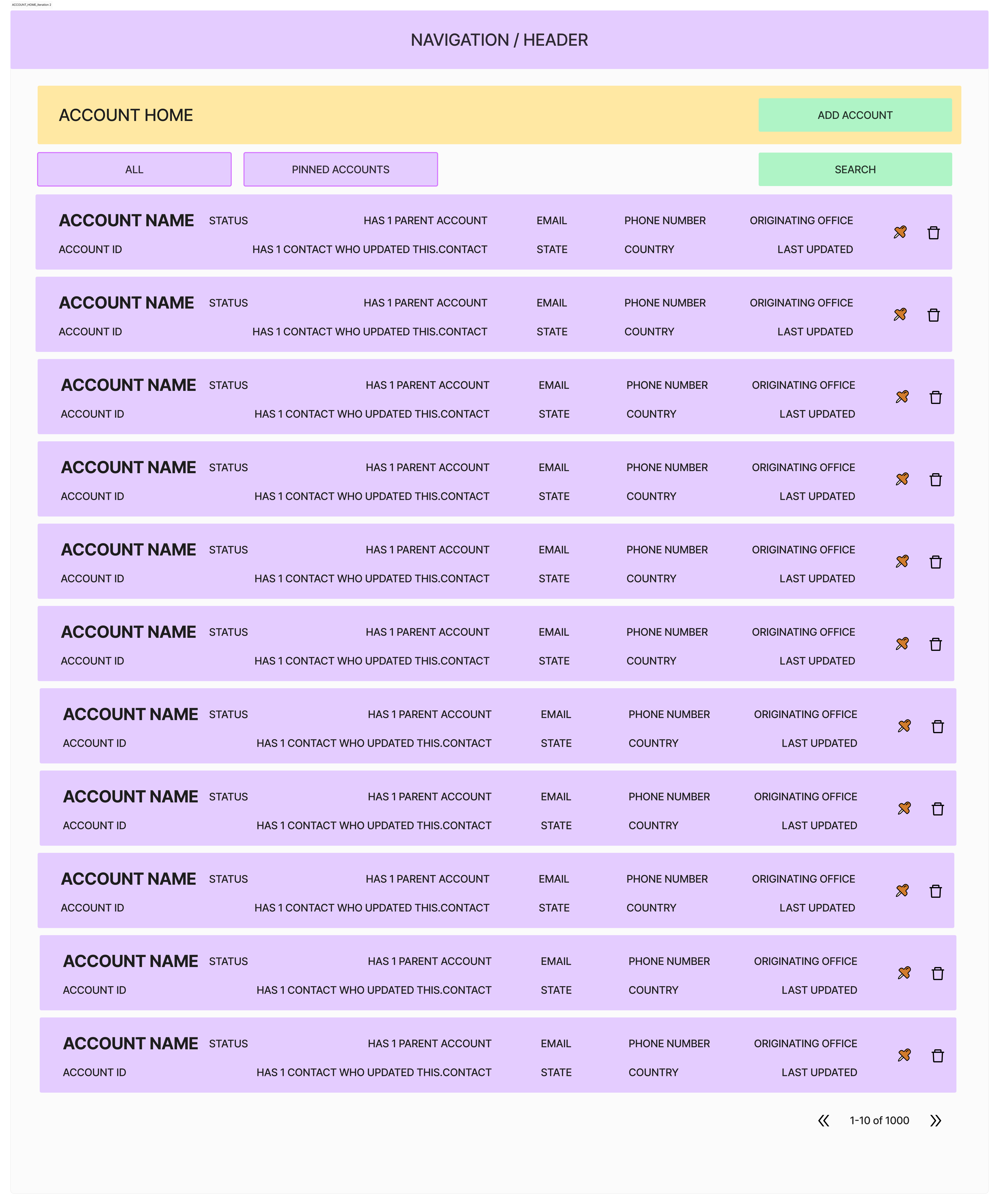
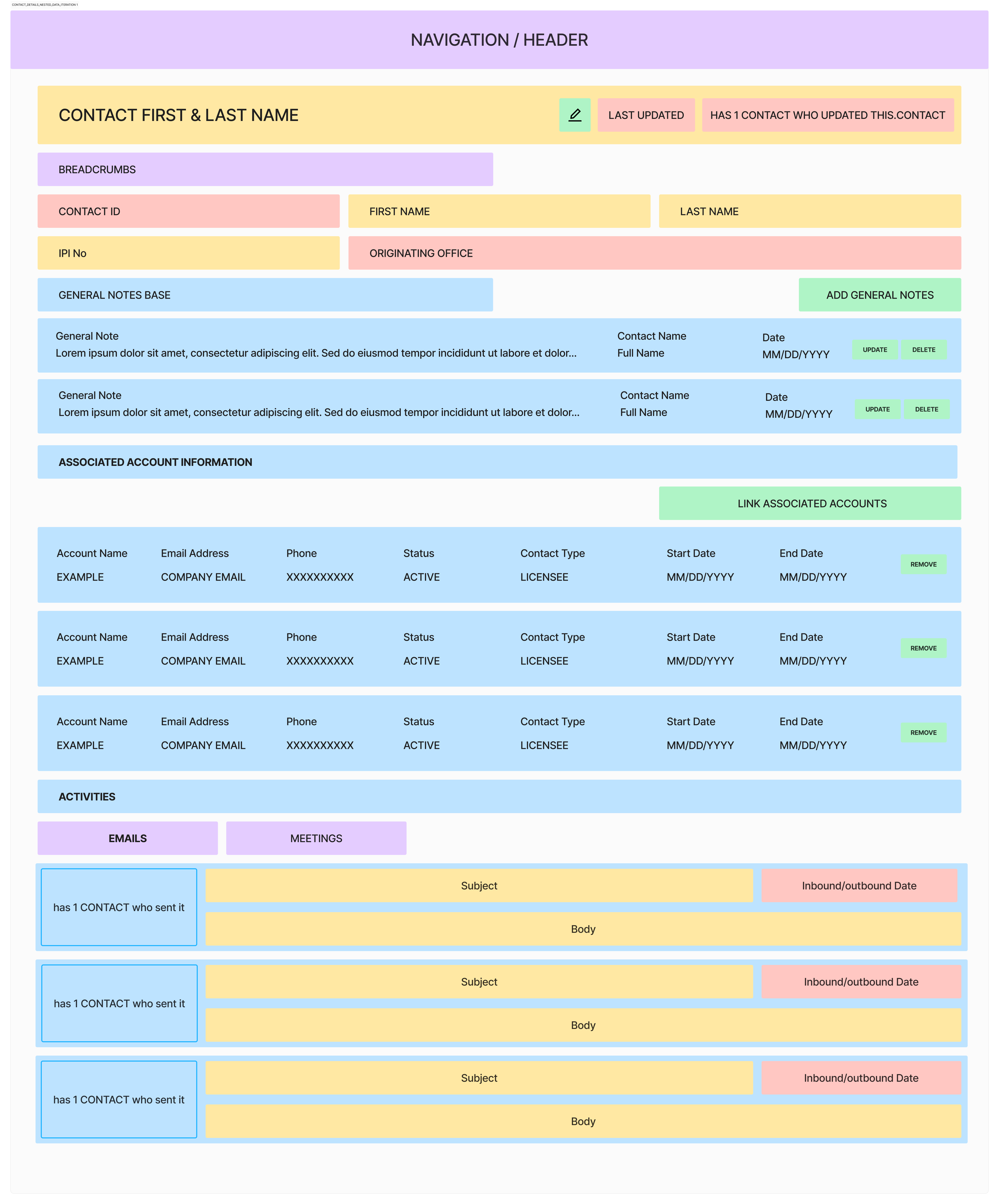
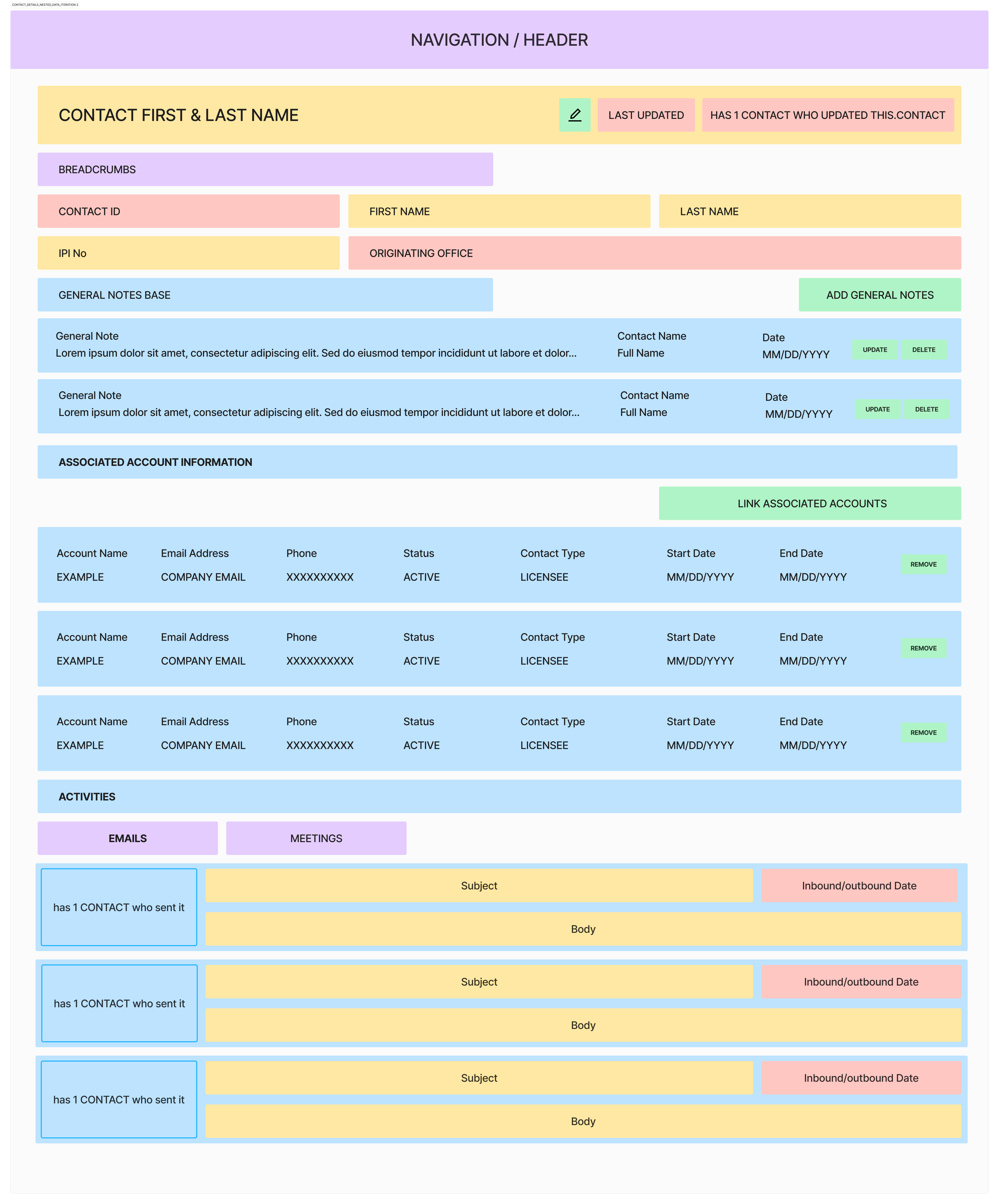
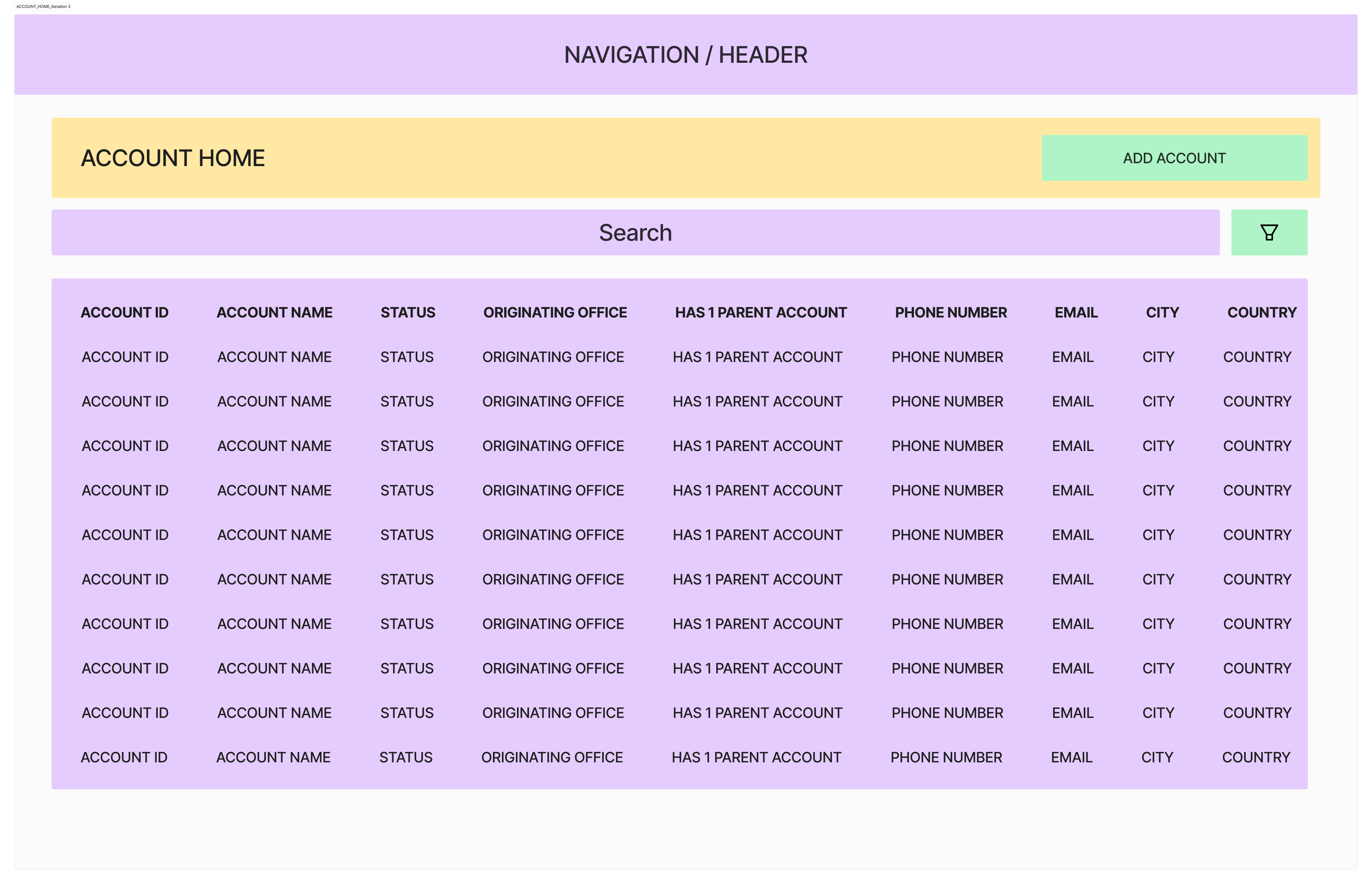
The wireframes are not decoration between maps and UI. They show where nested objects, blank states, search behavior, and record structure were worked through before visual refinement.
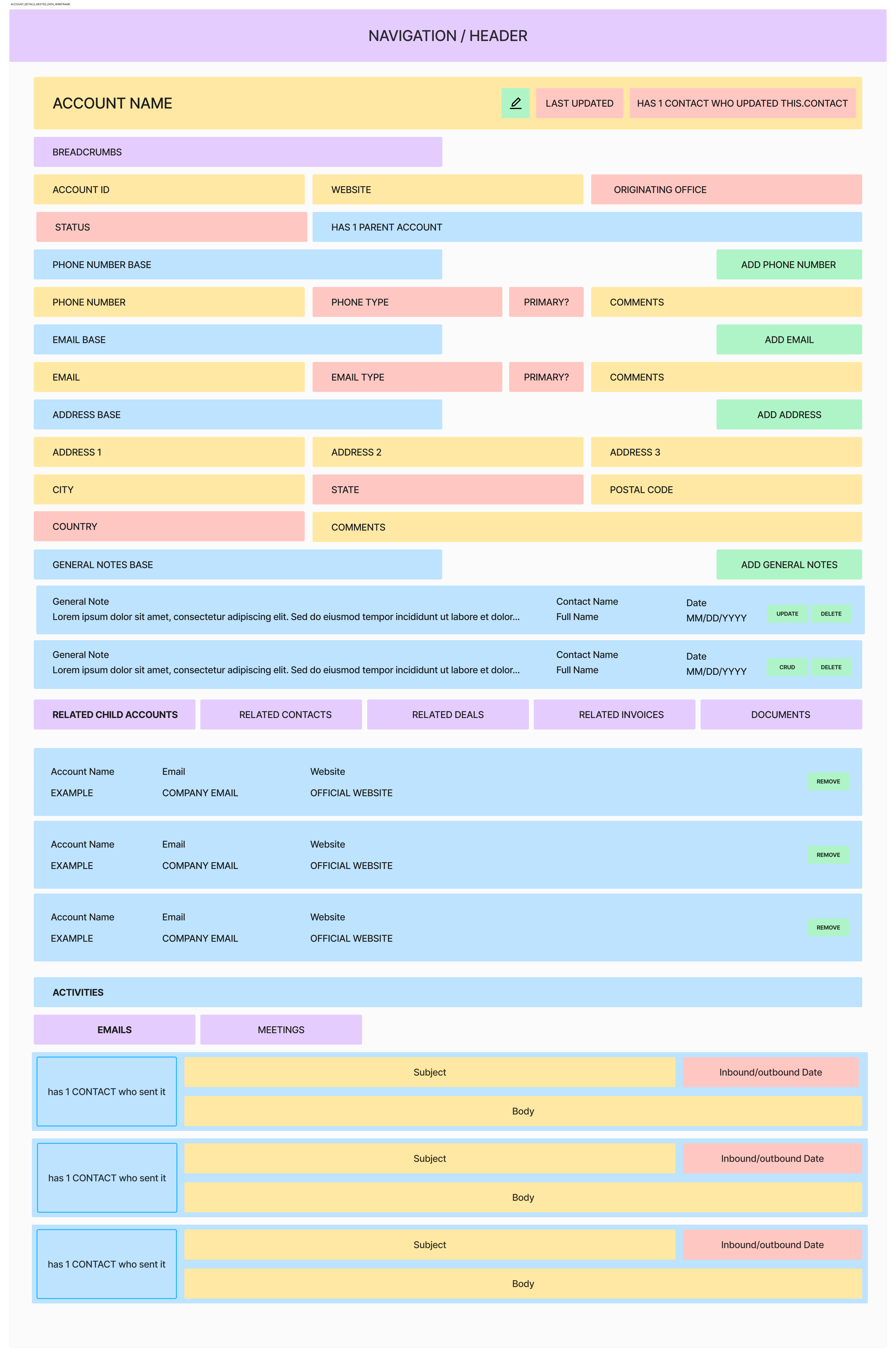
Account details nested-data wireframe
Fig. 07 Account details — nested objects translated into a working hierarchy
Account home wireframe iteration 3
Fig. 08 Account home — third iteration of record priority and navigation
Song search wireframe option 3
Fig. 09 Song search — third option testing filters, results, and selection
Wireframe evolutionAlternate structures, blank states, nested-data treatments, and search explorations.17 artifacts
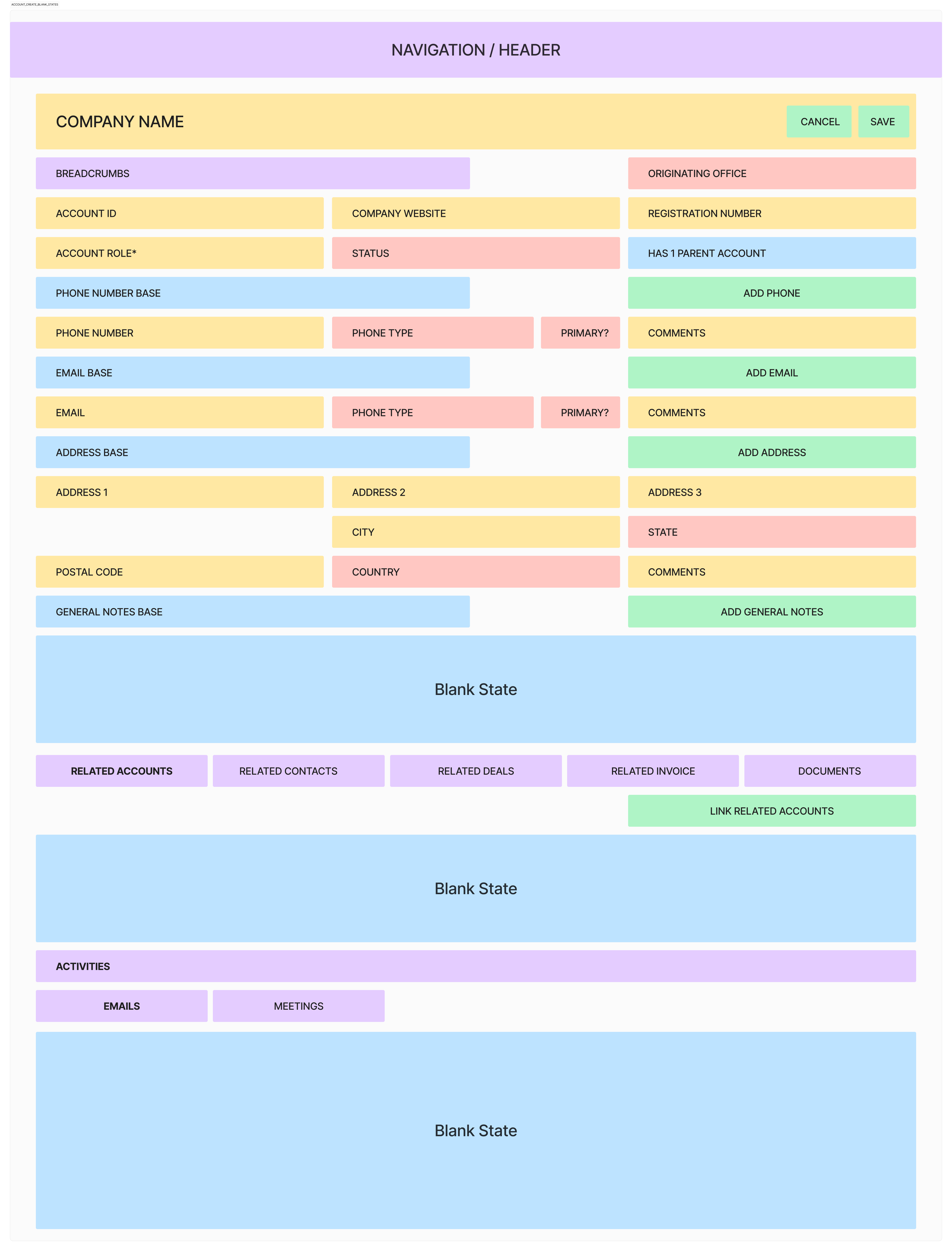
Account creation — blank states
01Account creation — blank states
Account details — nested blank states
02Account details — nested blank states
Account home — iteration 1
03Account home — iteration 1
Account home — iteration 2
04Account home — iteration 2
Contact details — nested-data iteration 1
05Contact details — nested-data iteration 1
Contact details — nested-data iteration 2
06Contact details — nested-data iteration 2
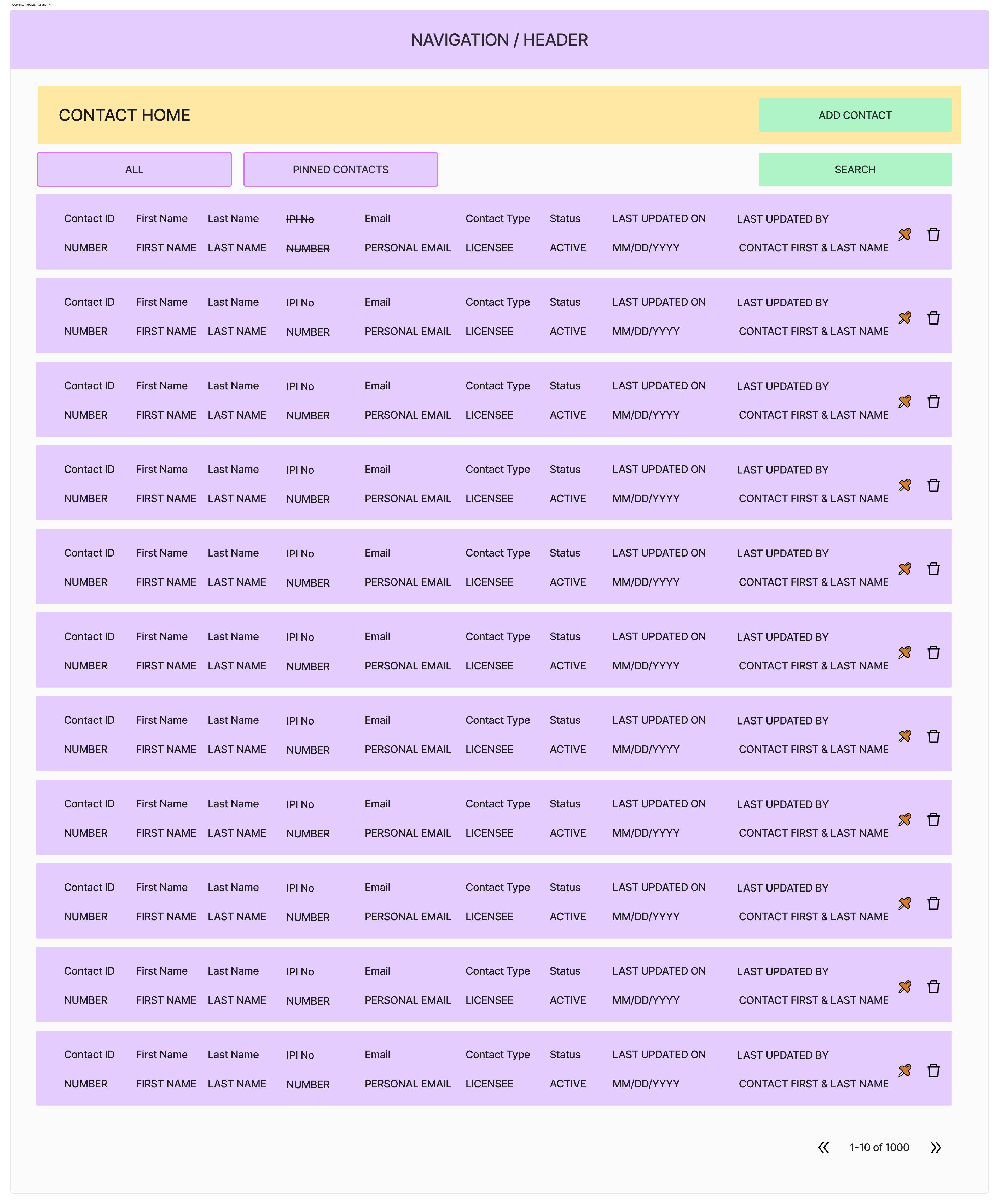
Contact home — iteration 4
07Contact home — iteration 4
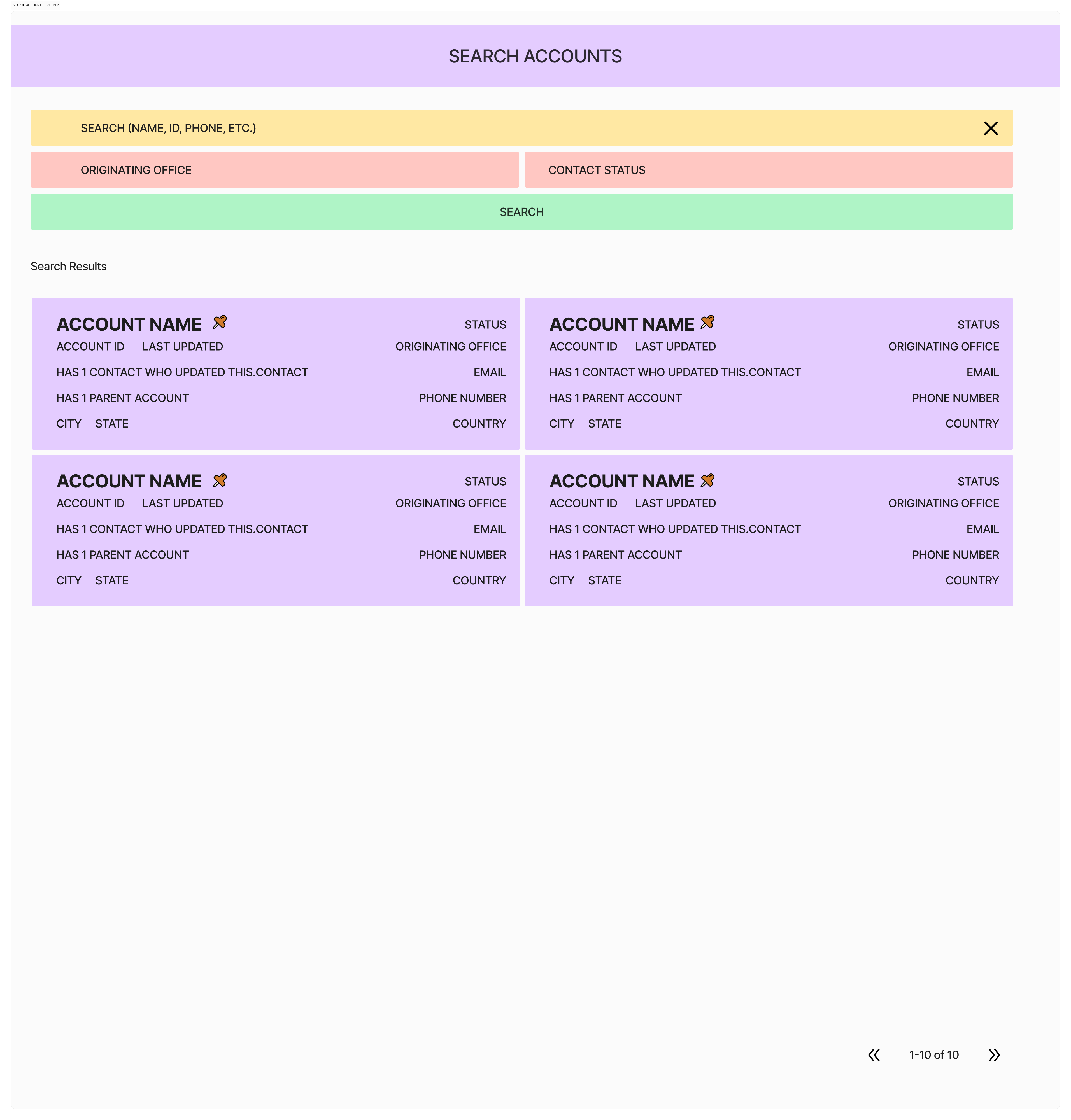
Account search — option 2
08Account search — option 2
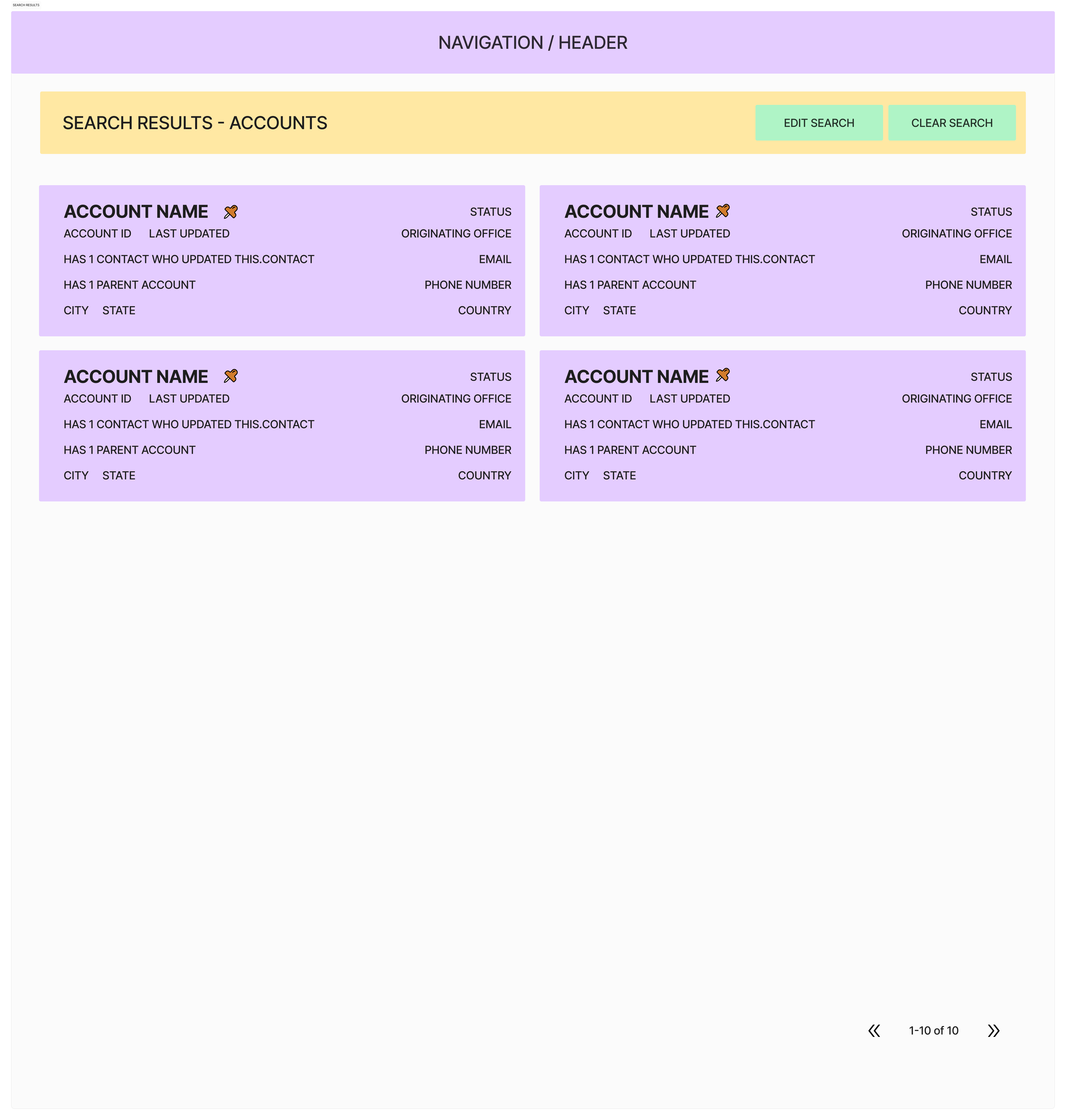
Search results exploration
09Search results exploration
Song search — option 1
10Song search — option 1
Song search — option 2
11Song search — option 2
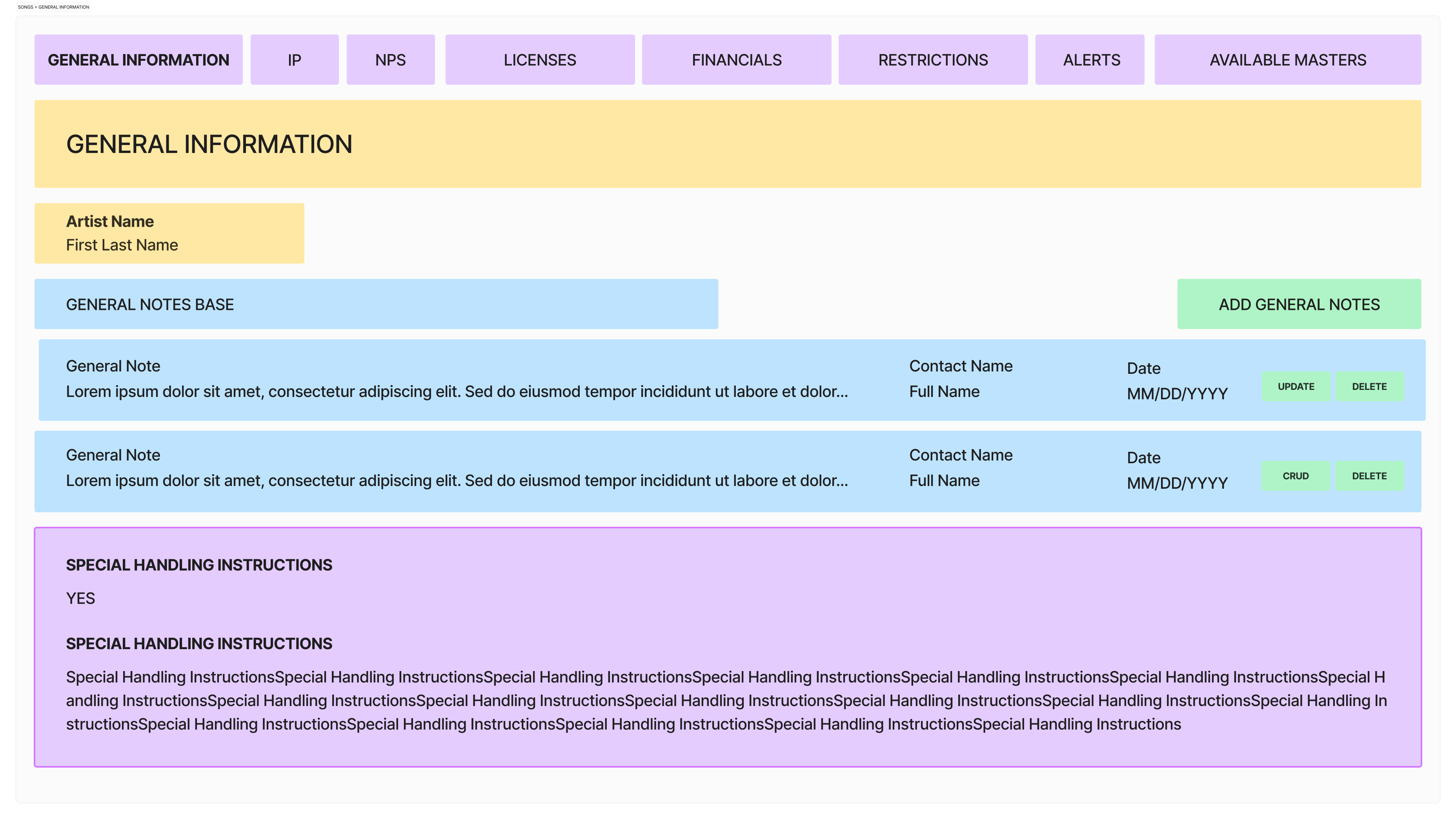
Song details — general-information wireframe
12Song details — general-information wireframe
Song details — IP and rights wireframe
13Song details — IP and rights wireframe
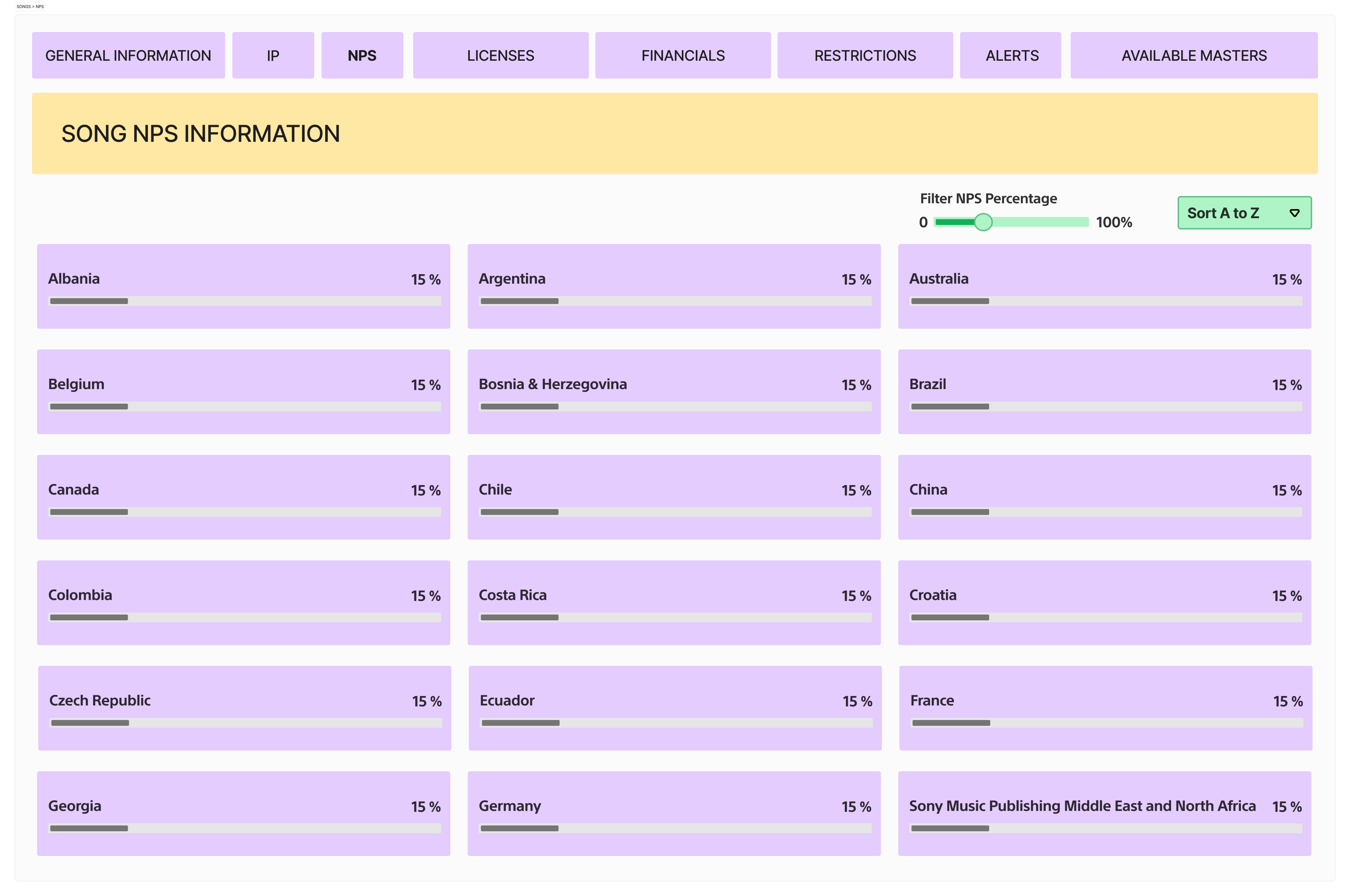
Song details — NPS wireframe
14Song details — NPS wireframe
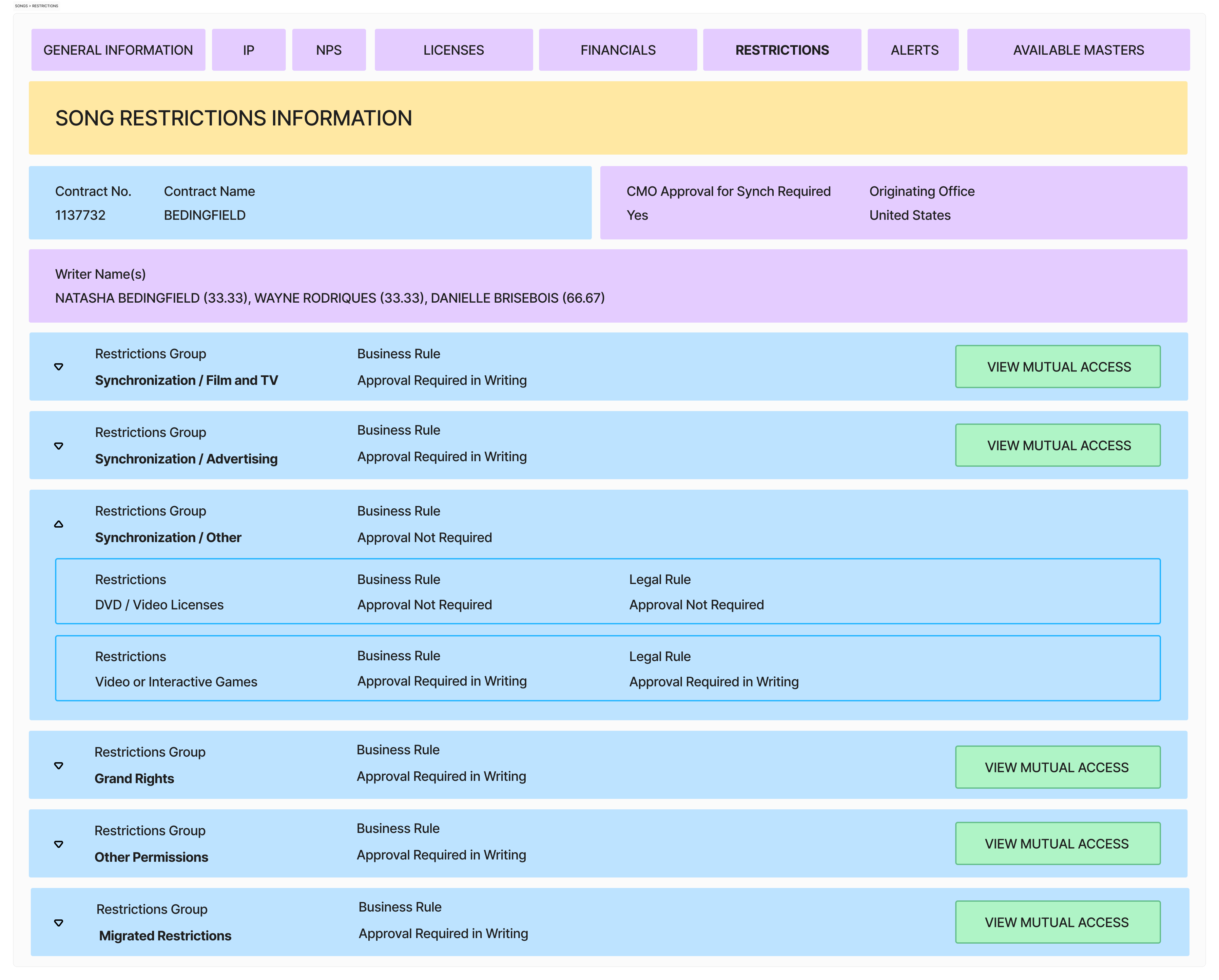
Song details — restrictions wireframe
15Song details — restrictions wireframe
Song licence history — conceptual iteration 1
16Song licence history — conceptual iteration 1
Song licence history — conceptual iteration 2
17Song licence history — conceptual iteration 2
§ V
Key decisions

The screen is where confusion becomes visible — not where it begins.

So the design work happened in the model first, then the workflow, then the interface.

Decision 01

Start with object discovery, not screen inventory

A screen-by-screen redesign would have preserved the fragmentation. We first mapped the business objects and their relationships.

Implication — structure, navigation, and detail views followed the object model, not old tool boundaries.
Decision 02

Make the licensing request the spine

The request connected clients, songs, rights, quote terms, approvals, and deal progression.

Implication — the request detail page became where teams saw state, ownership, next steps, and blockers.
Decision 03

Reduce manual effort through reuse and state

Much of the manual work came from re-entering information, chasing status, and recreating context per handoff.

Implication — reusable object data, persistent statuses, and clear ownership cut repeated coordination.
Decision 04

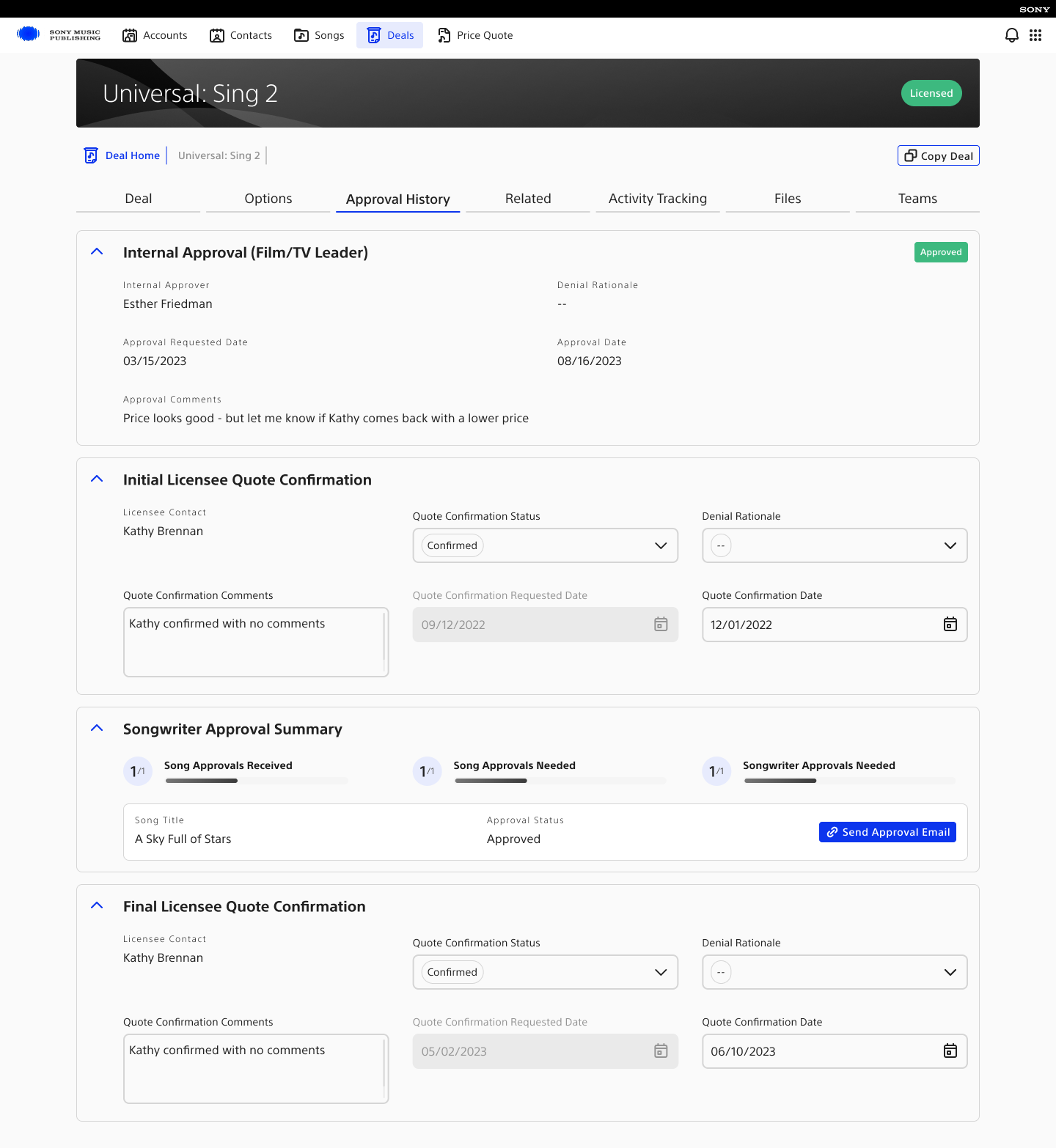
Turn approvals into visible workflow

Approvals were a major bottleneck. Users needed to know what was pending, who owned it, why it was blocked, and what could move next.

Implication — approval states, activity history, and next actions live inside the flow of work.
Decision 05

Global consistency without erasing local variation

The system had to serve offices worldwide without assuming every market worked identically.

Implication — shared object structure gave consistency; metadata, territory, and usage allowed local variation.
§ VI
Interface system

The object model became a working product system.

Final UI evidence is organized by the work it supports: finding and maintaining accounts, managing the deal pipeline, creating a licensing deal, inspecting song rights, and handling consequential interaction states.

01

Accounts and contacts

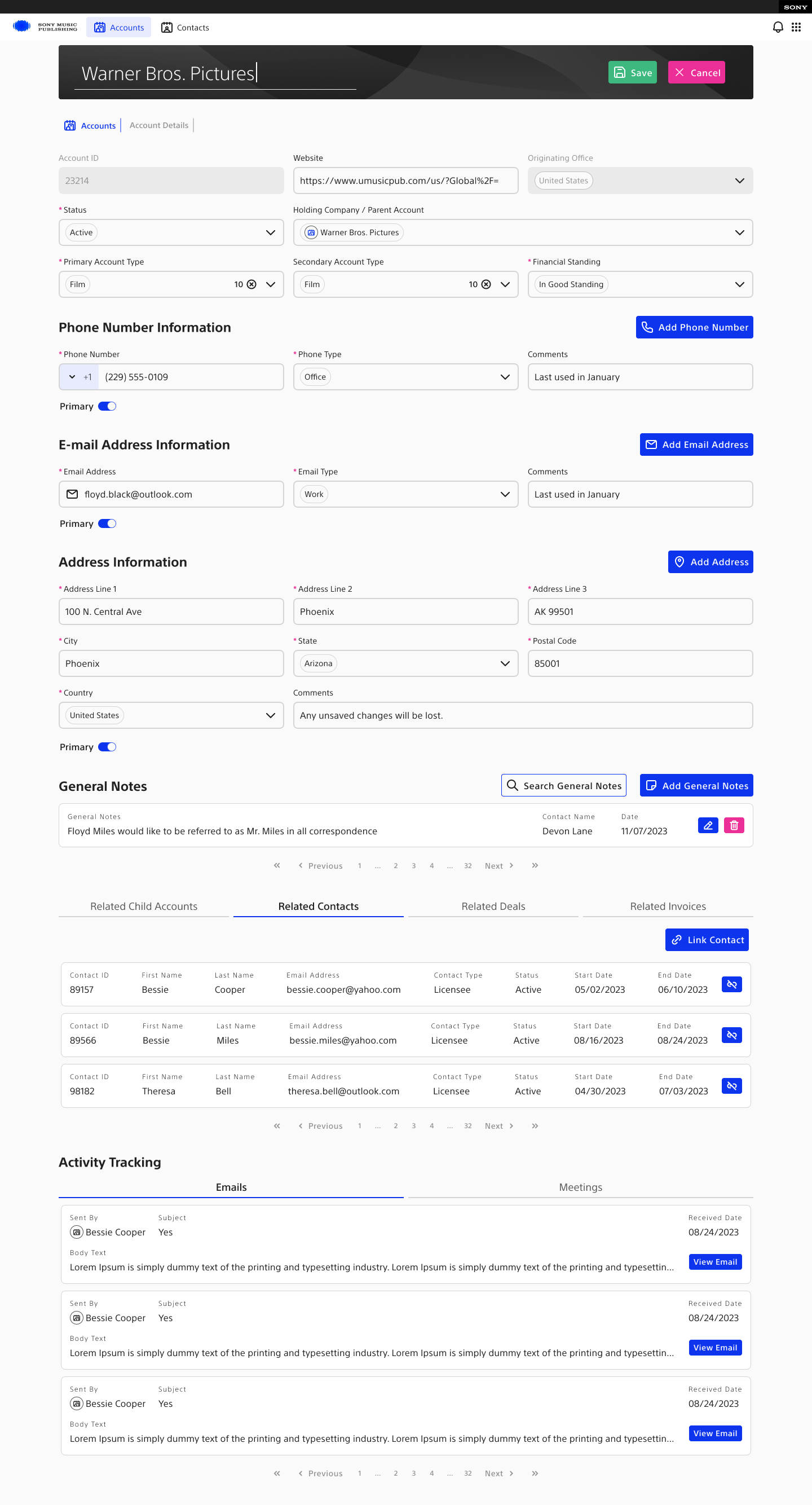
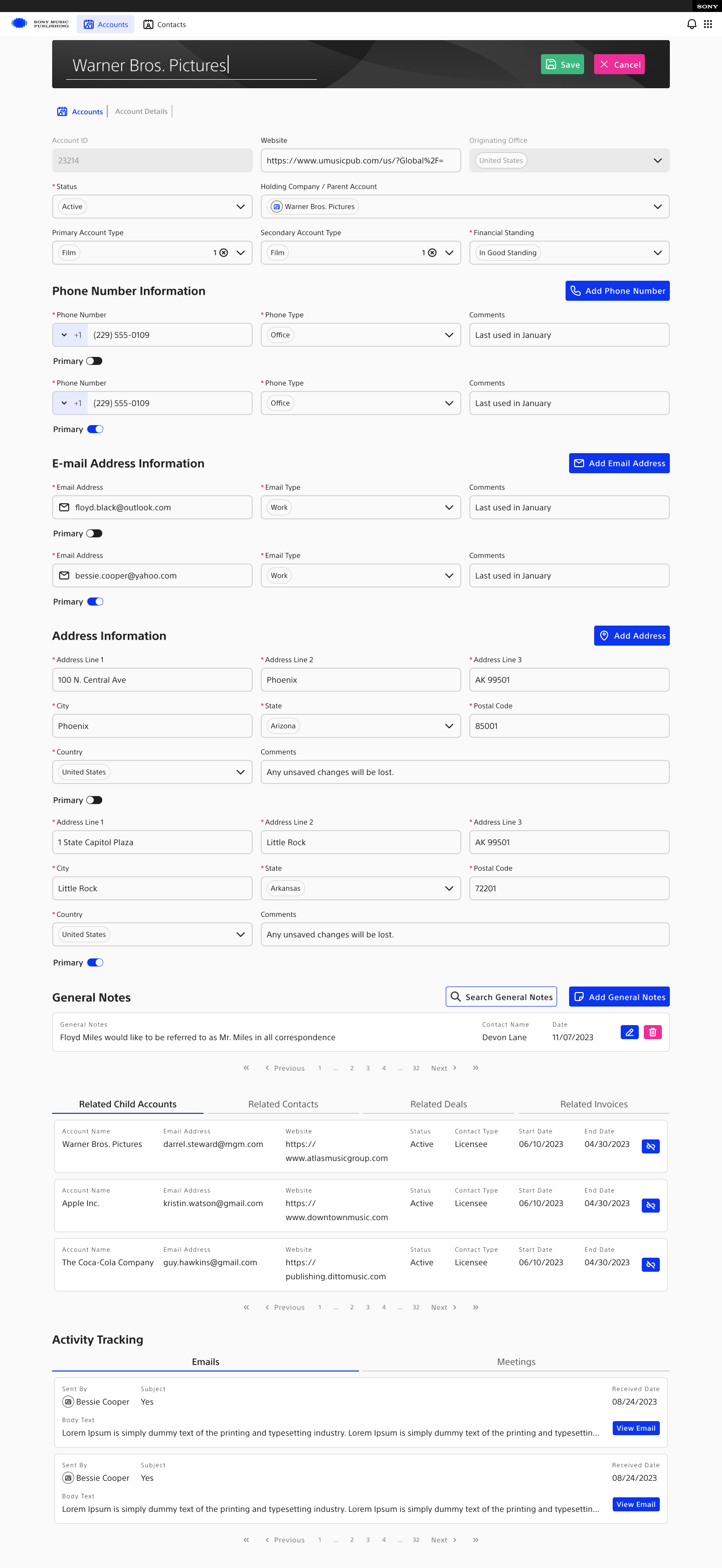
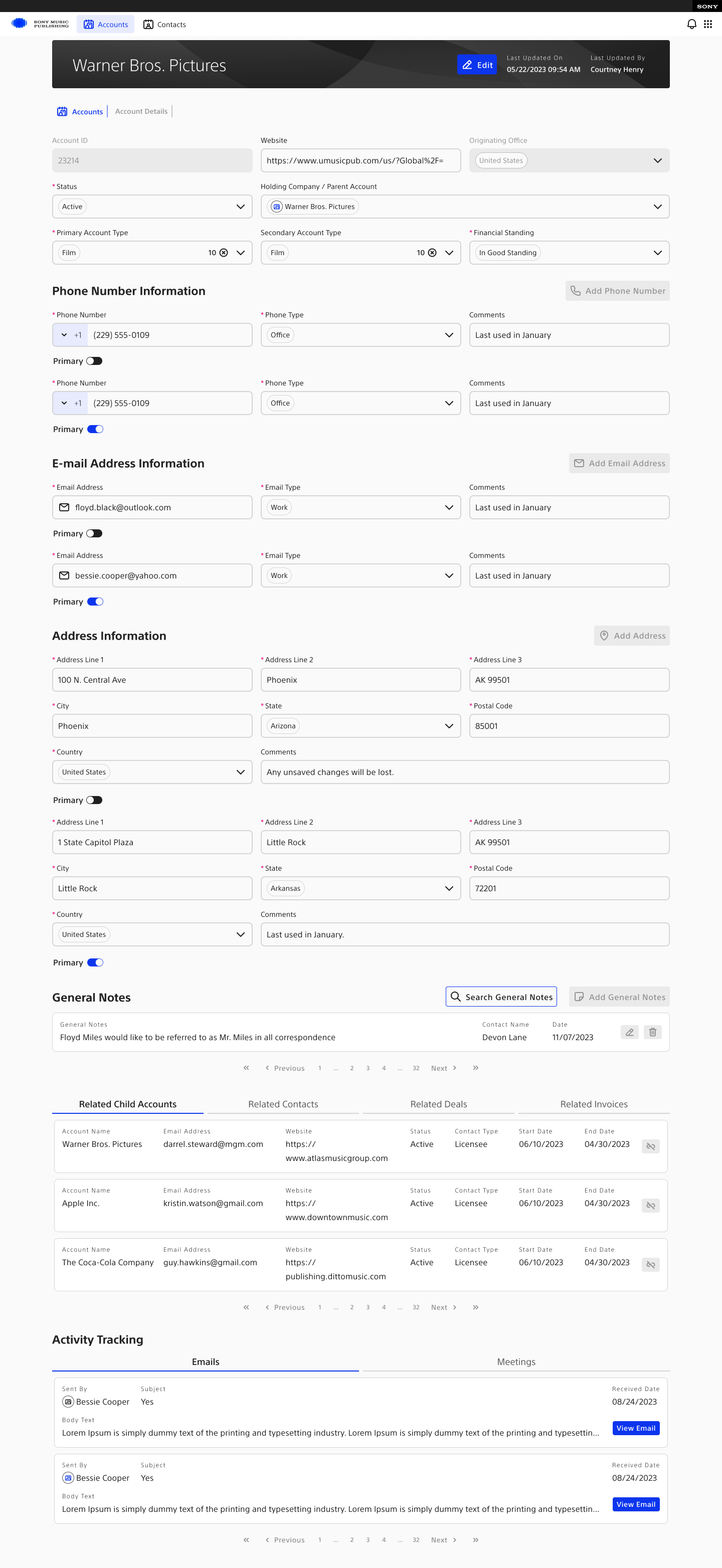
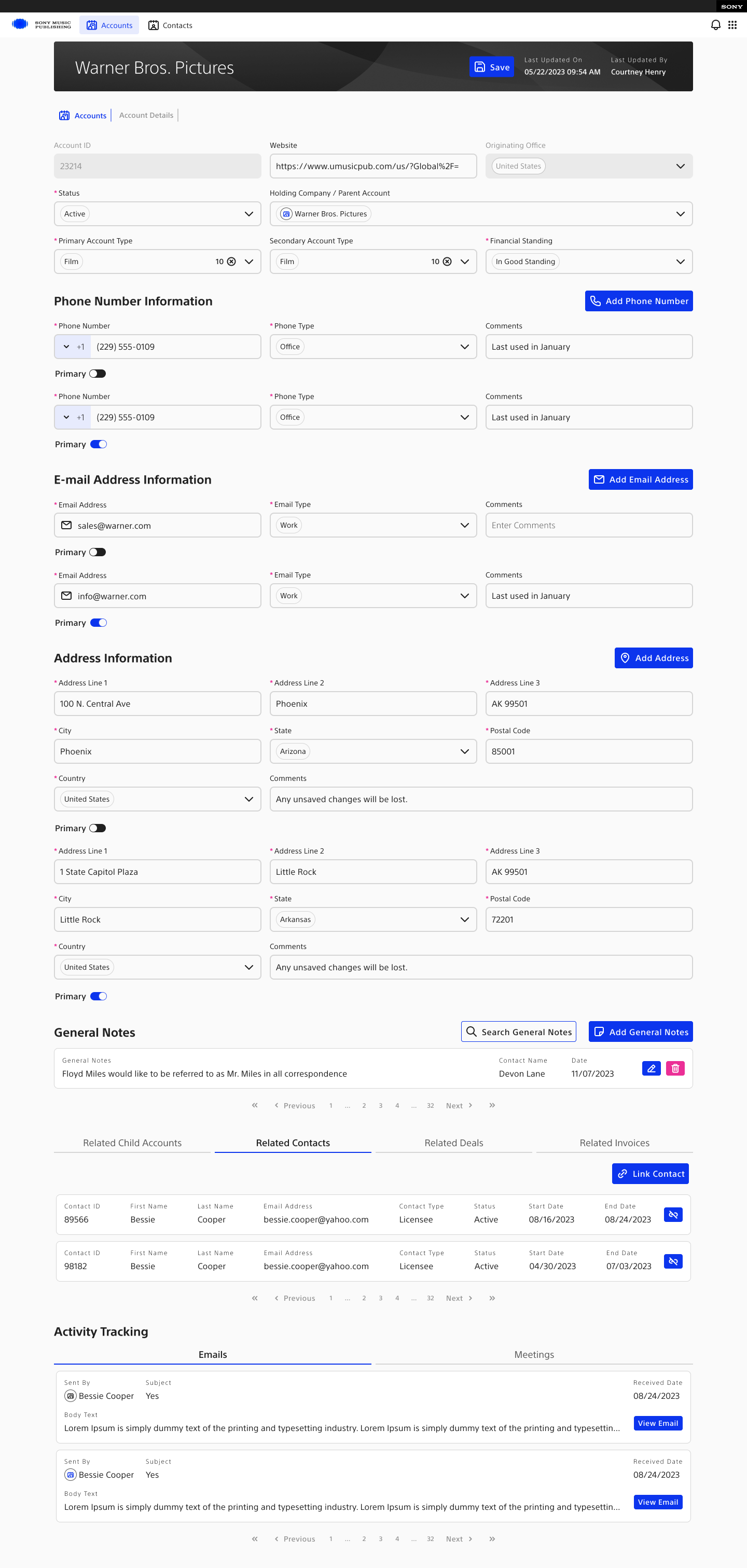
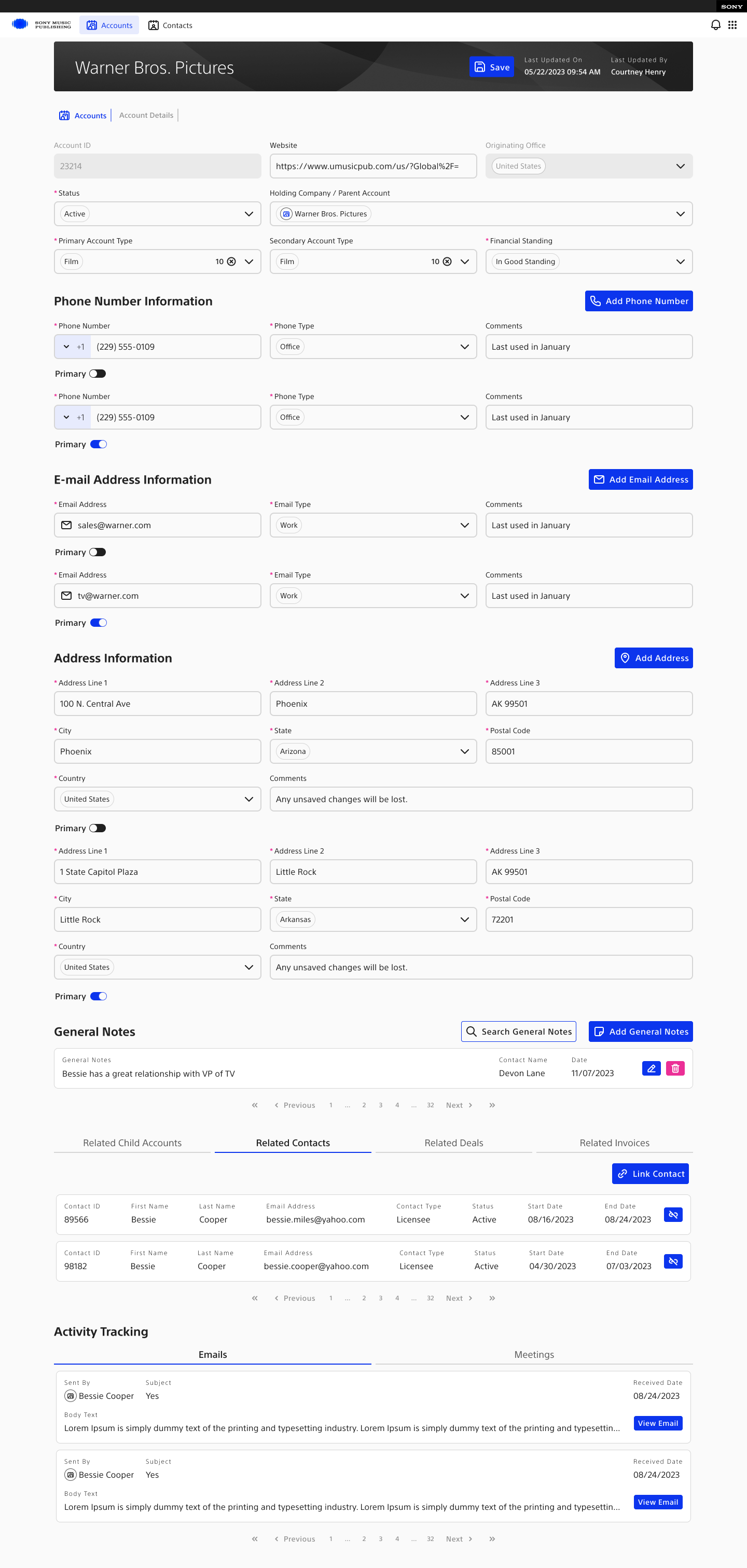
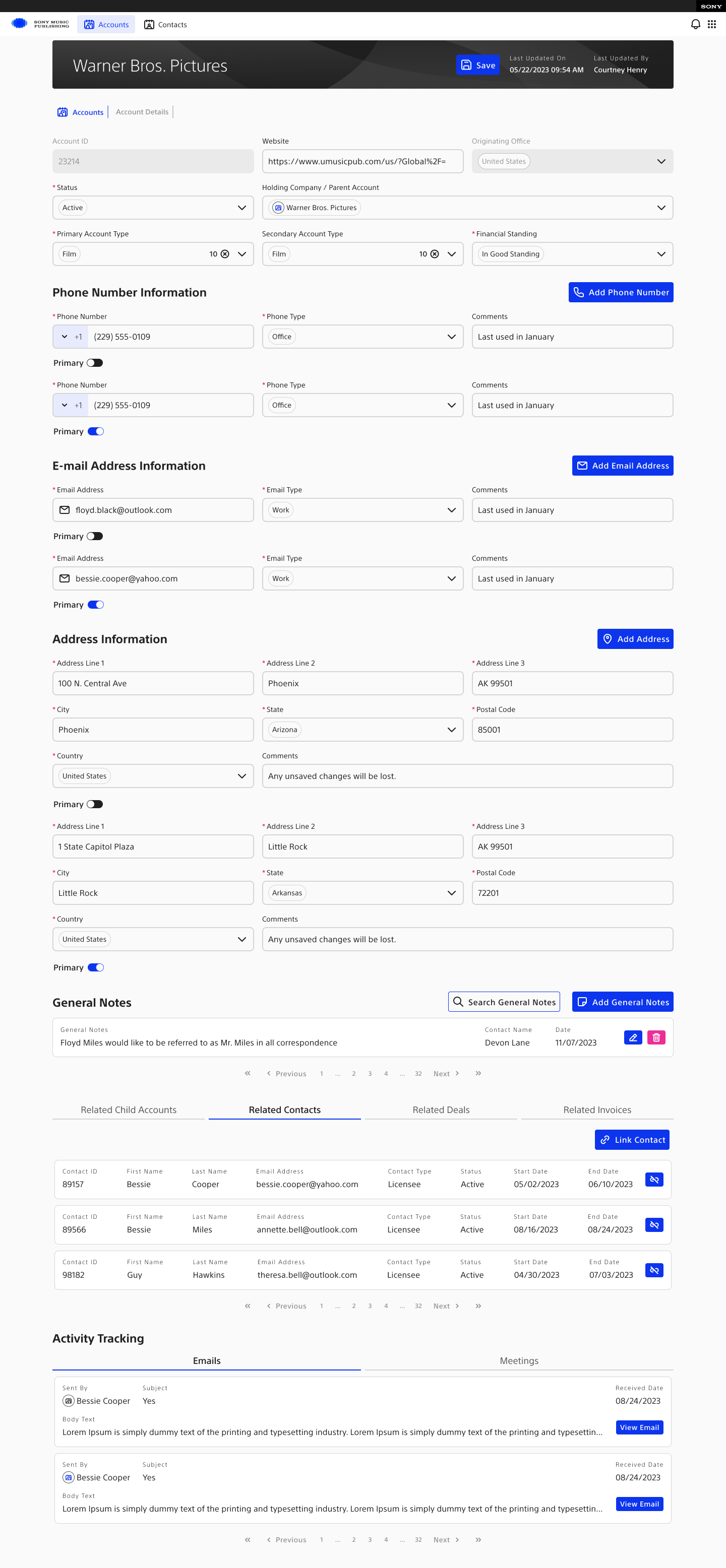
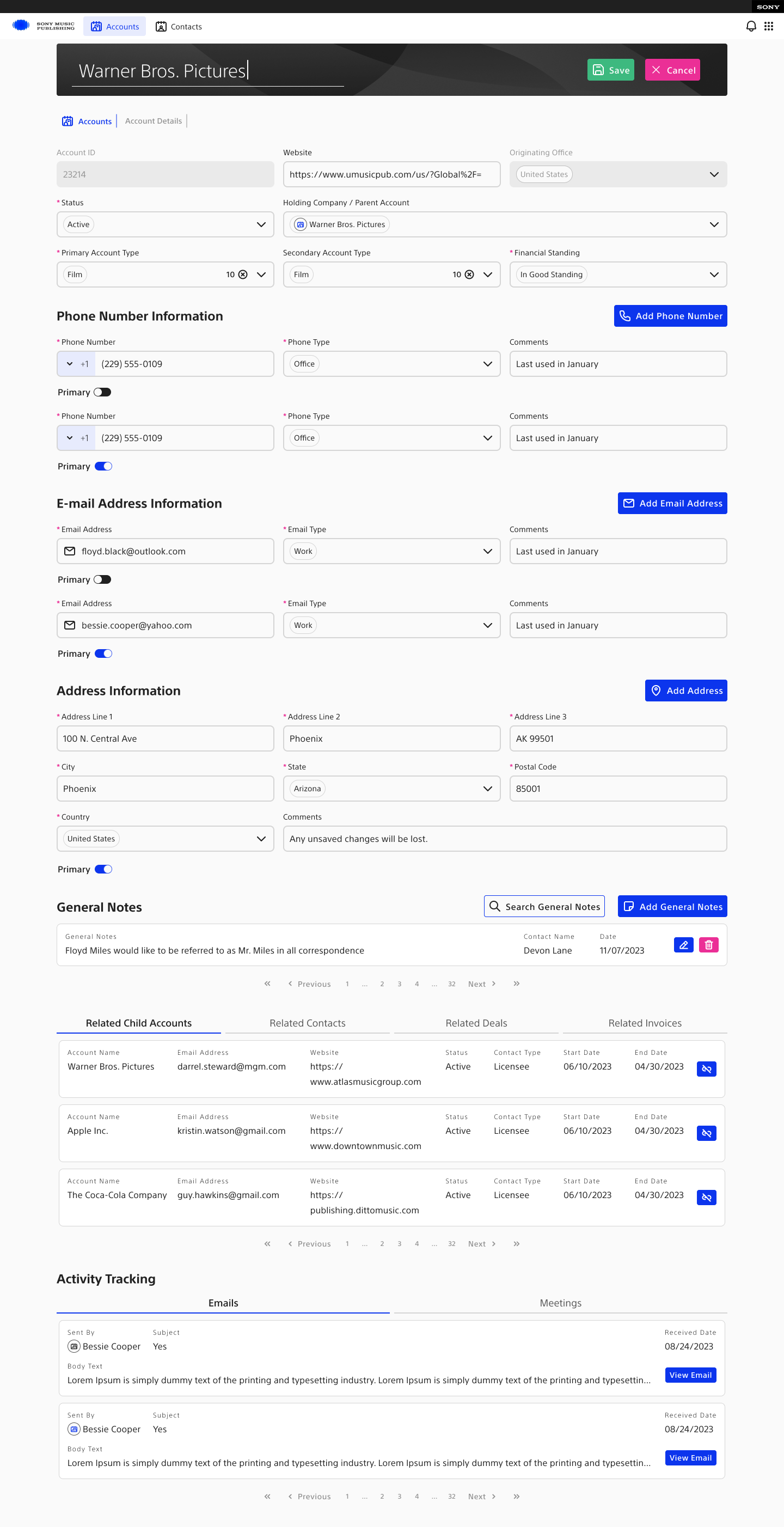
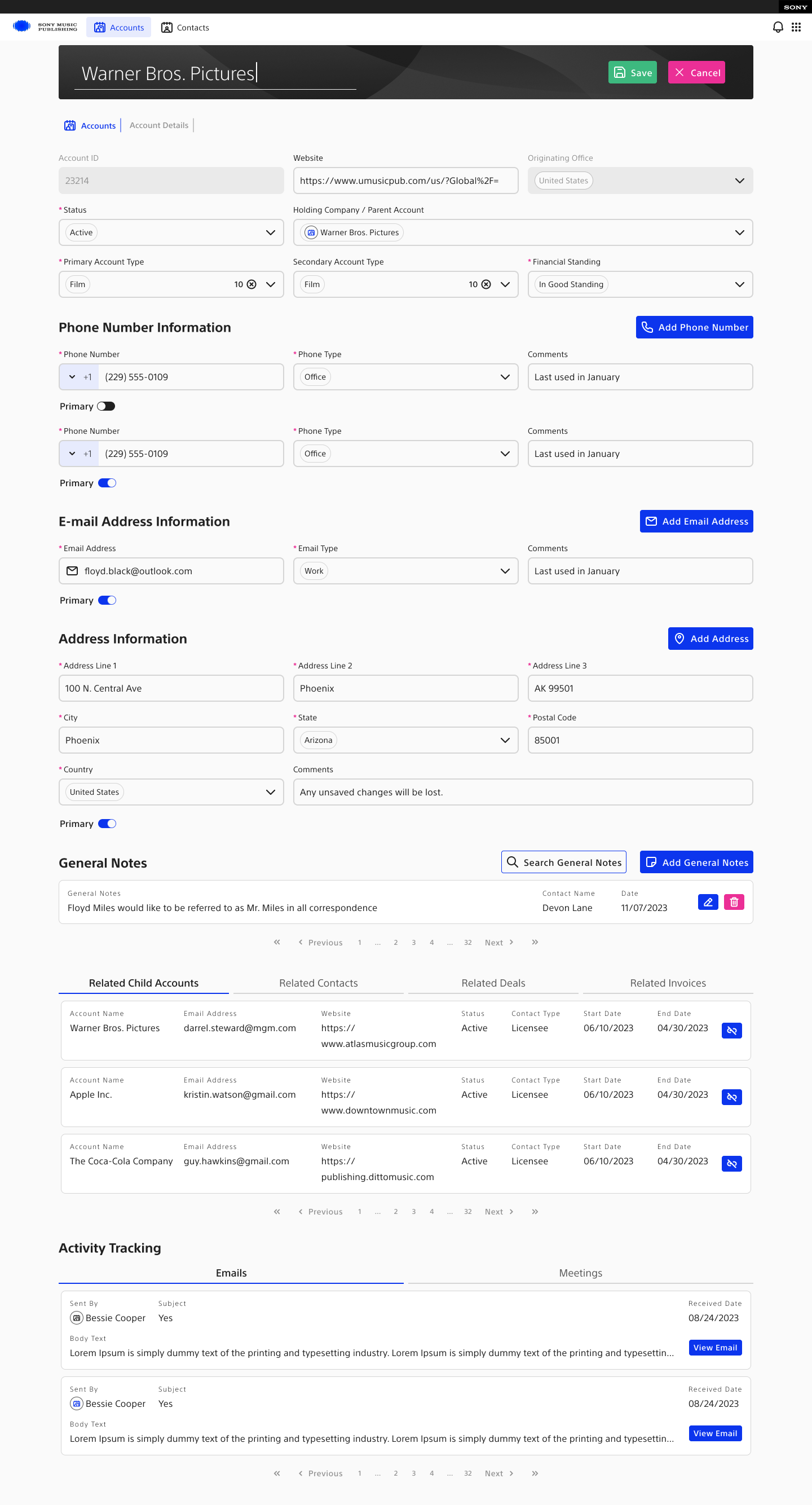
Search, record detail, nested information, and edit states built from the Account and Contact objects.
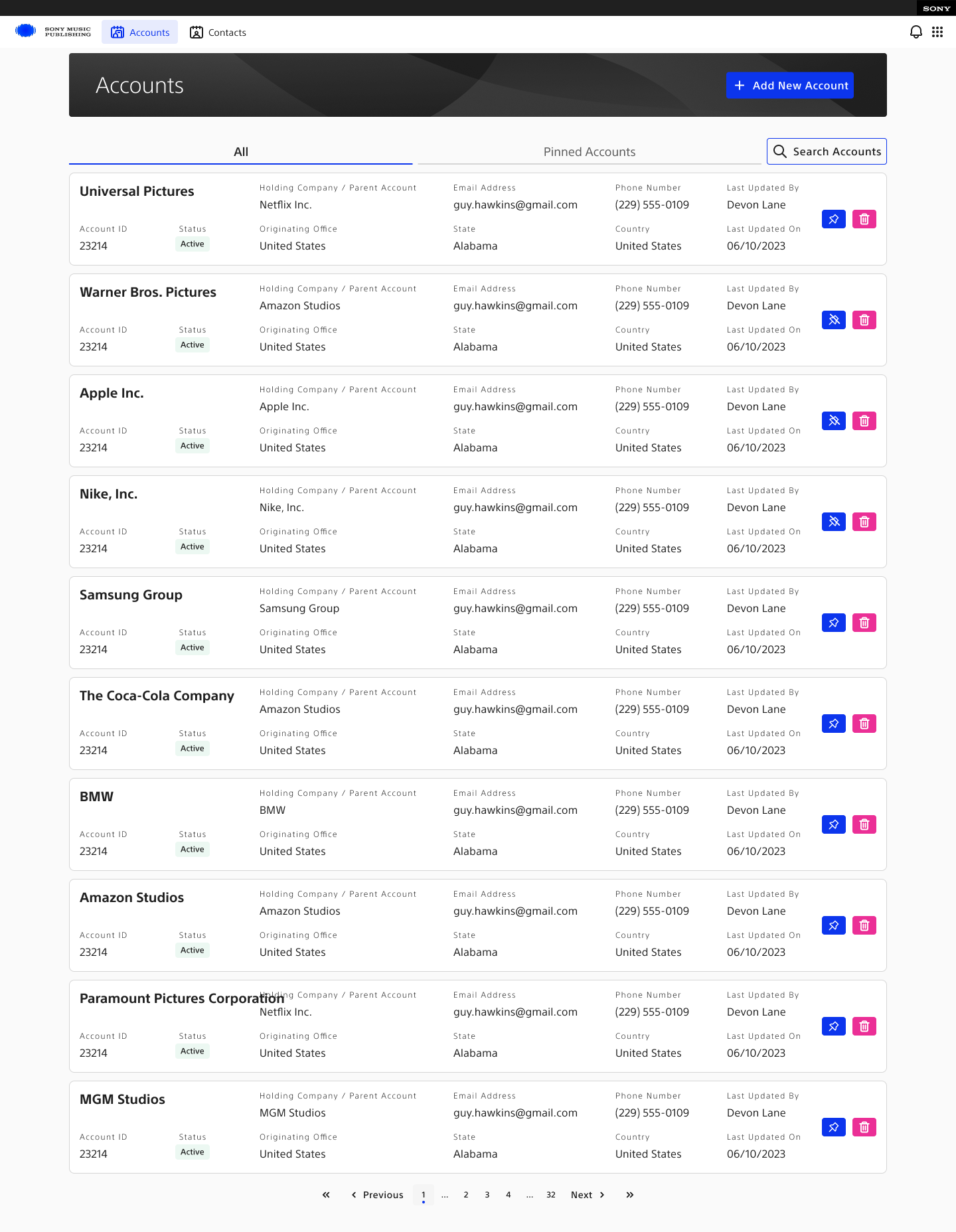
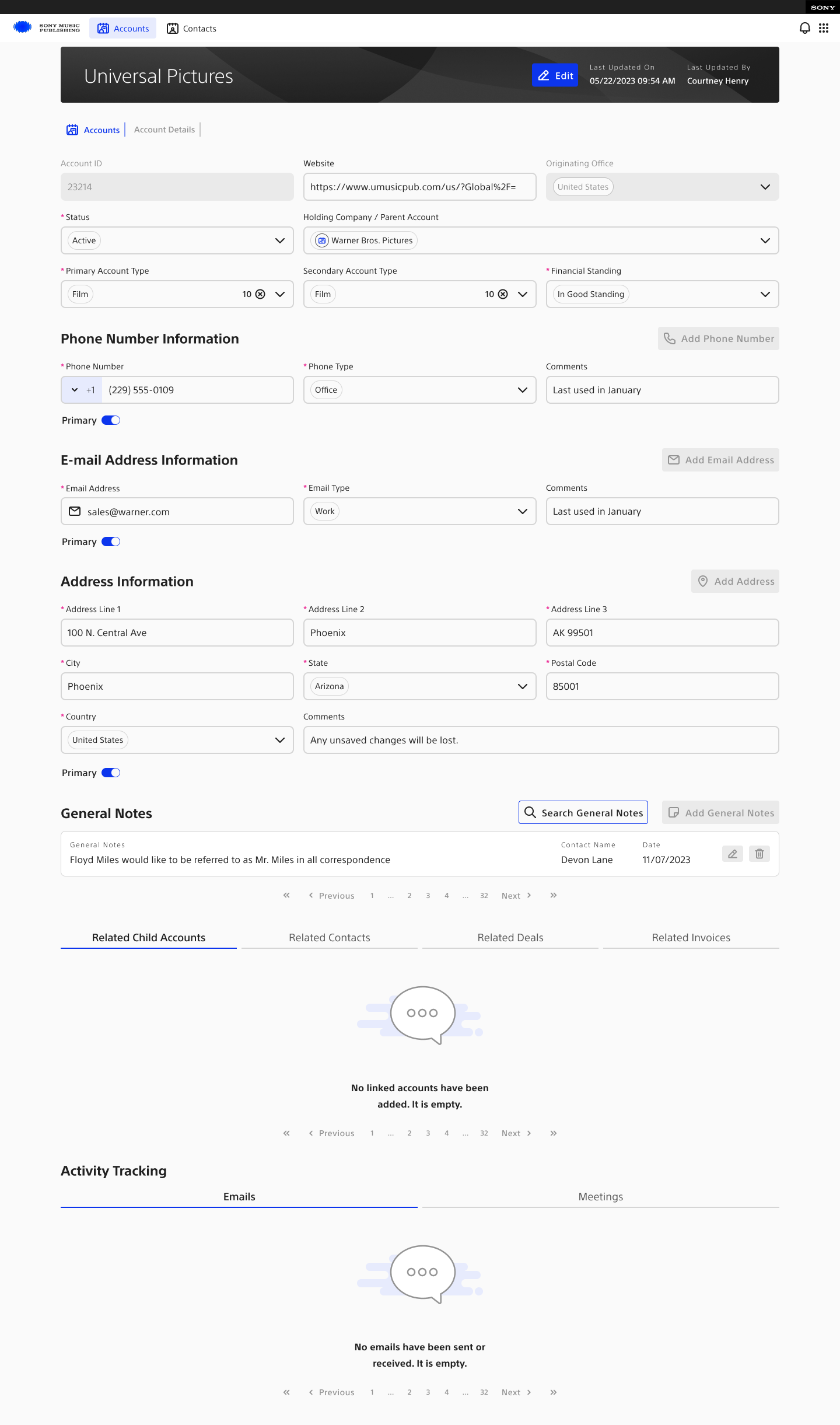
Sony accounts home screen
Fig. 10 Accounts home — scan, filter, and enter a record
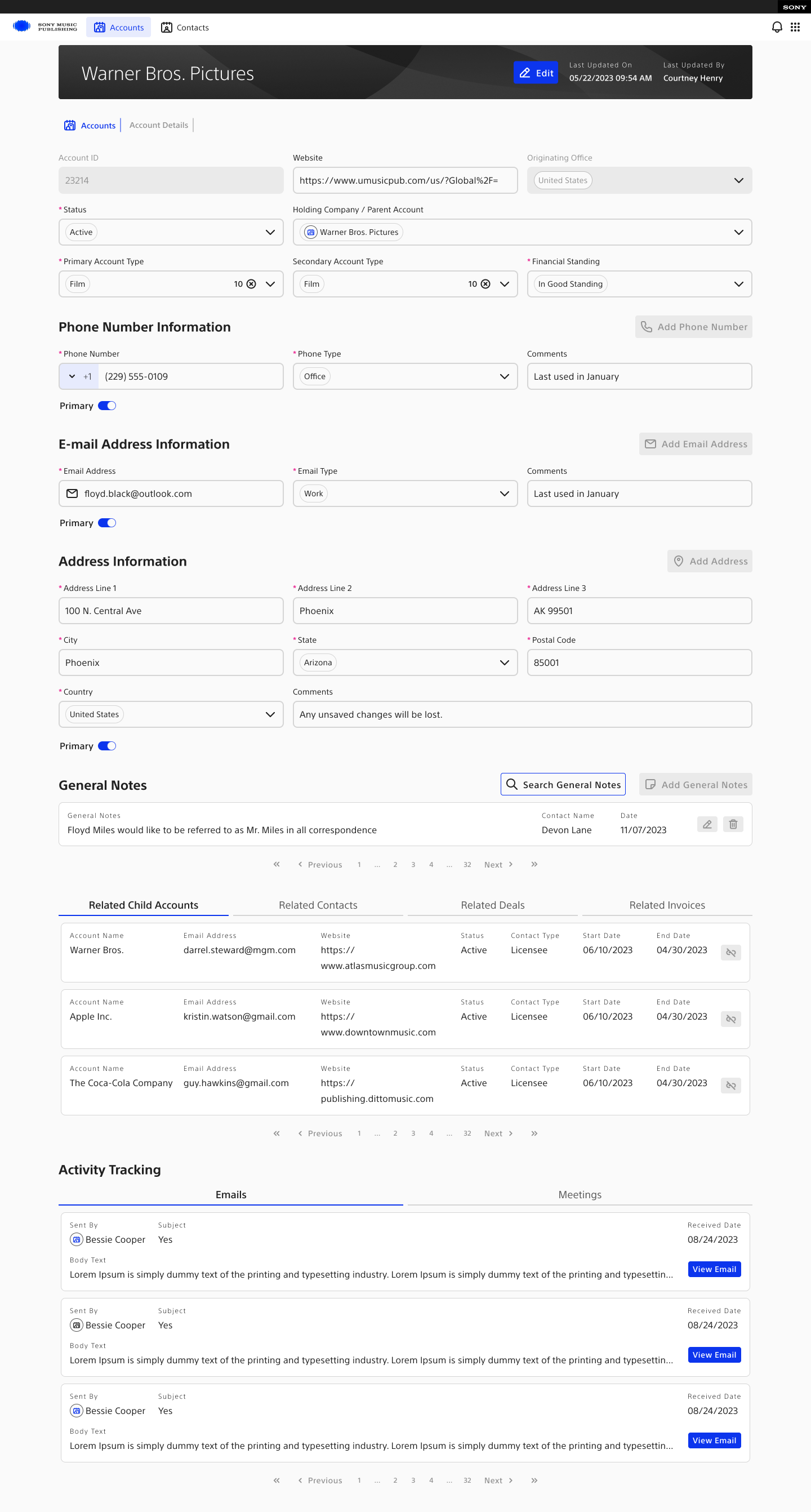
Sony filled account details screen
Fig. 11 Saved account — nested contact and account data in context
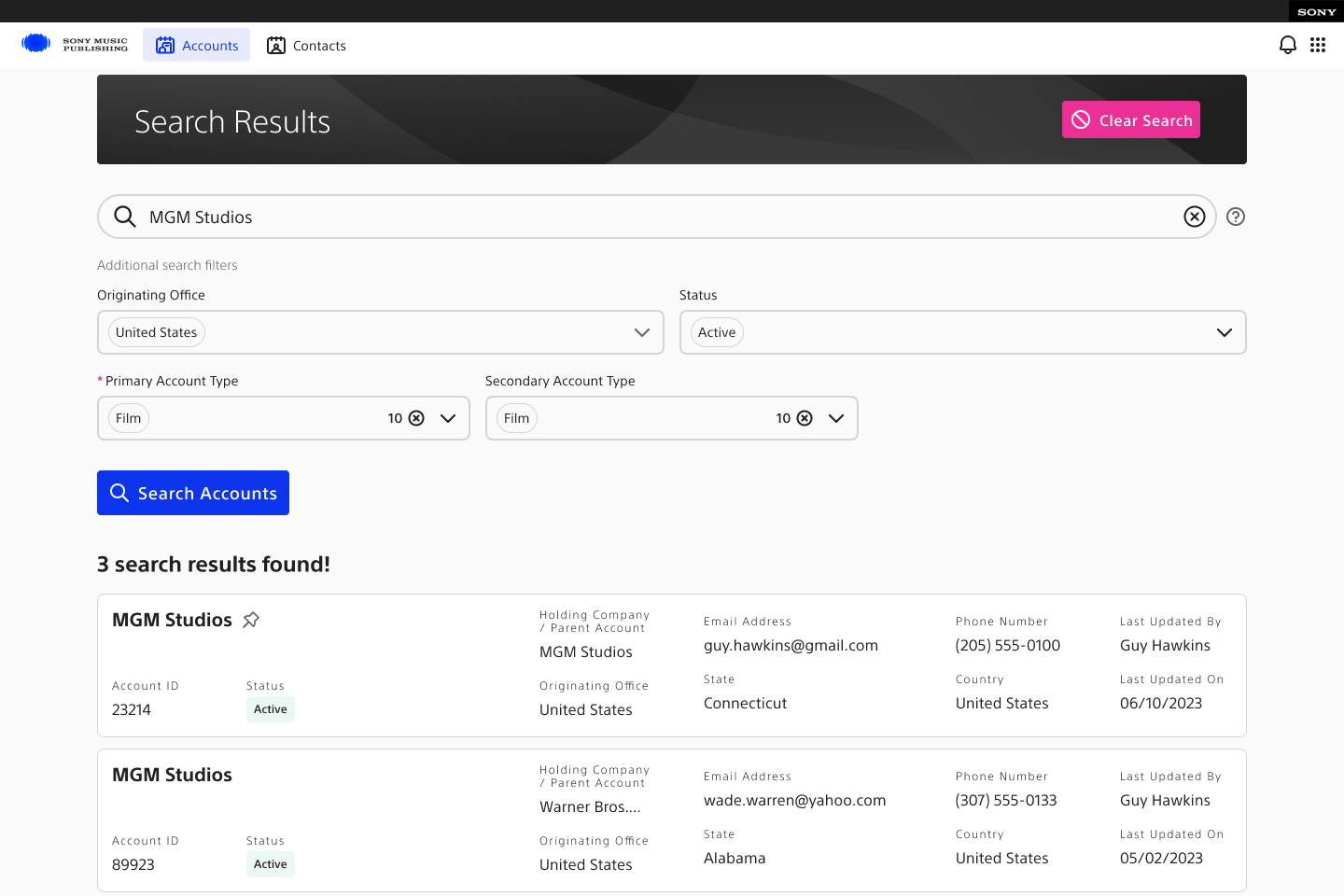
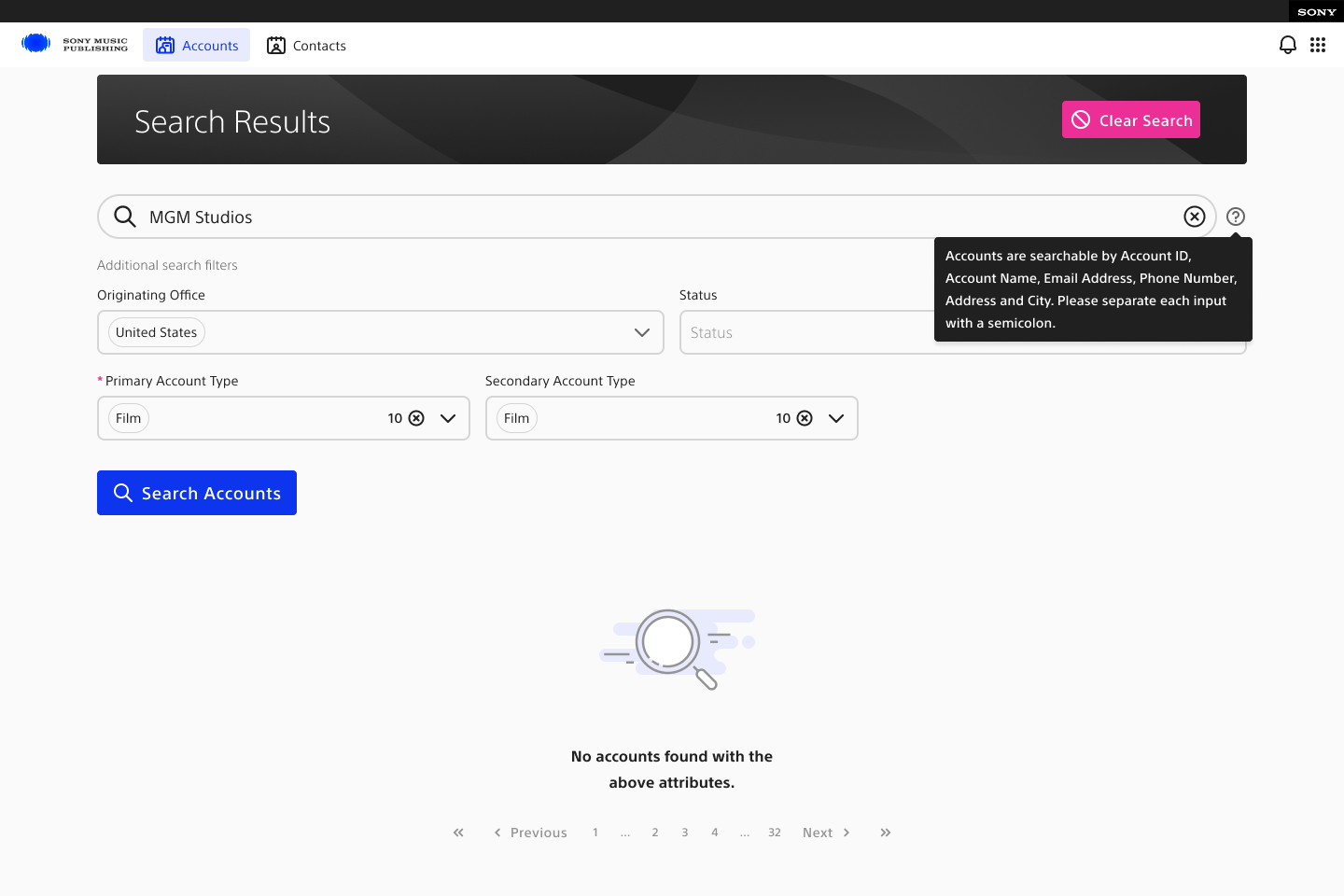
Sony account search results screen
Fig. 12 Account search — structured results and next actions
Account and contact statesEmpty states, pinned views, and the complete edit-state sequence.14 artifacts
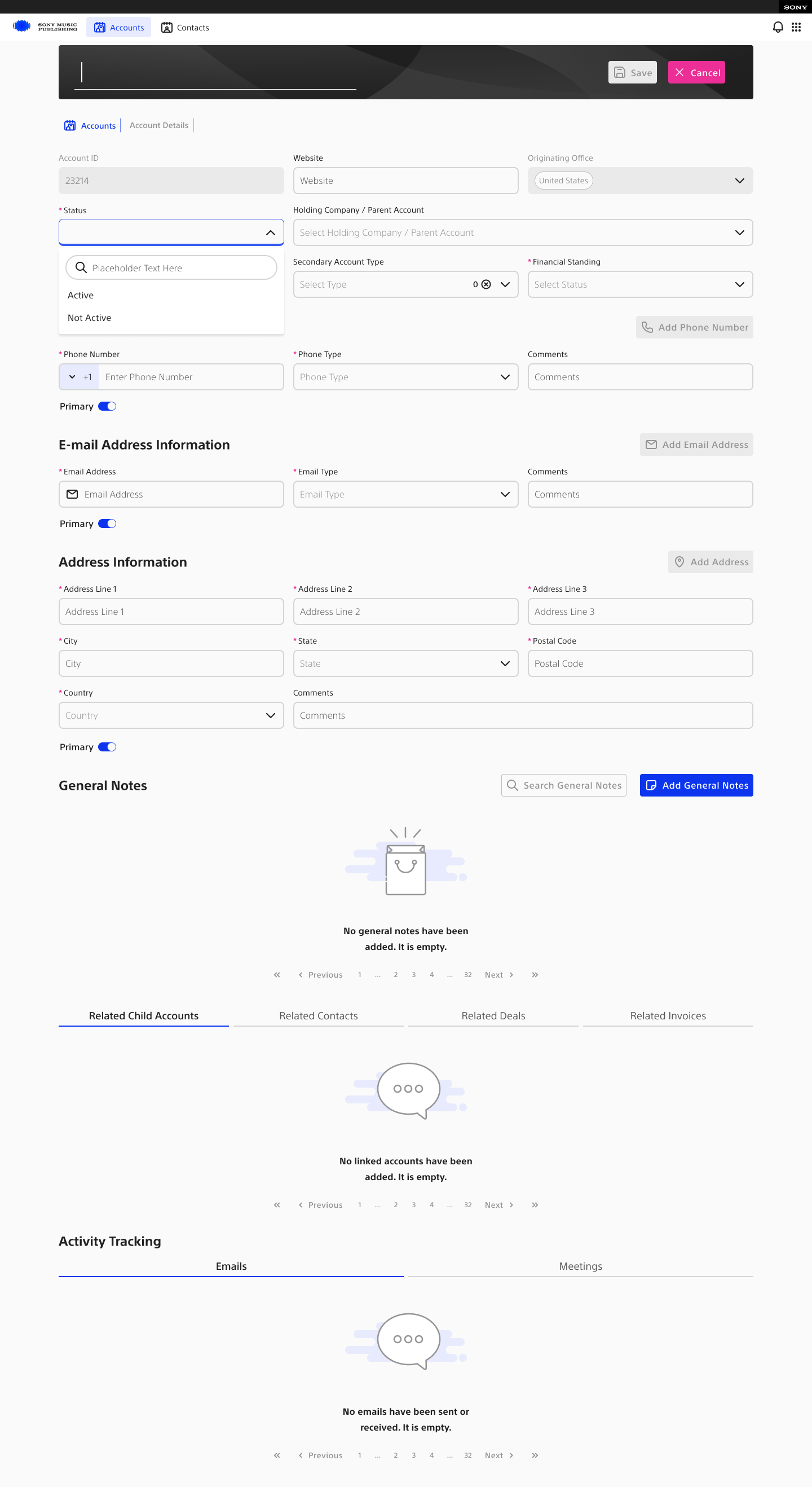
Account details — empty state
01Account details — empty state
Account search — empty state
02Account search — empty state
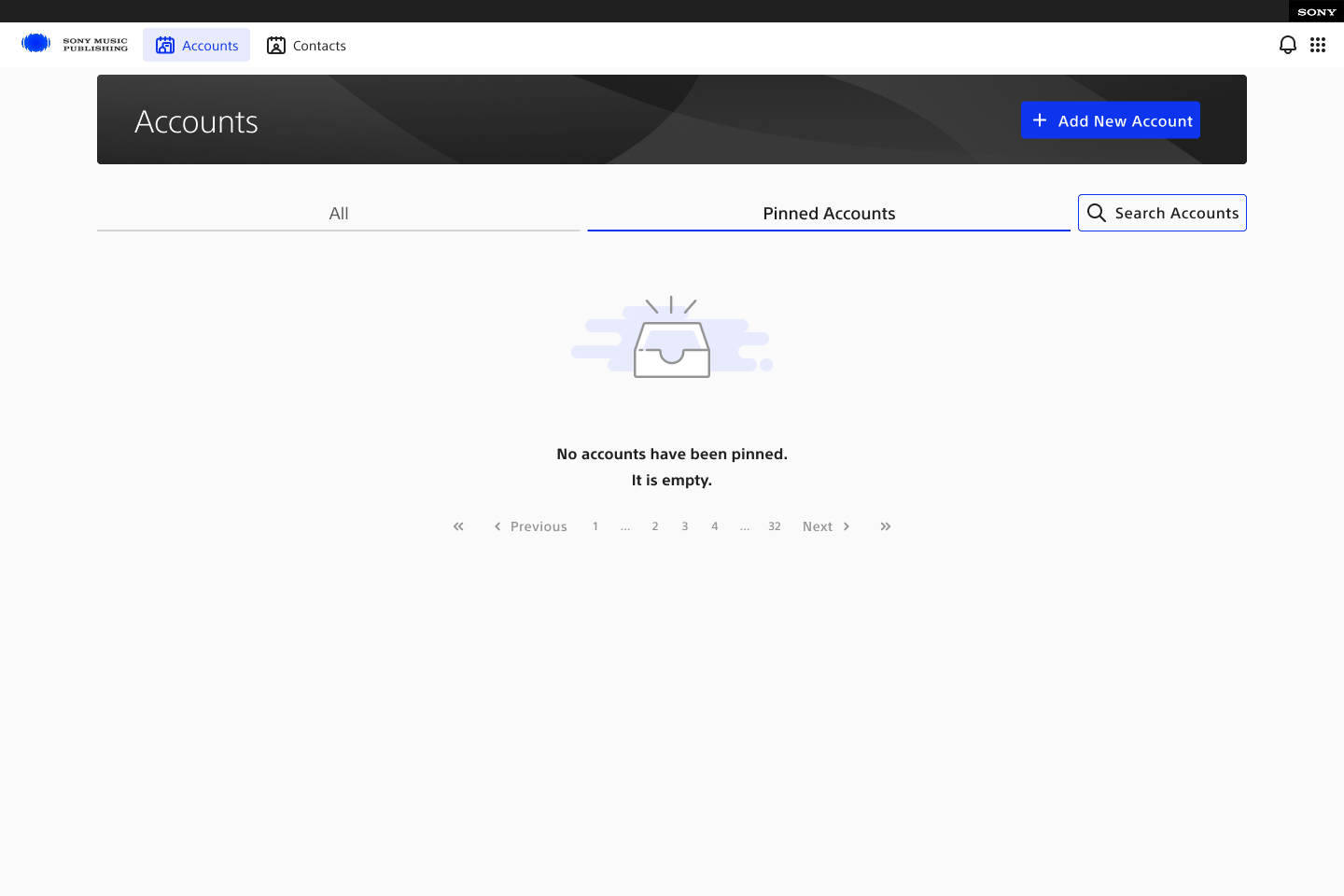
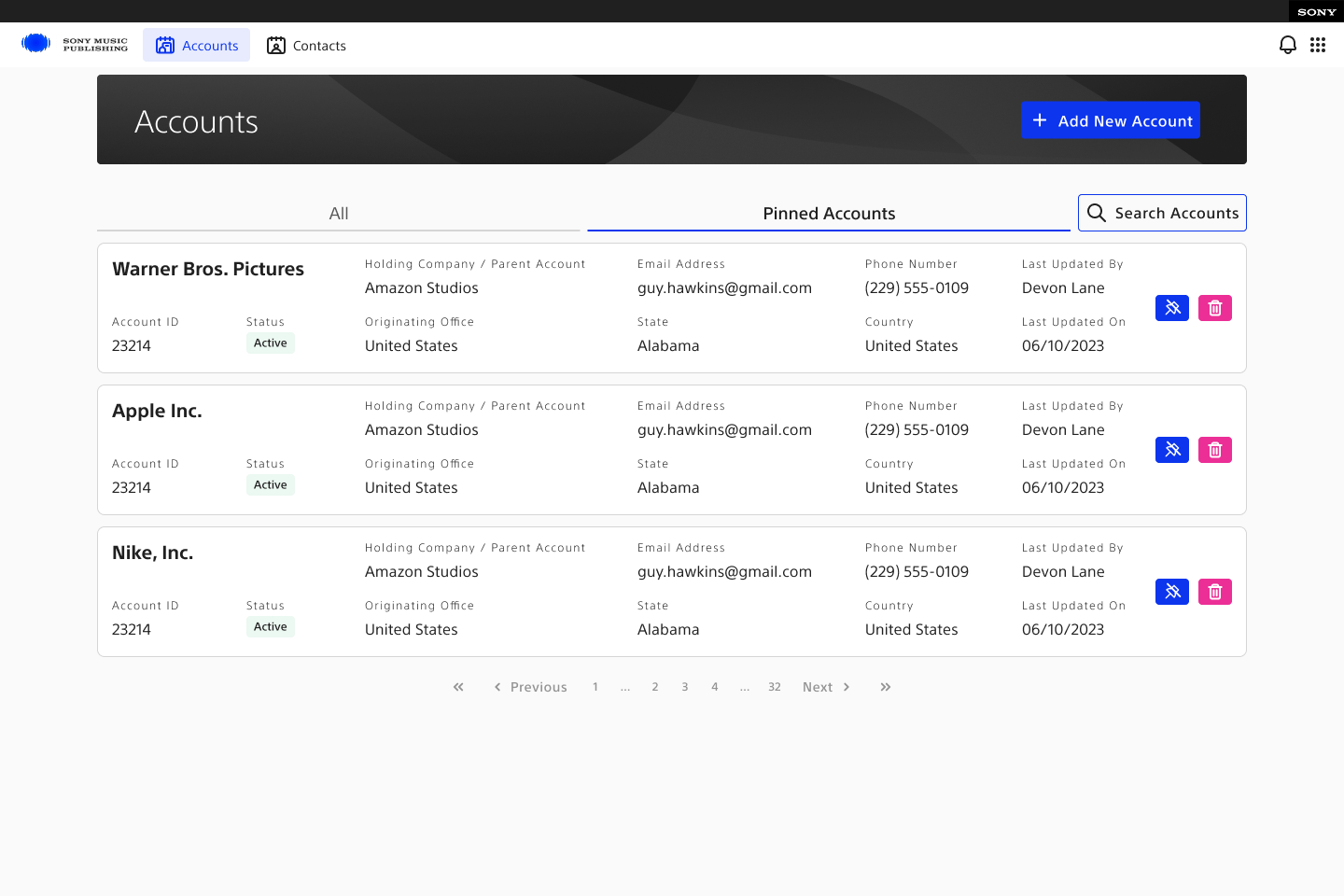
Favourite accounts — empty state
03Favourite accounts — empty state
Favourite accounts — pinned state
04Favourite accounts — pinned state
Account edit — default state
05Account edit — default state
Account edit — active edit state
06Account edit — active edit state
Account edit — add address
07Account edit — add address
Address editor — state 1
08Address editor — state 1
Address editor — state 2
09Address editor — state 2
Address editor — state 3
10Address editor — state 3
Address editor — state 4
11Address editor — state 4
Account edit — email
12Account edit — email
Account edit — phone
13Account edit — phone
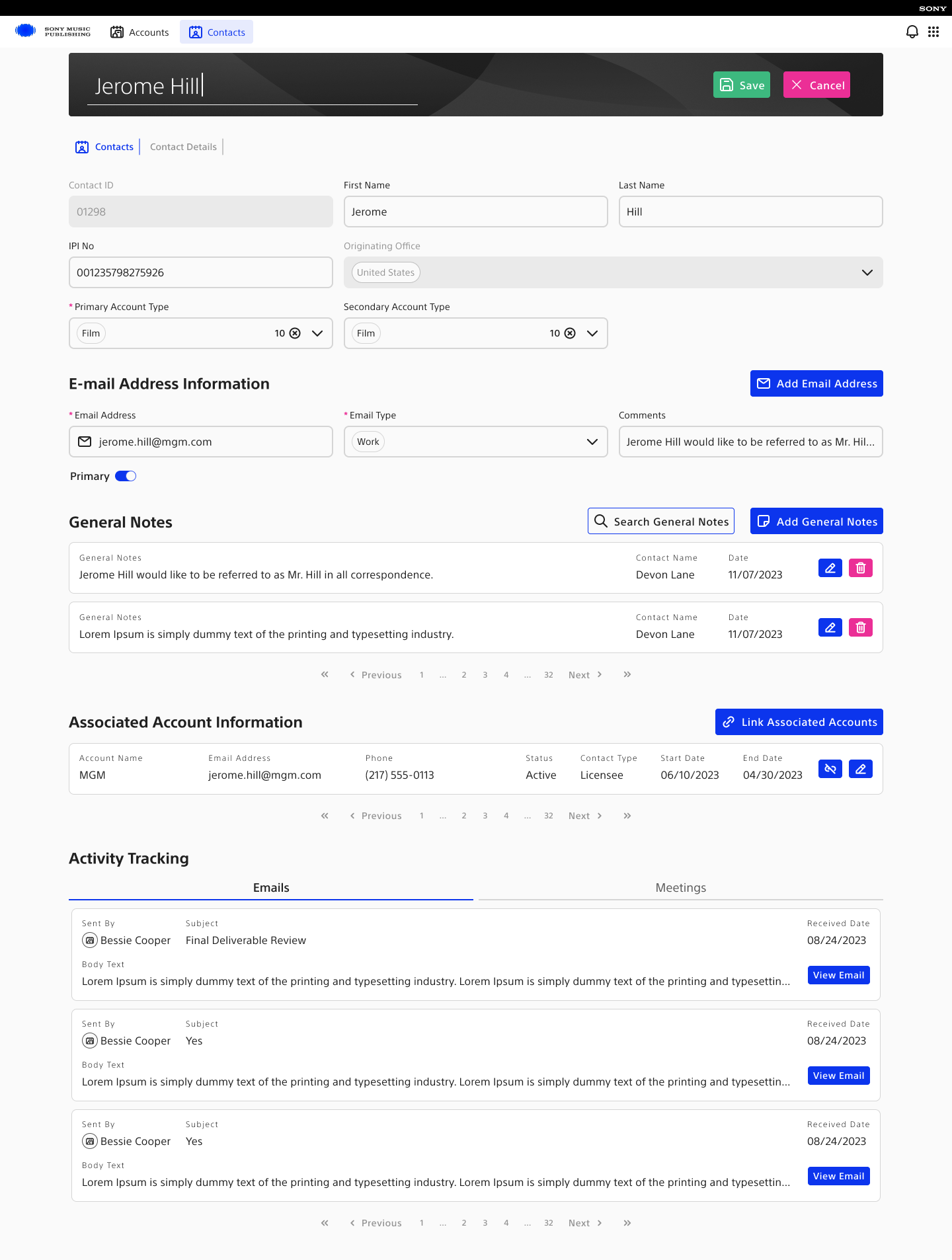
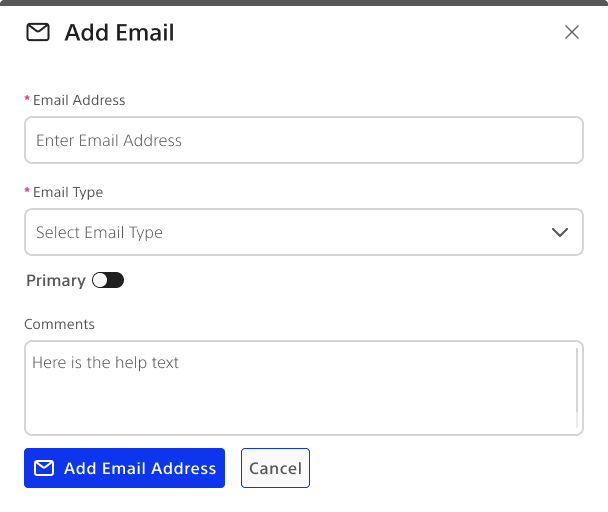
Contact details — add email
14Contact details — add email
02

Deal pipeline and workspace

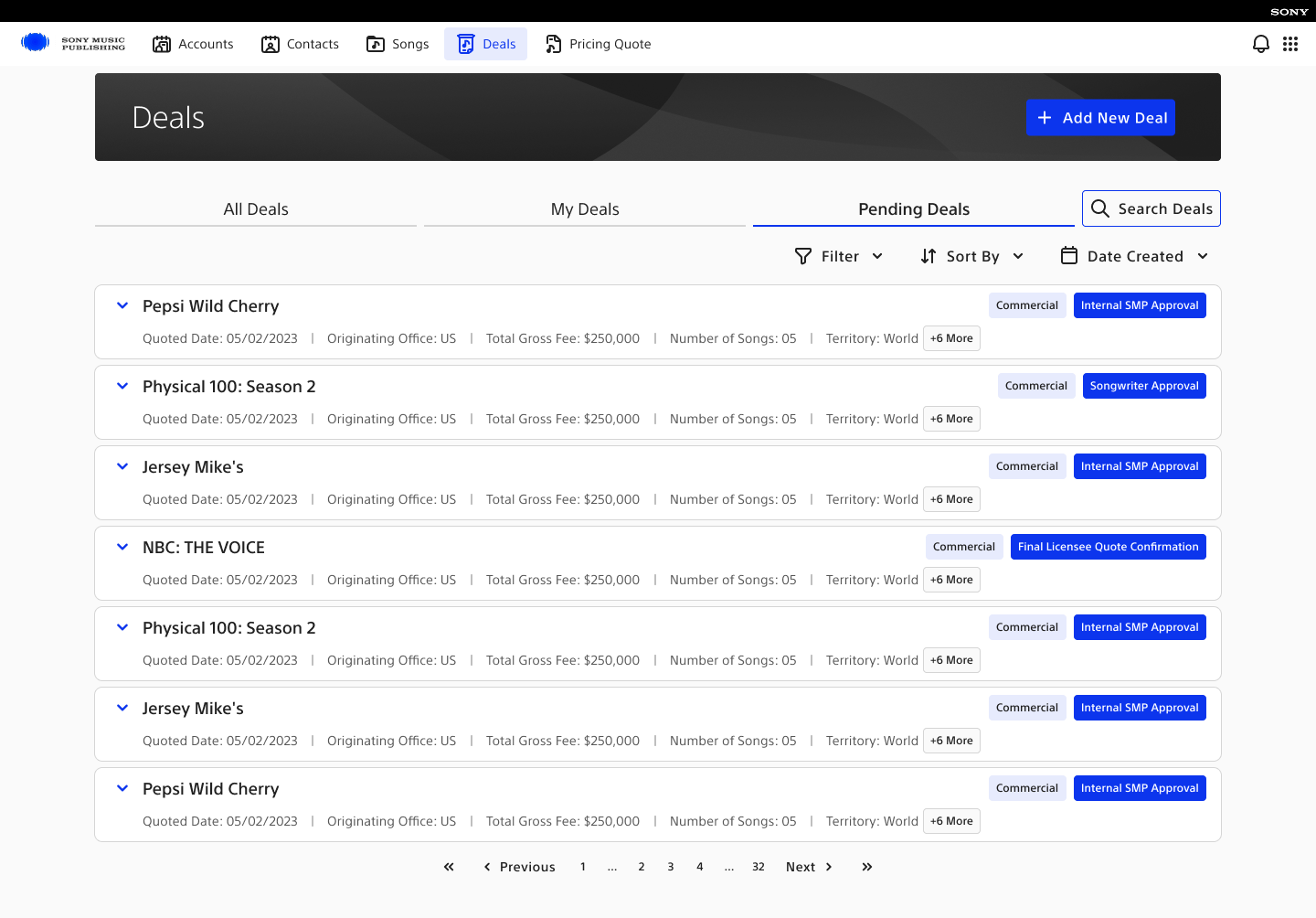
Different workload lenses plus a common deal space for activity, related objects, songs, and options.
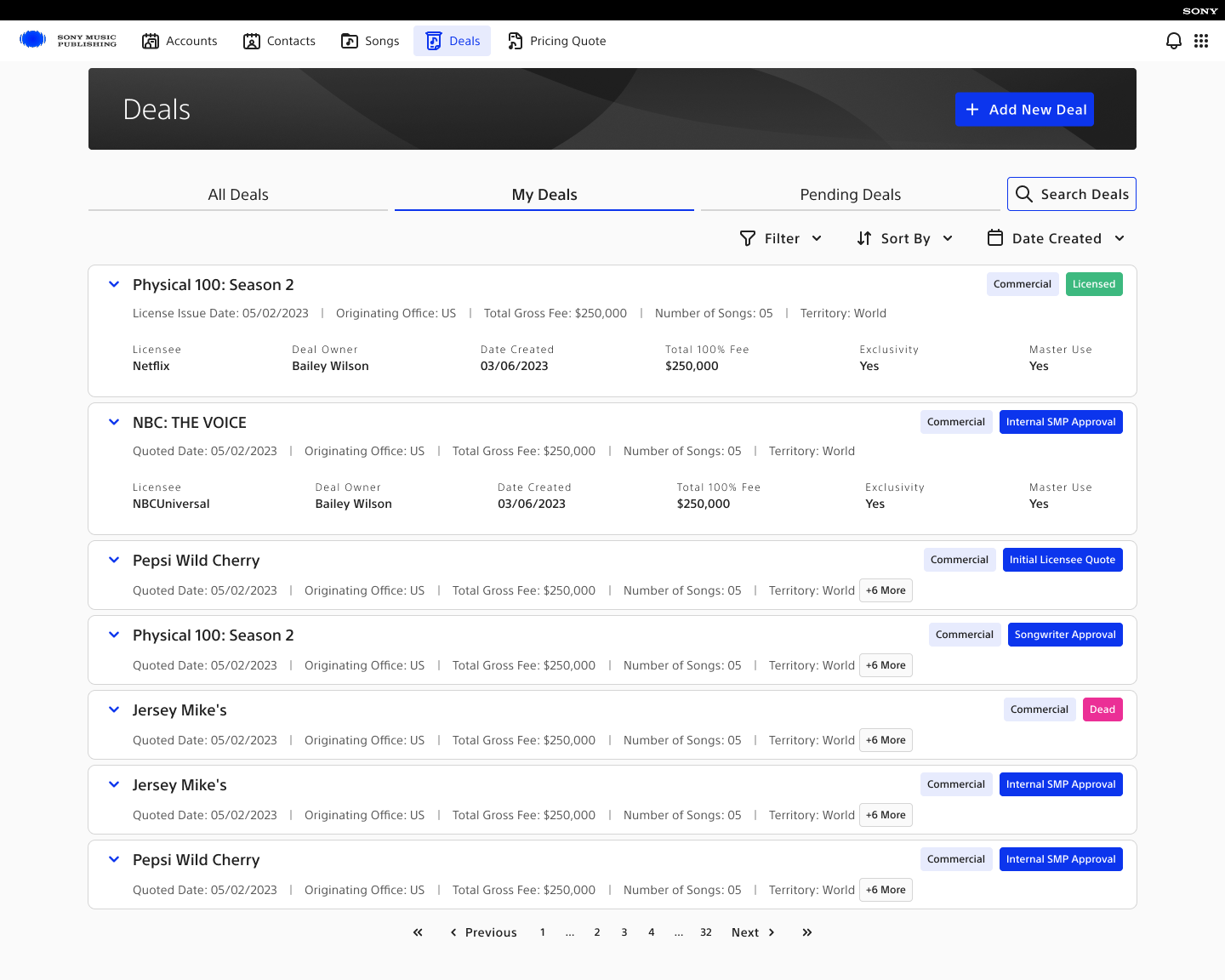
All deals dashboard
Fig. 13 All deals — shared operational view
My deals dashboard
Fig. 14 My deals — ownership-focused view
Pending deals dashboard
Fig. 15 Pending deals — bottlenecks made explicit
Deal workspace + searchTab states, related data, activities, options, and progressive search states.9 artifacts
Deal workspace — all open
01Deal workspace — all open
Deal workspace — songs open
02Deal workspace — songs open
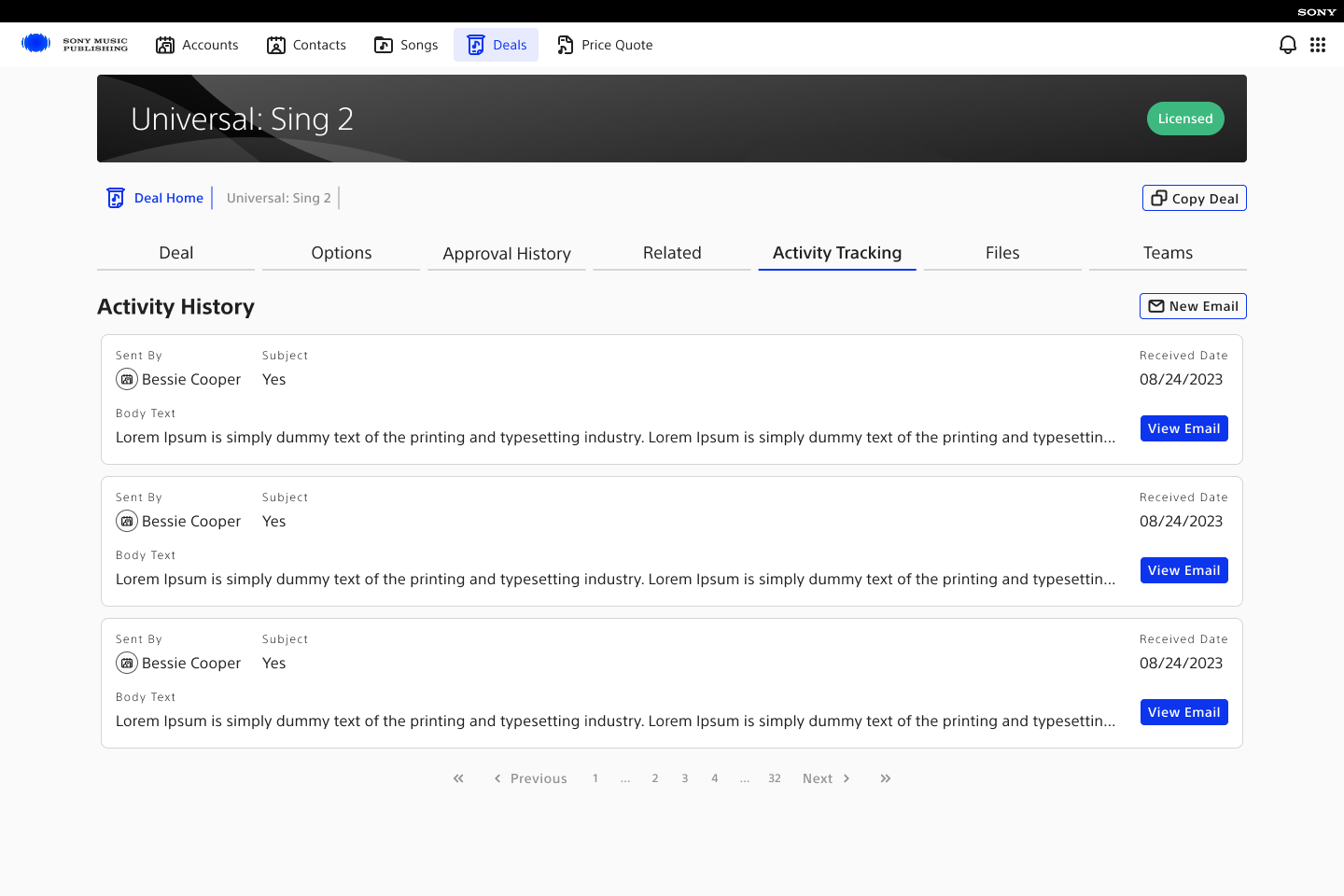
Deal workspace — activity
03Deal workspace — activity
Deal workspace — activity alternate
04Deal workspace — activity alternate
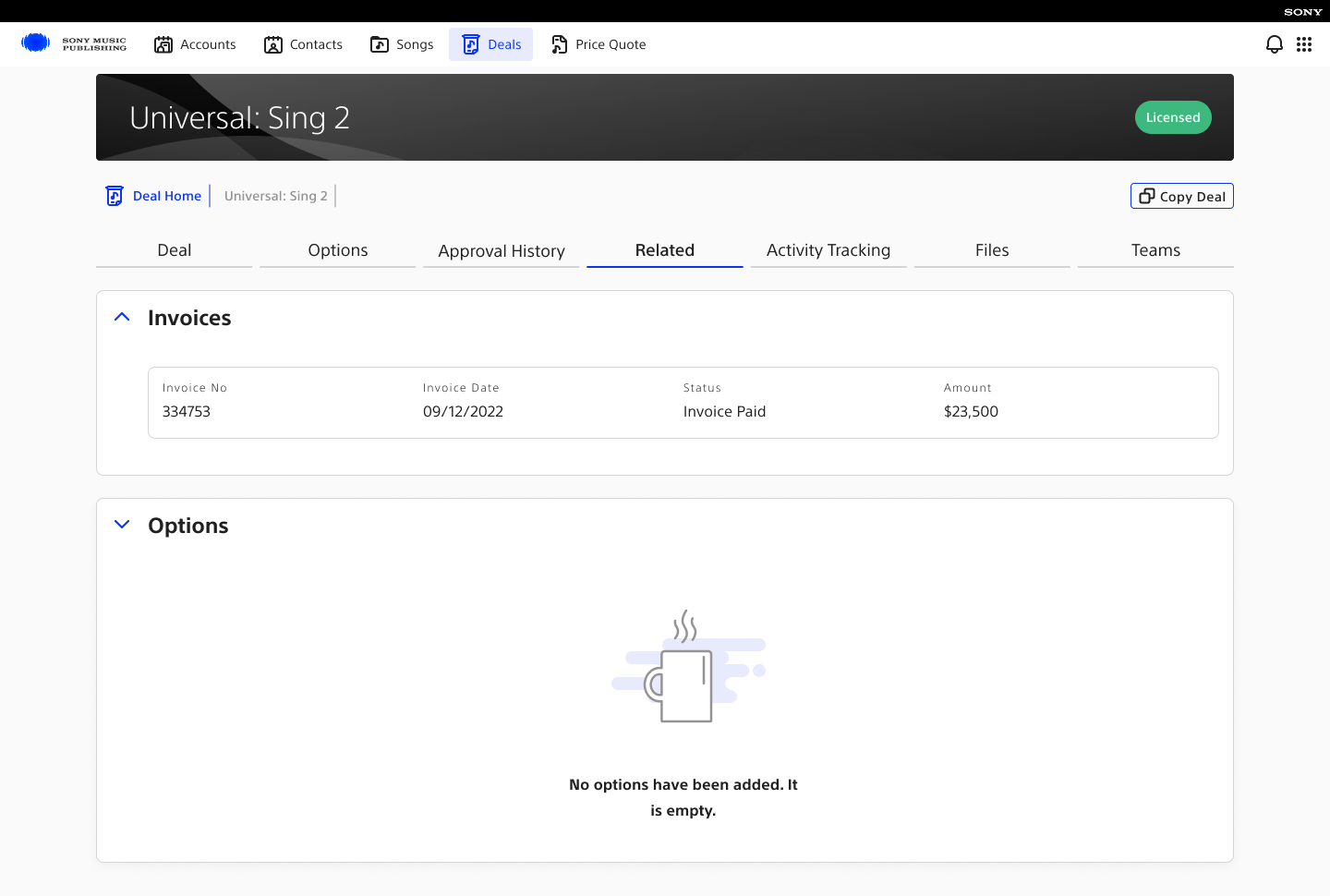
Deal workspace — related objects
05Deal workspace — related objects
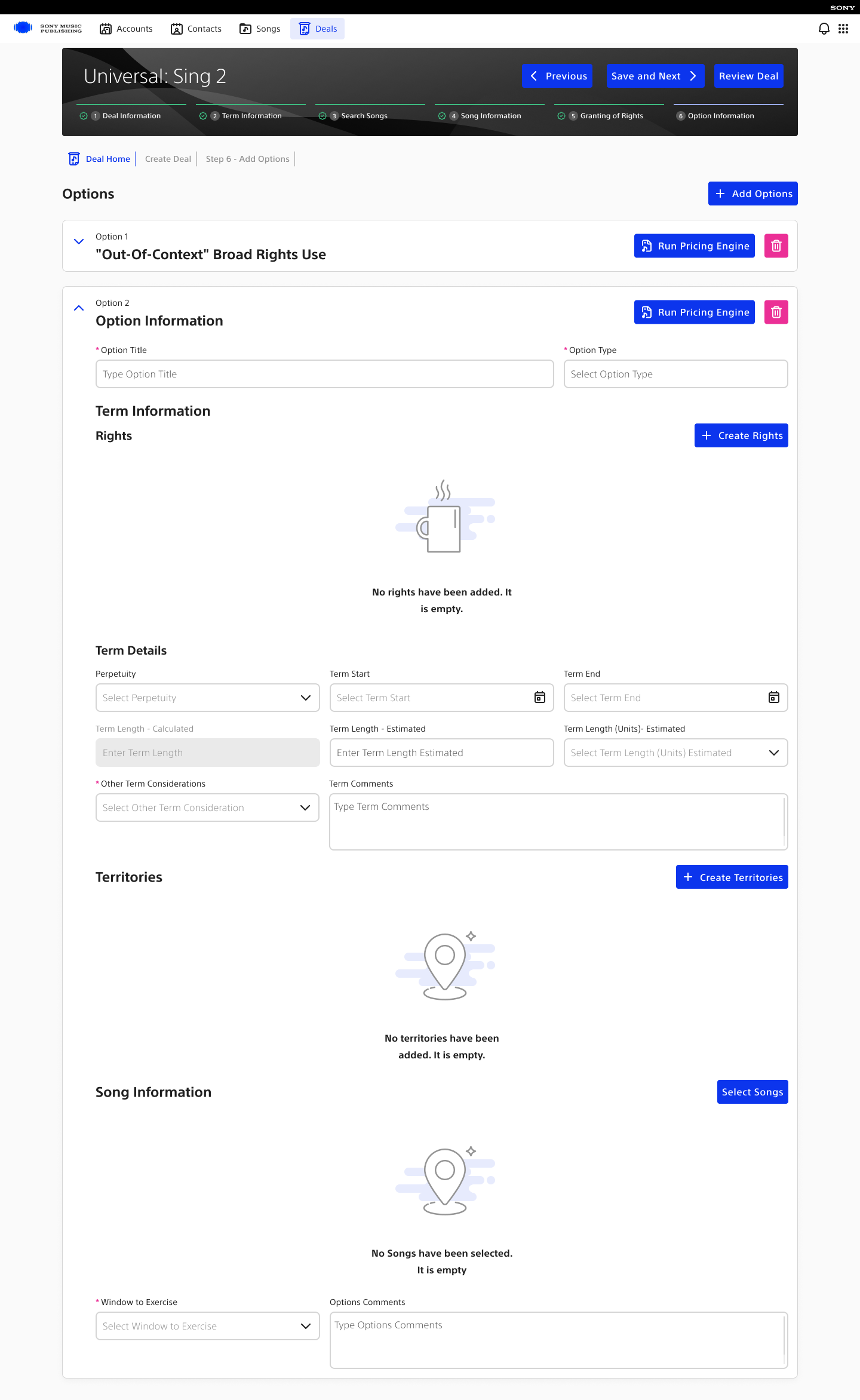
Deal workspace — options
06Deal workspace — options
Deal search — collapsed empty state
07Deal search — collapsed empty state
Deal search — expanded empty state
08Deal search — expanded empty state
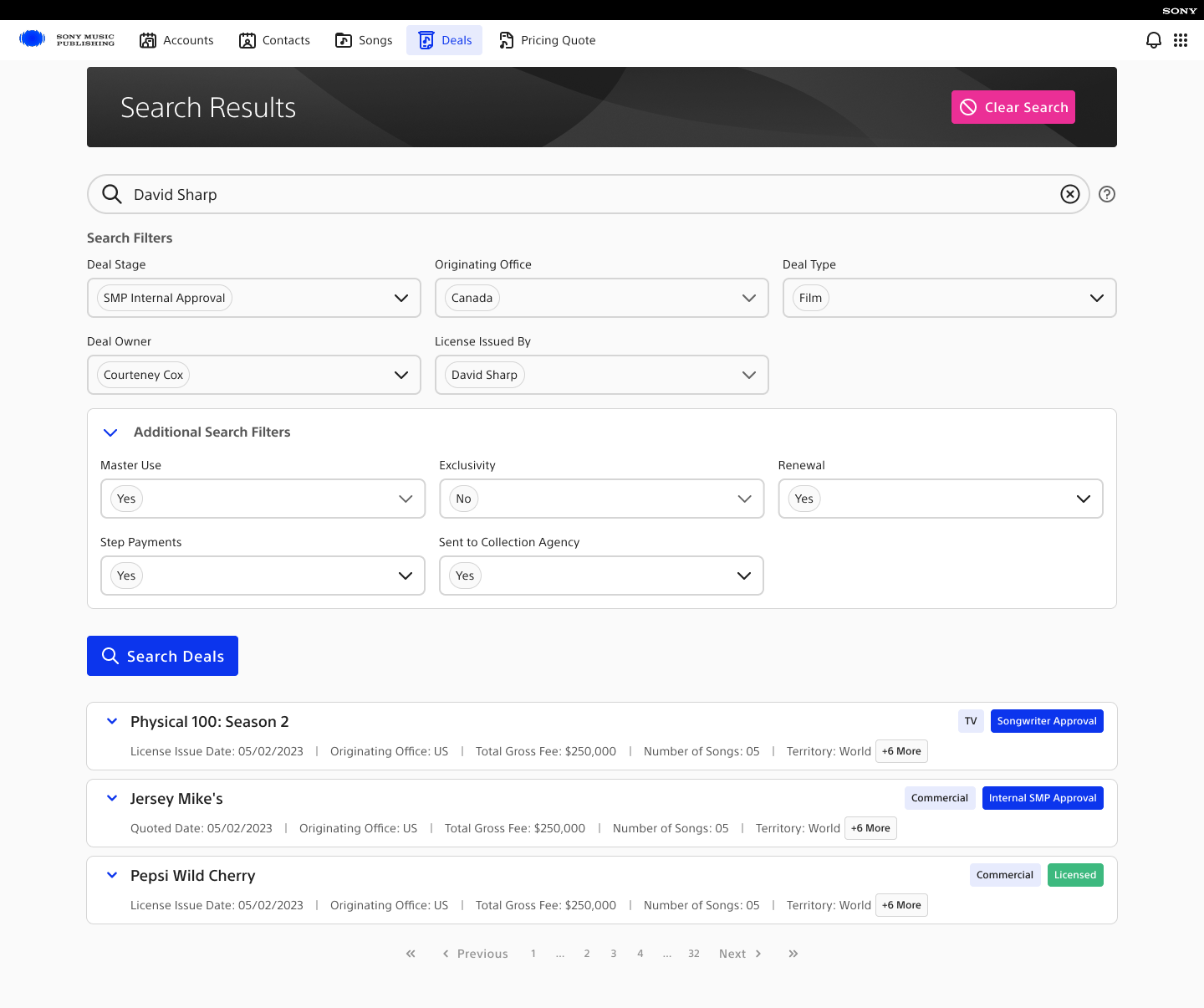
Deal search — results
09Deal search — results
03

Deal setup and completion

Deal and term context, pricing, and option states establish the workflow around the song and rights decisions shown next.

Deal setup and option statesThe non-song workflow states, including pricing and completion variants.5 artifacts
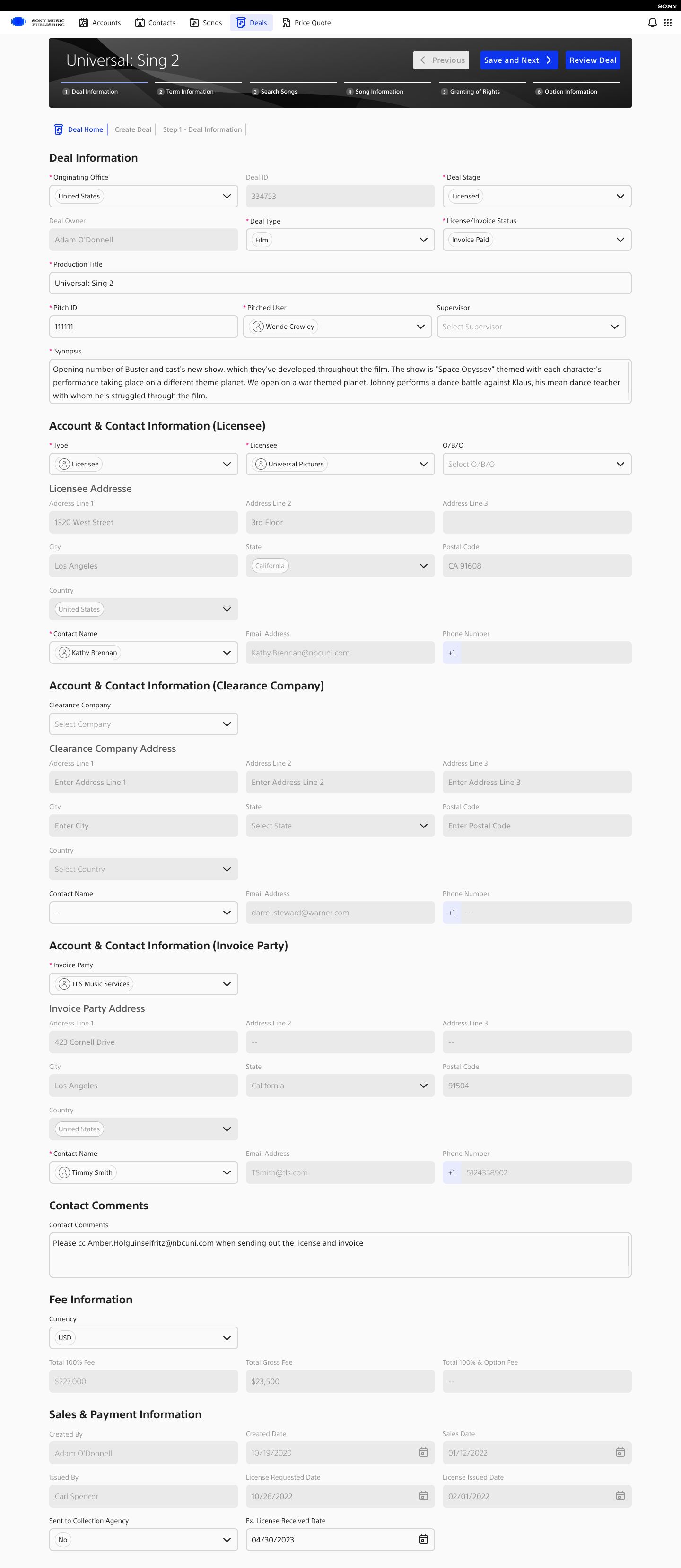
Step 1 — deal information
01Step 1 — deal information
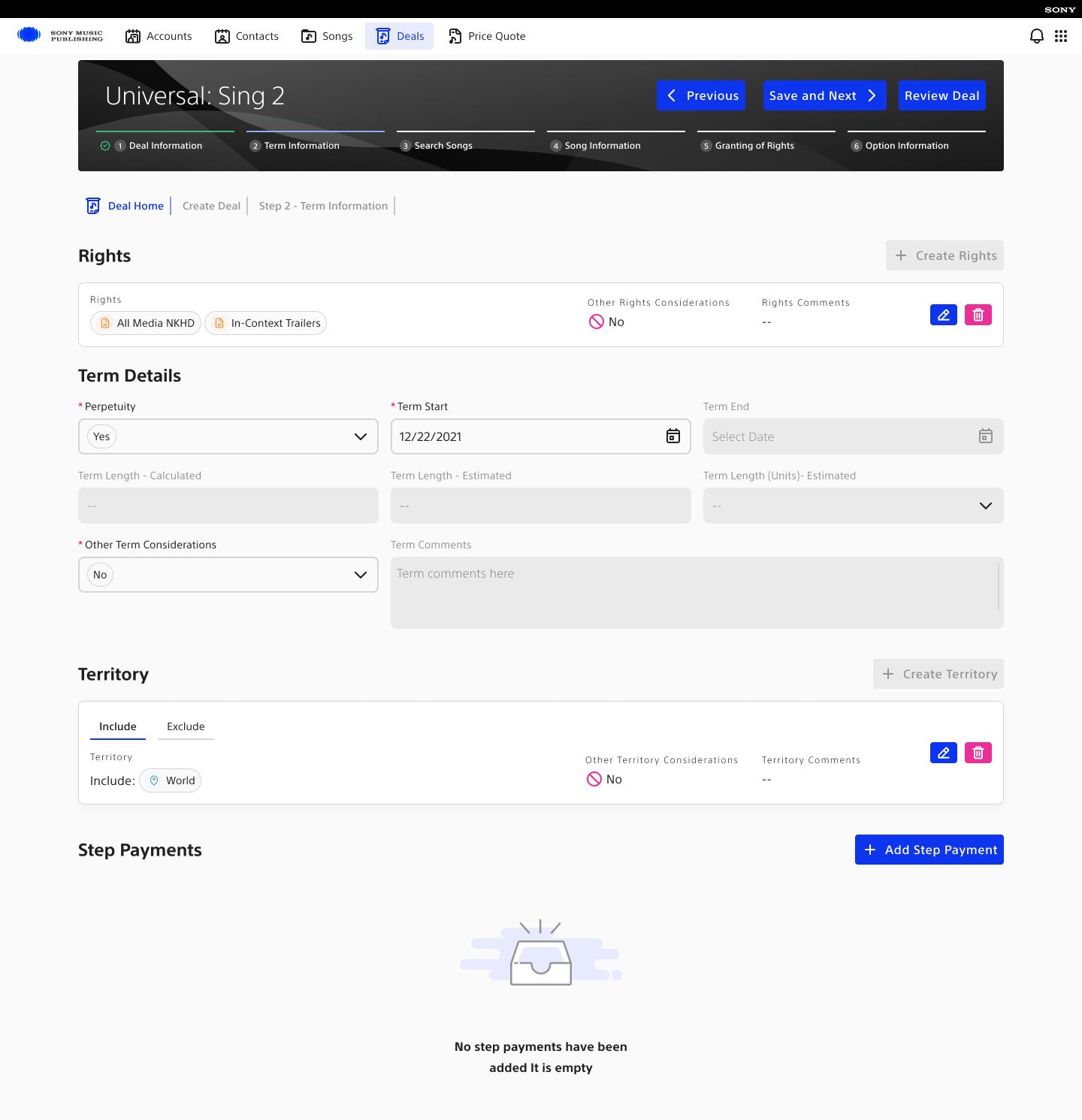
Step 2 — term information
02Step 2 — term information
Step 4 — pricing quote
03Step 4 — pricing quote
Step 6 — options
04Step 6 — options
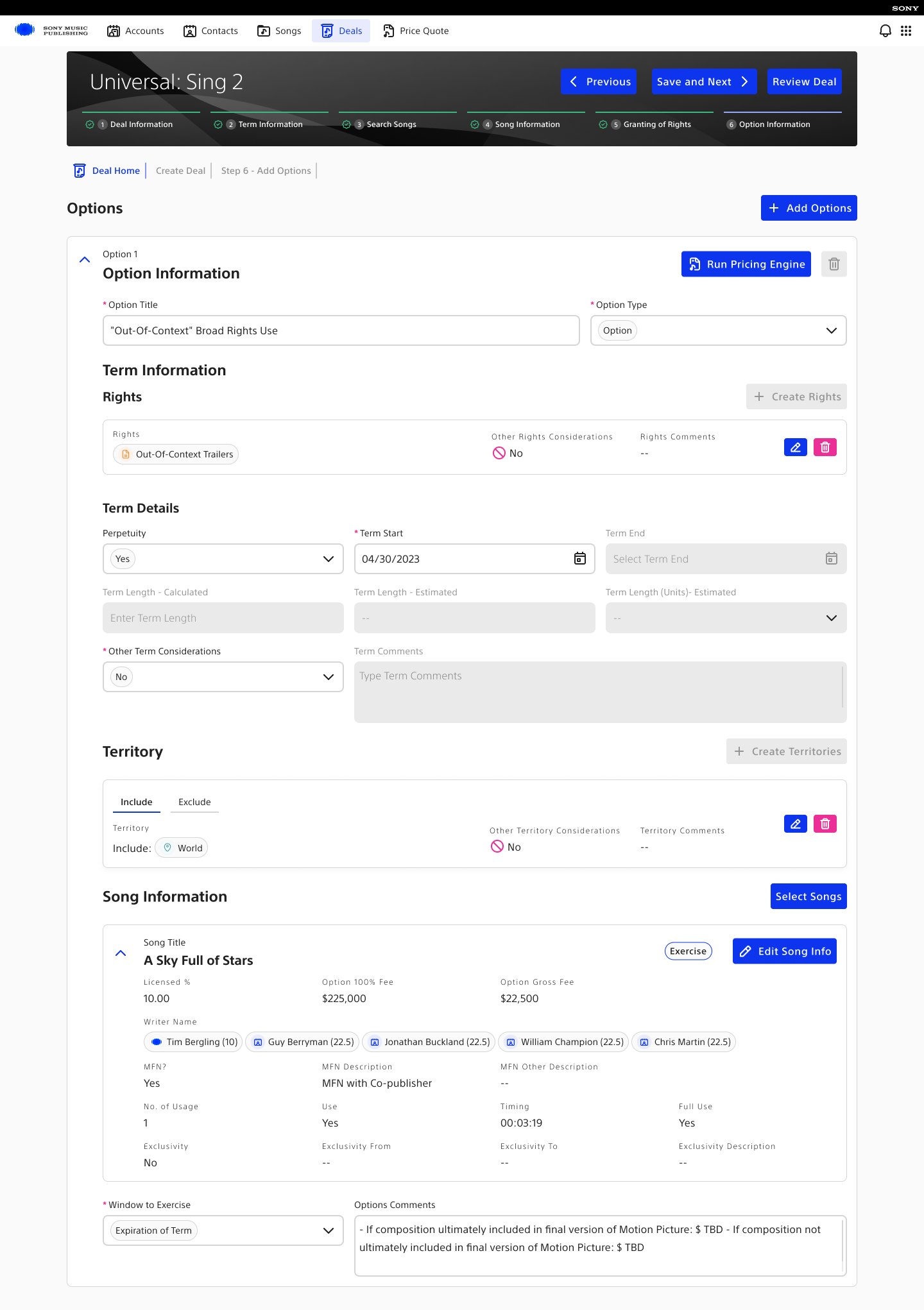
Step 6 — completed options state
05Step 6 — completed options state
04

Songs, rights, and restrictions

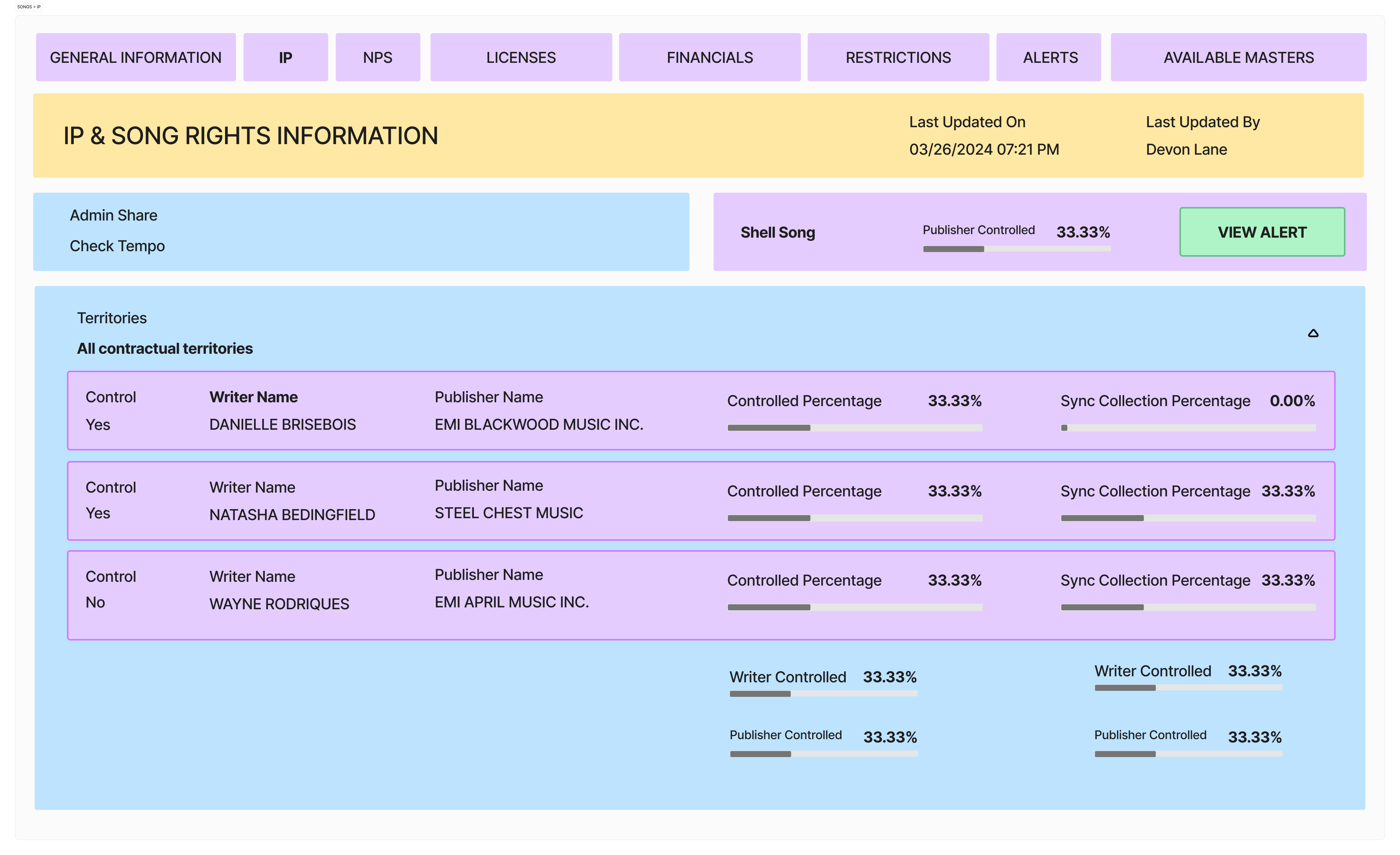
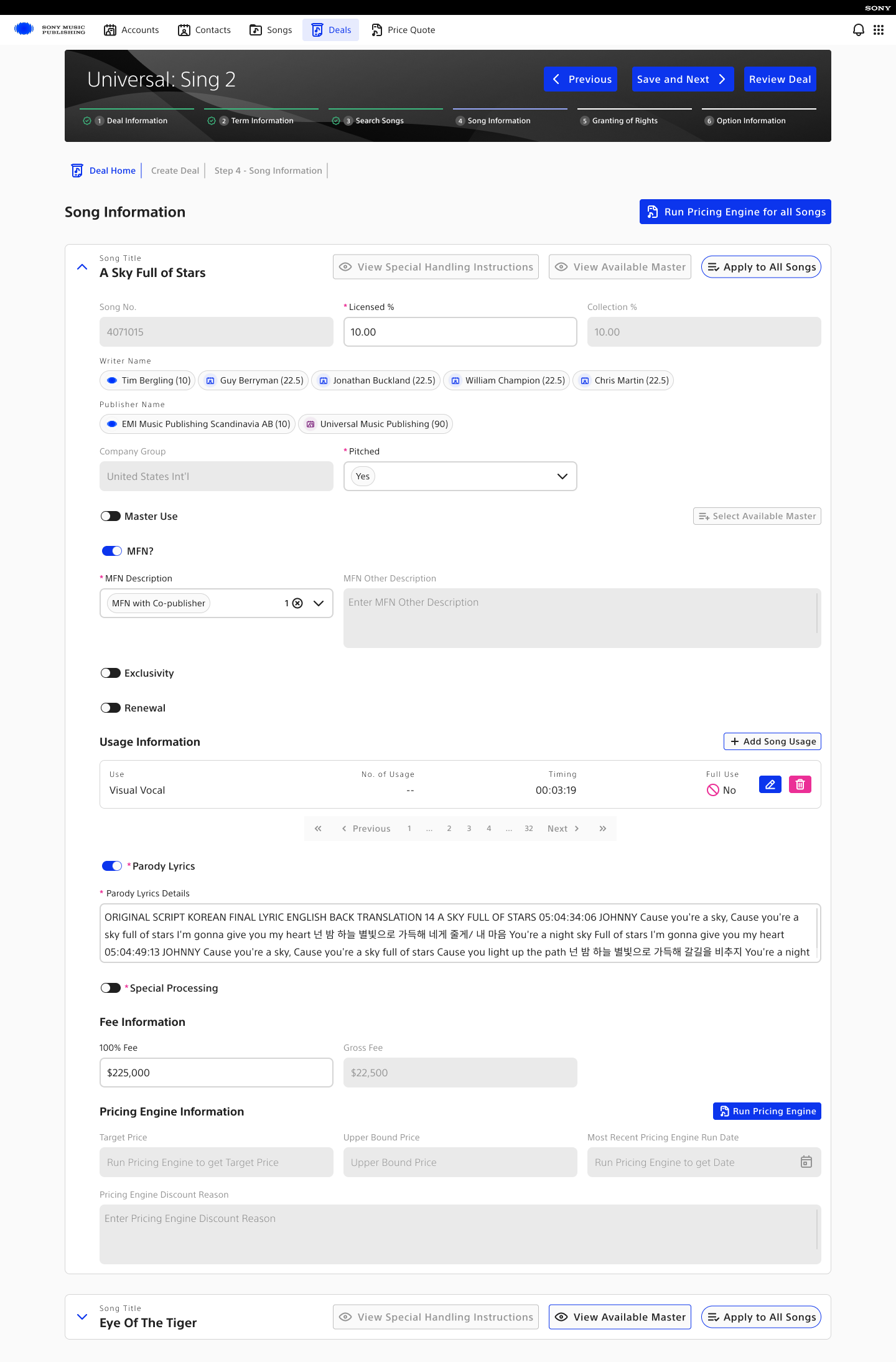
The production interface carries song selection, usage and pricing context, rights, terms, and territory rules through one continuous deal workflow.
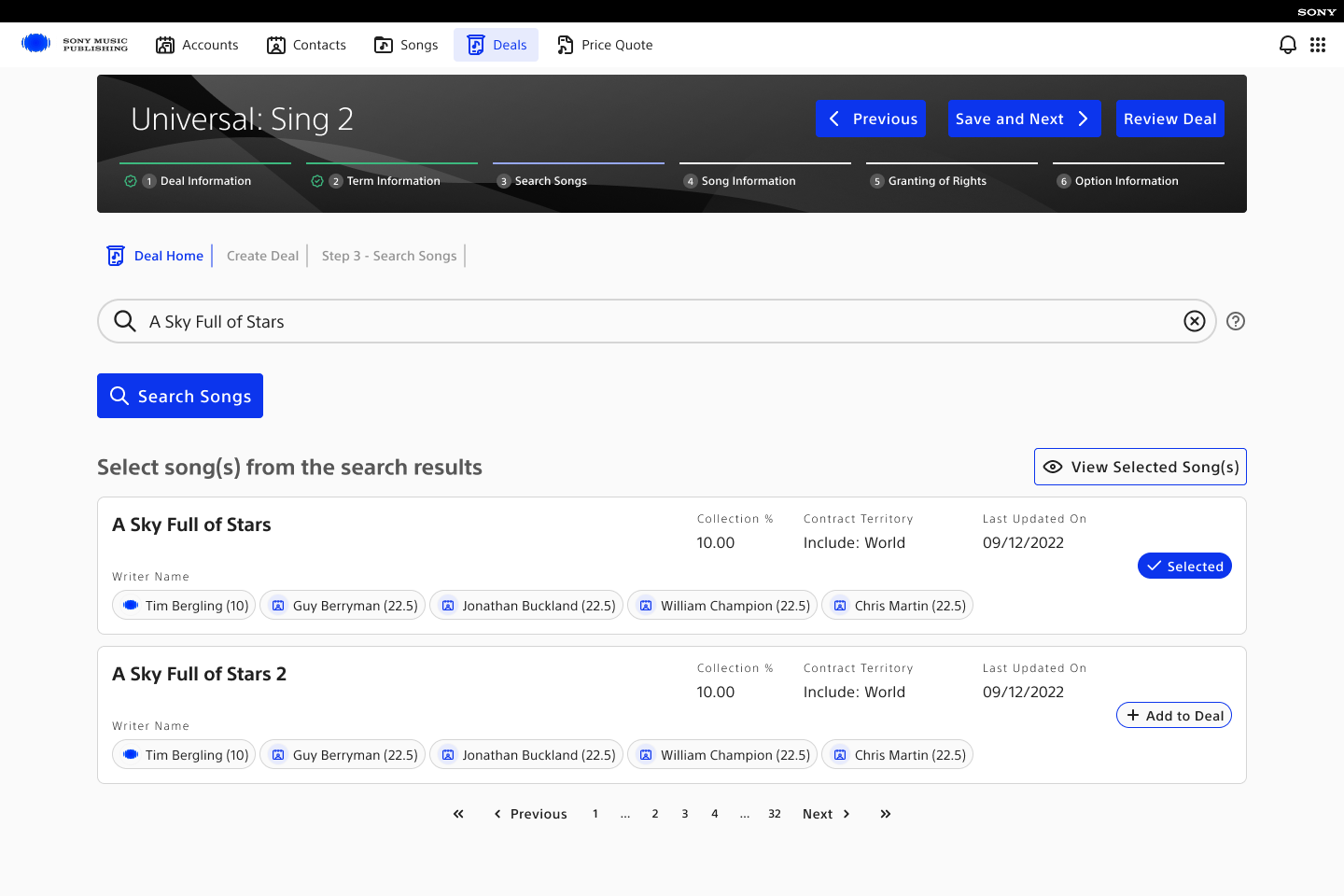
Production song search and selection screen showing writers, collection share, and contract territory
Fig. 16 Search and select — writers, collection share, and contract territory visible before a song enters the deal
Production song information screen showing licensing, writers, publishers, usage, and fee information
Fig. 17 Configure song usage — licensing percentage, publishers, master use, usage, and pricing context
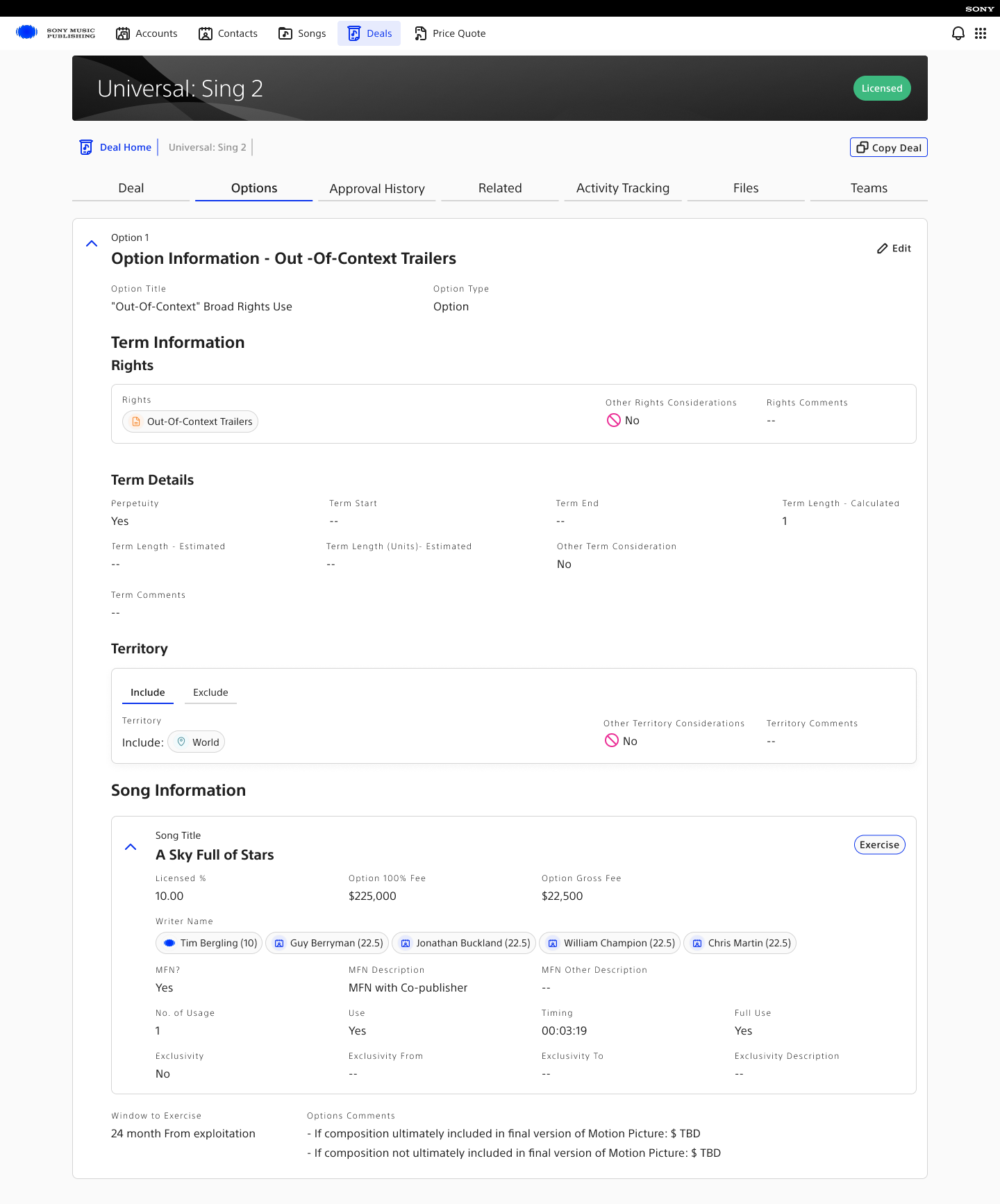
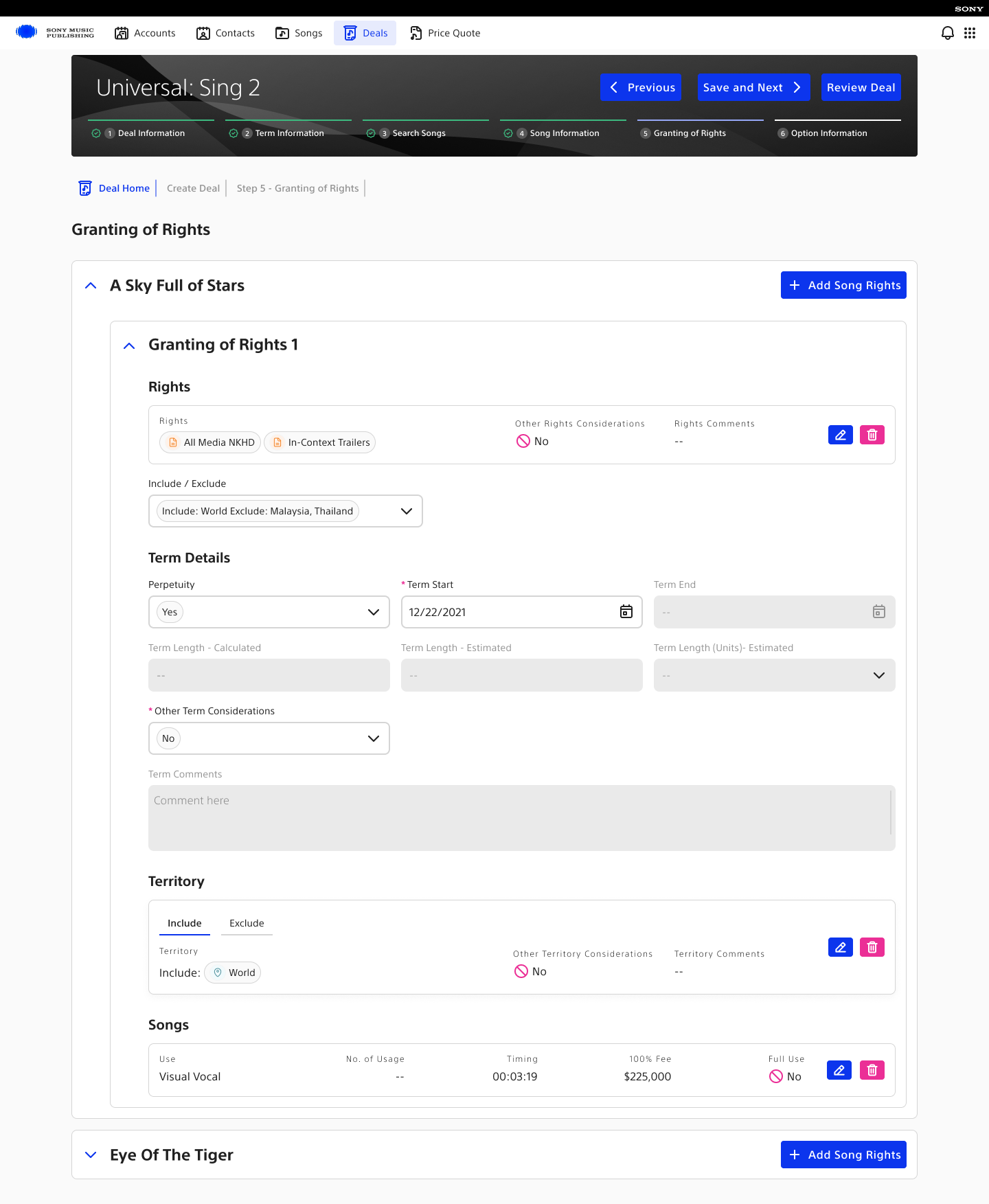
Production granting of rights screen showing media rights, terms, territories, and song usage
Fig. 18 Grant rights and territory — media rights, term details, and include or exclude rules in the deal flow
05

Microstates and safeguards

Small states carry operational risk. Modal variants, close confirmations, and relationship linking were designed as part of the system.
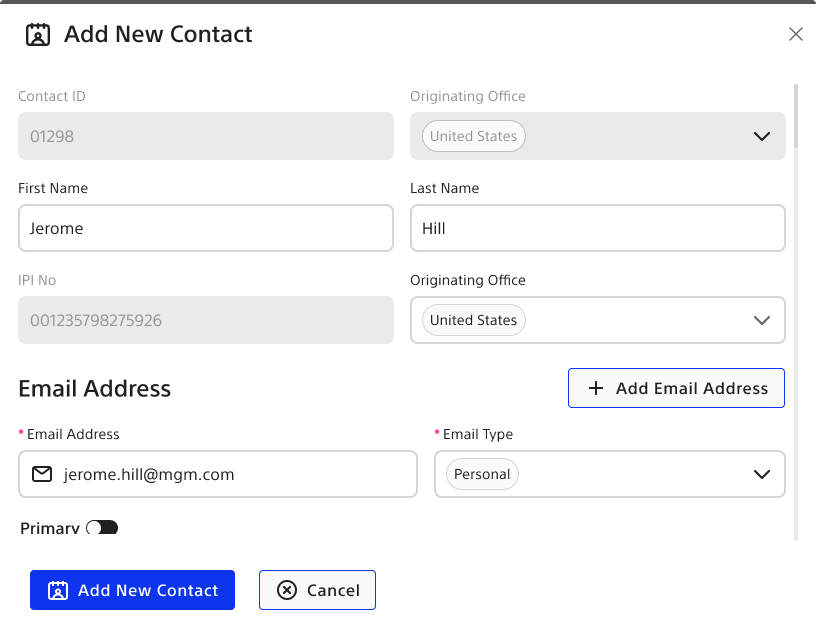
Add contact modal with secondary email
Fig. 19 Contact creation — a secondary email added without losing context
Interaction-state libraryThe remaining modal, confirmation, and relationship-linking states.5 artifacts
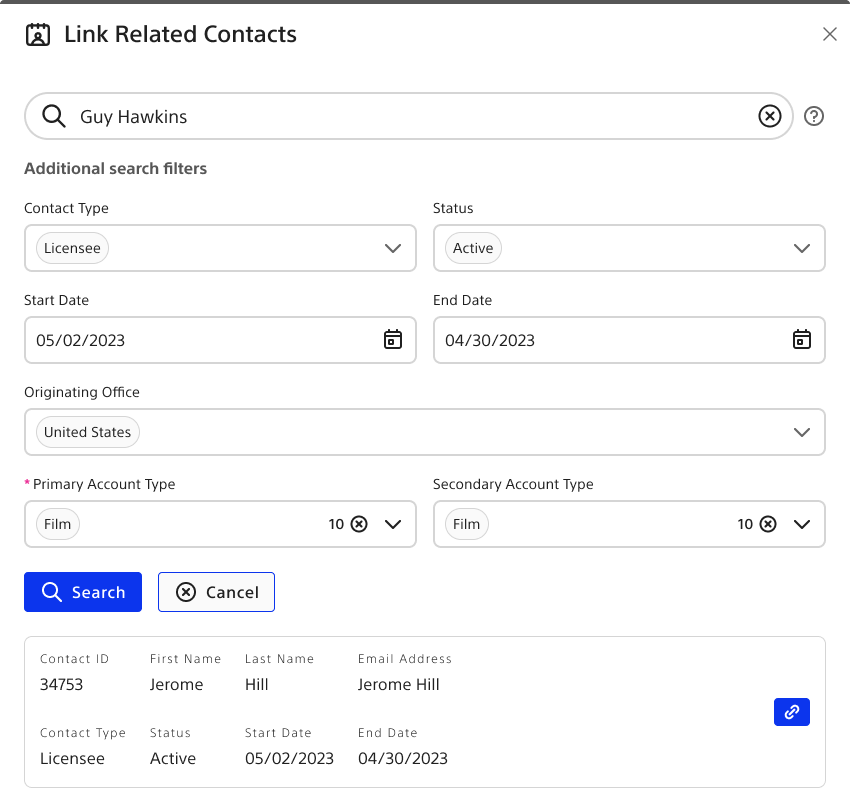
Link related contacts
01Link related contacts
Address modal
02Address modal
Email modal
03Email modal
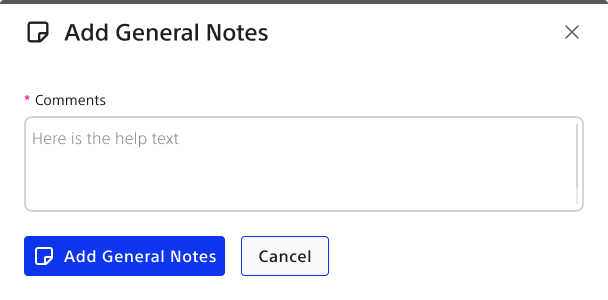
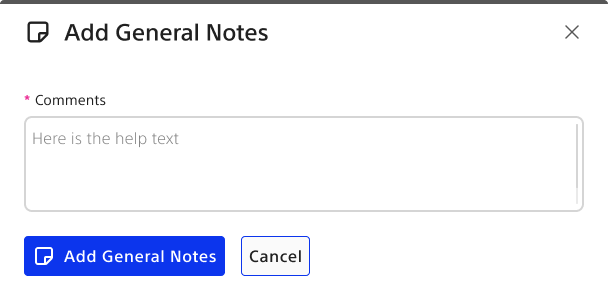
General notes modal
04General notes modal
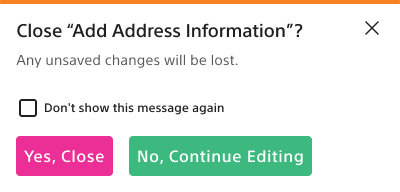
Close confirmation — address
05Close confirmation — address
§ VII
Outcome

A clearer operating model, measured in weeks and effort.

Teams moved from fragmented coordination to a structured workflow where the right objects, states, and next actions were visible in one place.

Speed
19 → 6–8

Weeks to close a deal, by reducing manual coordination and improving visibility.

Efficiency
85 → 25%

Manual effort, by reusing object data and cutting repeated entry.

Governance
75 → 30%

Approval admin, by making ownership, state, and blockers visible.

Rev-ops
Same day

Quote creation, down from 3–5 days, by clarifying the objects and rules.

Closing
reflection
When the domain is messy, teams ask for better screens. But the real work was making the business objects explicit enough that the workflow could finally move.The clearest example of why I still rely on OOUX for complex enterprise products.